
Tablet POS systems are transforming how businesses manage inventory. They add mobility and speed to everyday tasks, making inventory management more efficient and accurate. For retailers operating multiple locations or scaling quickly, having the right tools in place is essential. Many businesses choose cost-effective tablet POS systems because they offer the flexibility needed to support growth without major upfront investment.
With a tablet POS system, tracking inventory becomes simple. Real-time updates cut down on manual errors and keep stock levels accurate across every location. The result is less time spent correcting mistakes and more time focused on running and growing the business.
- What is a tablet POS system?
- Key benefits of tablet POS for inventory management
- Key considerations for managing inventory with a tablet POS system
Improve inventory management.
From an all-in-one POS and stock management features to powerful reporting that gives you full visibility of your entire company, Lightspeed gives you the tools you need to grow.
What is a Tablet POS System?
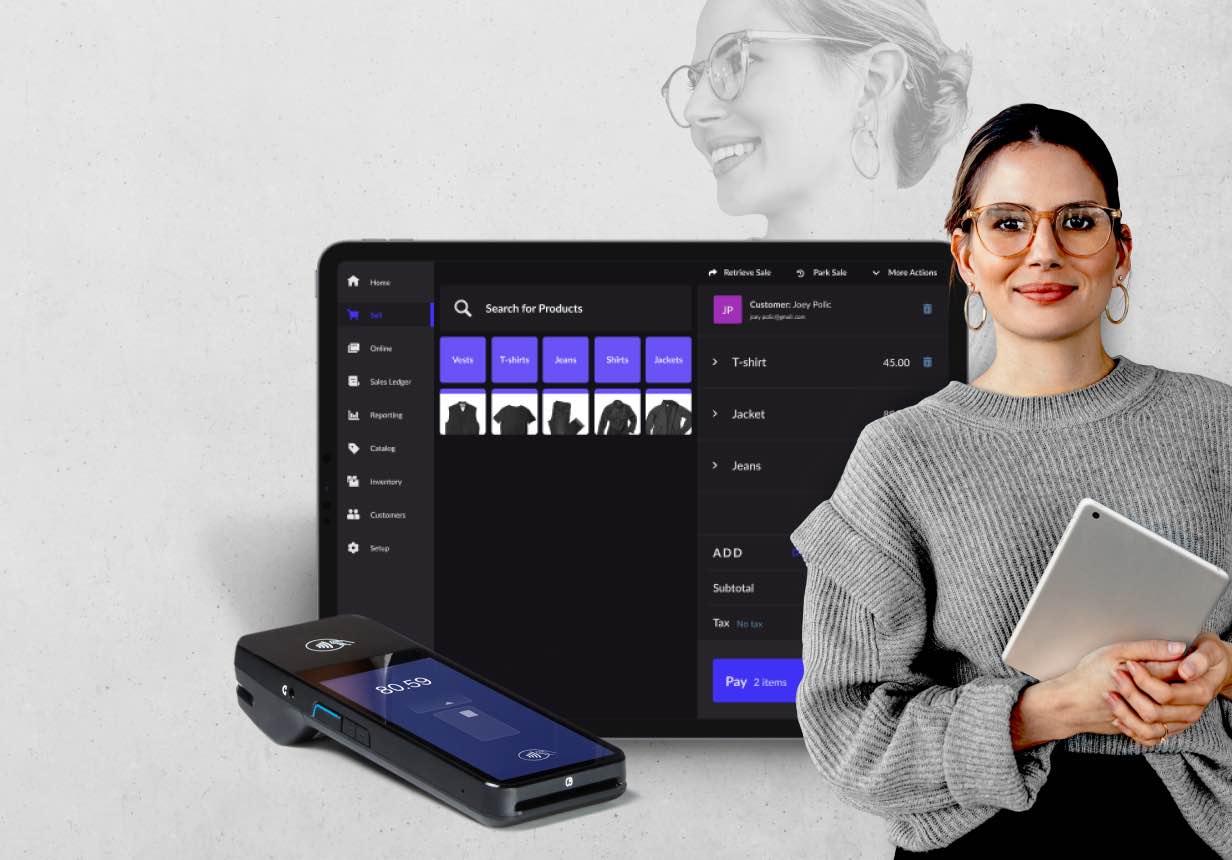
A tablet POS (Point of Sale) system uses a tablet (like an iPad or Android device) as the main interface for processing sales, managing inventory, tracking customer data and running reports. It offers a portable and practical alternative to traditional fixed POS terminals. With its mobility and user-friendly design, it’s ideal for businesses managing inventory across multiple locations or needing a flexible setup for on-the-go sales. These advantages reflect several core tablet POS system features that support both front-of-house workflows and back-office efficiency.

Four features of tablet POS systems
- Touch interface: The touchscreen makes it easy to process transactions and manage inventory. Employees can quickly navigate menus, make updates or complete sales with minimal training, speeding up workflows.
- Portability: Whether it’s being used on the sales floor, at a pop-up shop or for tableside service, it allows staff to take operations directly to the customer.
- Cloud integration: Everything syncs in real time through the cloud. This keeps inventory data accurate across locations while reducing errors and ensuring all systems stay up to date.
- Inventory management tools: Built-in tools simplify stock management. You can monitor inventory levels, set alerts for low stock and even automate reordering, all from the same device.
A tablet POS system is built to keep up with the demands of fast-moving businesses. Its compact design and powerful features make it a practical choice for retailers and hospitality operators looking to streamline operations while staying flexible. With Lightspeed’s tablet POS, you can enhance mobility, improve customer service and streamline operations with a solution that’s flexible and easy to use. These tablet POS system features help businesses manage inventory at scale with fewer errors and more consistency.
Four key benefits of tablet POS systems for inventory management
1. Real-time inventory updates
Tablet POS systems provide instant updates on stock levels, so you always know what’s available. Whether you’re running one store or several, real-time data keeps your inventory accurate. It removes guesswork and reduces errors that lead to overstocking or missed sales opportunities. This is one of the major benefits of tablet POS for inventory, especially for stores with frequent product turnover.
Michael Slagle of Imagine Exhibitions values the mobility of Lightspeed’s POS system. “We wanted to have the iPads so we could walk to the stockroom to scan products and take inventory. We really wanted to get away from these big huge bulky cash registers,” he says.
With live inventory visibility, you can quickly spot which products are moving fast and adjust restocking plans right away. This kind of precision keeps shelves stocked with what customers want with no over-ordering or running out of key items.
Pair your tablet POS with Lightspeed Insights for reporting that gives you a full end-to-end understanding of your business.
Lightspeed’s reporting capabilities have been especially valuable for WOODstack’s in-house brand. “It gives me a very very detailed report on how our brand is doing so that we can react as quickly as possible,” says Andy, their Chief Brand Officer. “Lightspeed is a critical tool for the success of our private label brand.”
2. Mobility and flexibility
Tablet POS systems aren’t tied to a counter, which means inventory management can happen anywhere. Staff can check stock, process orders and update inventory from the sales floor, warehouse or even a trade show. This supports smoother inventory management with tablet POS, helping teams stay aligned across locations.
For bigger stores or multi-location operations, this mobility is a game-changer. Teams can instantly adjust stock records or verify inventory on the spot, saving time and keeping operations running smoothly. Many retailers choose cost-effective tablet POS systems for this reason since they offer enterprise-level mobility without expensive hardware.
3. Streamlined stock counting and audits
Counting stock doesn’t have to be tedious. With a tablet POS, inventory counts become faster and more accurate. You can update records directly from the device and everything syncs in real time with no manual spreadsheets or stacks of paperwork to deal with. This streamlined approach highlights more benefits of tablet POS for inventory, especially during high-volume seasons.
When it’s time for an audit, discrepancies are easy to spot and fix right away. Automated tools and digital logs mean you’ll spend less time correcting errors and more time focusing on scaling your business.
4. Improved stock control and reduction in shrinkage
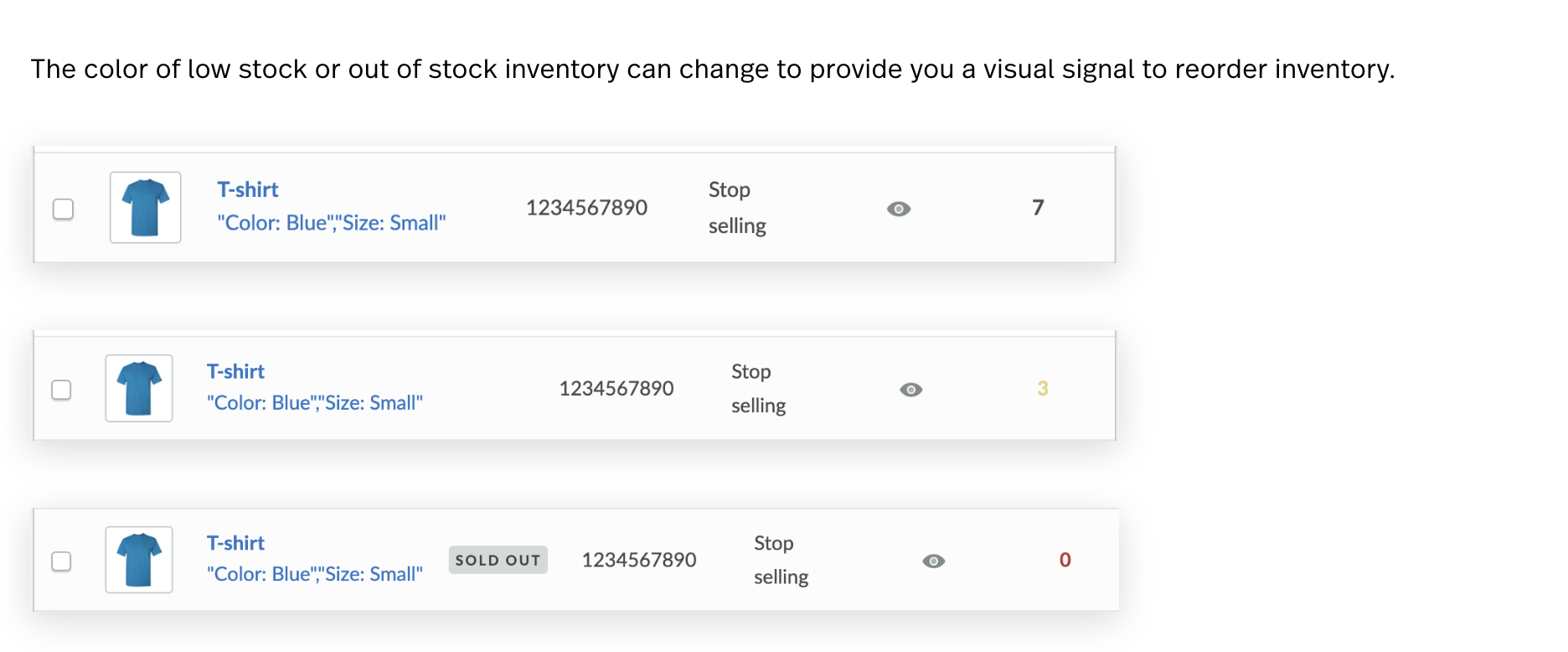
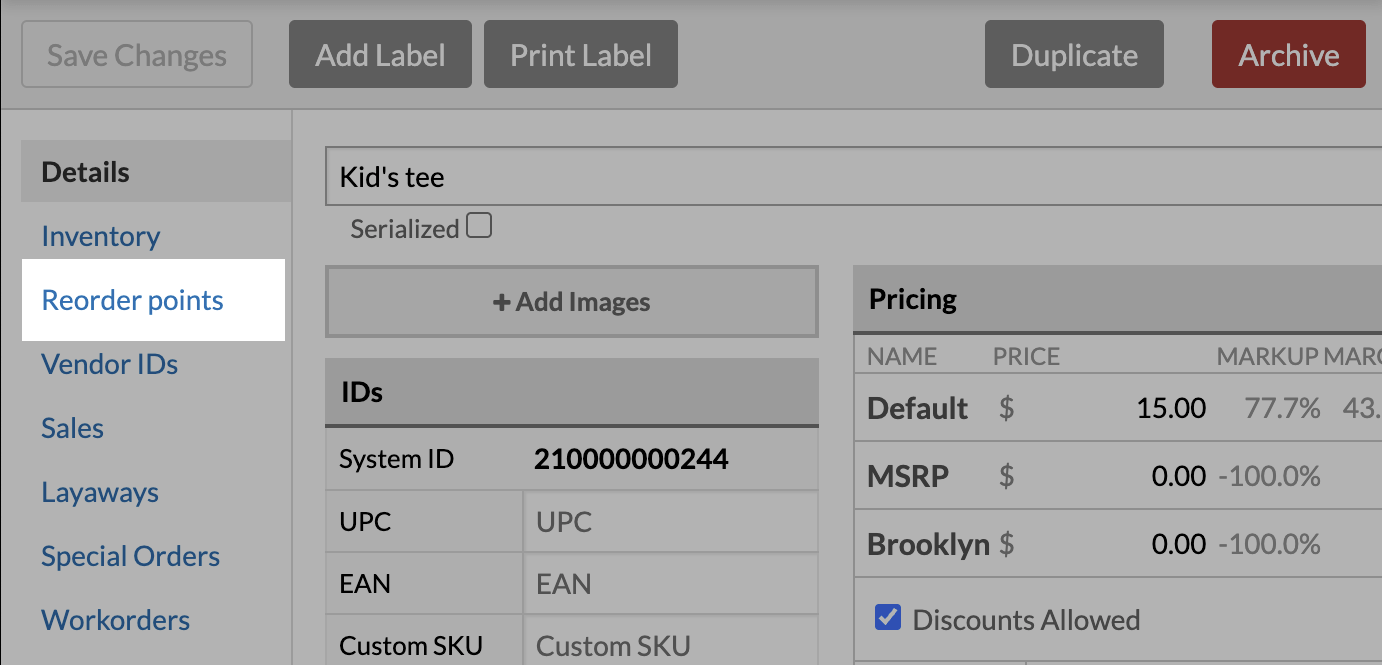
Tablet POS systems give you better control over your inventory. Features like low-stock alerts, automated reordering and detailed tracking make it easier to manage replenishment and avoid running out of popular items.
With real-time visibility into inventory movement, you can also monitor for losses caused by theft, damage or mismanagement. Shrinkage goes down, profitability goes up and you have tighter control over every product in your system. This stronger inventory management with tablet POS supports long-term growth and operational consistency.
Key considerations for managing inventory with a tablet POS system
Network reliability and connectivity
A tablet POS for inventory management relies heavily on strong network connections to keep inventory tracking accurate and up to date. A weak or inconsistent connection can lead to delayed updates or mismatched stock levels. To avoid this, many businesses invest in tools like high-quality routers, Wi-Fi extenders or mesh networks to ensure strong coverage even in larger spaces or across multiple locations.
Offline modes are another safeguard for a tablet POS system. They let you continue processing transactions and updating inventory even if the network goes down. Once the connection is restored, everything syncs automatically with no disruptions or extra work.
Data security and encryption
Inventory management with tablet POS means handling sensitive data from stock levels to customer information. Encryption protects it from unauthorized access, ensuring it stays safe at every step.
Physical security matters too. Features like PINs, biometric authentication and mobile device management (MDM) tools prevent unauthorized access to the device itself. Regular software updates also patch vulnerabilities and help your system stay compliant with the latest security standards.
Seamless system integration
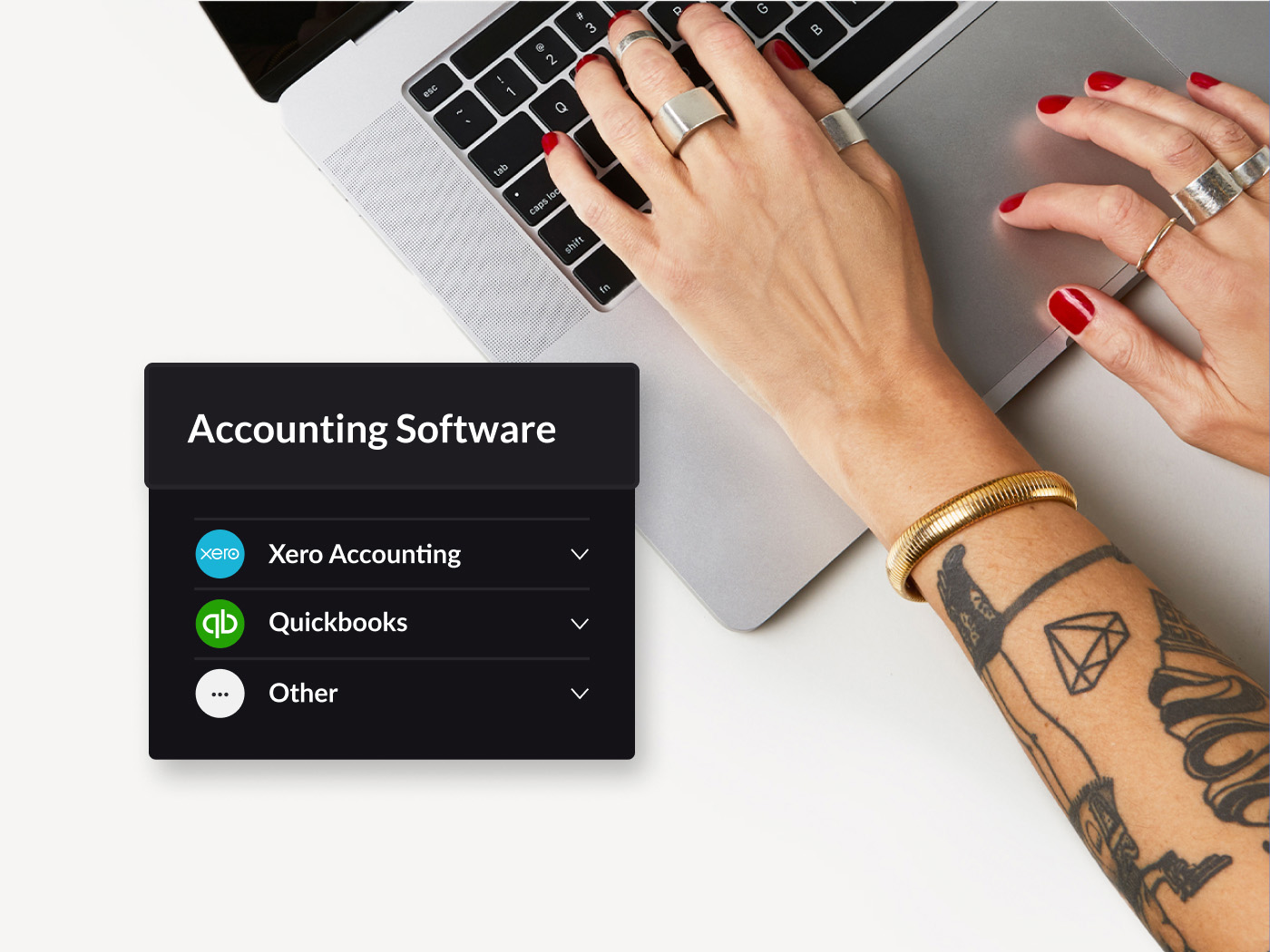
Tablet POS systems integrate with other tools, streamlining the way you manage inventory. They connect with accounting software, ecommerce platforms and supplier catalogs to automate key processes. For instance, when an online sale is made, the system updates stock levels immediately, keeping inventory accurate across every channel. This is one more reason many retailers choose cost-effective tablet POS systems to unify operations without complicated infrastructure.
Integration with hardware like barcode scanners and label printers adds even more efficiency. Staff can scan products for stock counts or check-ins, cutting down on manual entry and reducing errors. By tying all these tools together, tablet POS systems give businesses a single reliable system for smarter inventory management.
The bottom line
Tablet POS systems are redefining how businesses manage inventory. Their mobility and real-time updates make it easier to keep stock levels accurate, reduce errors and streamline processes across every location. The many benefits of tablet POS for inventory make them worth considering for businesses looking to modernize operations.
The flexibility and cost efficiency of tablet POS systems make them a practical choice for retailers focused on growth. Features like automated stock tracking, low-stock alerts, and seamless integrations with other tools cut down on manual work. With tighter stock control, businesses can avoid missed sales and protect their margins.
Using a tablet POS isn’t just about tracking inventory, it’s about running a smarter, more efficient operation.Talk to an expert to see how it can transform your business.

News you care about. Tips you can use.
Everything your business needs to grow, delivered straight to your inbox.