Free Purchase Order Template
Easily place order transactions with your vendors and suppliers using our free purchase order template.

Download your PO template
Ordering stock using a free purchase order template
To order stock from vendors and suppliers outside of Lightspeed, you need to send them a purchase order. Use our straight-forward purchase order template to help standardize your ordering process, ensure accurate record-keeping and save time.
Our free purchase order template is formatted to have all the details you need. Just fill the form above to download a fully-customizable Excel template that you can either print or export as a PDF to send electronically.
Ordering stock directly from Lightspeed Retail
Alternatively, you can create and send purchase orders directly from Lightspeed Retail. It can help you speed up purchase order management, reduce admin work and double handling, avoid errors and improve stock accuracy.
Go to Inventory > Stock control > Order stock in your Lightspeed dashboard, select a supplier and delivery locations, and add products using search, reorder recommendations, a CSV upload or your catalog. You can then email the purchase order to your supplier in just a few clicks.
Tracking purchase orders provides full visibility into your incoming inventory, allowing you to plan replenishment early and prevent stockouts.
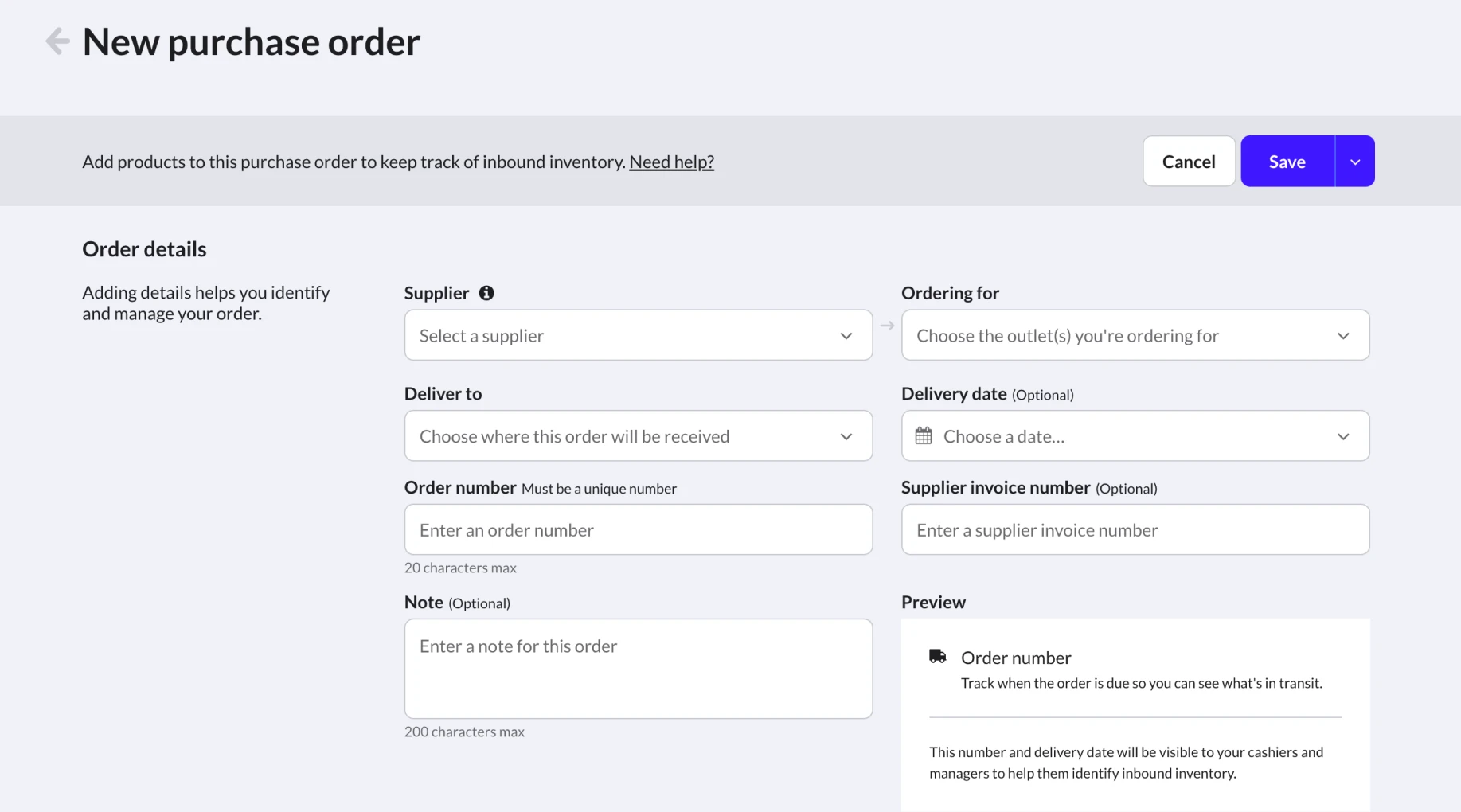
When shipment arrives, simply navigate back to Inventory > Stock control, select your order, and click Receive delivery. You can receive full orders or partial shipments with a single click, and Lightspeed will instantly update your inventory counts and costs automatically.
For a detailed, step-by-step guide on creating and receiving purchase orders in Lightspeed, check out our Help Center article.