What's New in Lightspeed Retail
At Lightspeed, we innovate and deliver new product updates and fixes for our customers all year round. Check out what’s new in Lightspeed Retail POS (R-Series).
Updates to Lightspeed Accounting.
- When syncing data to your accounting software, posting is now handled by an automatic queue to save steps.
- Use the regenerate or reload functions to manually initiate a post or update.
- A new links dropdown menu streamlines access to your settings.
Introducing e-invoicing in eCom (C-Series).
You can now provide machine-readable e-invoices for business-to-business (B2B) transactions.

eCom (E-Series) updates.
- Show all store locations in one section of your site. When you have more than two stores, you can display all locations in a single site section instead of adding a new section for each location. To use a multi-location layout, navigate to your eCom site editor > add a new section > choose Location > select a layout. You can set the address, opening hours, contact details, phone number, and email per location.
- Adjust your store design from the eCom site builder editor.The storefront design settings are now located in the eCom site builder editor so you can update your store’s look without leaving the editor (eCom Admin > Website > Edit Site). From the site editor, you can set up the product cards design, product filter placement, category titles and other store design settings.
- Edit eCom email notifications. The new eCom email notifications editor makes it easier to edit the default content or add new text paragraphs to tailor notifications to your tone of voice and stand out from competitors. New editing is now available for most customer notifications and marketing emails. For deeper customizations, you can still edit emails in HTML.
- Control how out-of-stock items appear in your online store. You can now control how out-of-stock products and their variations appear in your eCom online store, either as unavailable for sale, hidden from the storefront until they’re back in stock, or available to pre-order.

Lightspeed Payments updates.
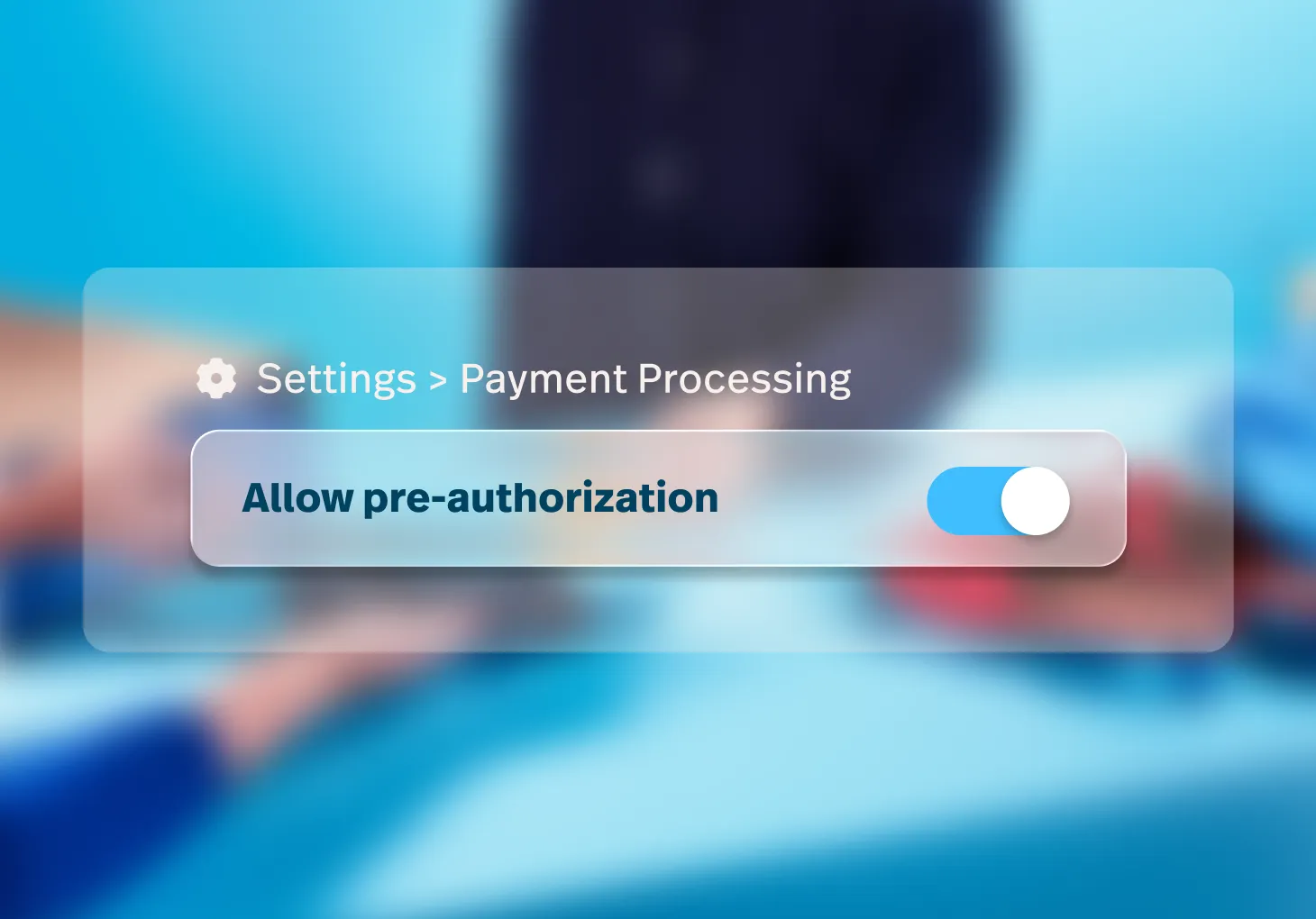
- Enable preauthorization with Lightspeed Payments. A preauthorization hold is the temporary hold of a specific sum on a customer’s card to ensure the funds are available before a large or specialty transaction is processed and the payment captured at a later time. You can now enable preauthorization, capture preauthorized payments and manage holds from the Preauthorization report page in Retail POS.
- Online deposit button renamed Request payment. When creating a special order, layaway or work order during a sale, clicking the Request payment button (formerly Online deposit) on the Sales page opens the online deposit flow to help you request and collect full or partial payments from customers.
- Optionally include payment ID field in Payout report exports. You can now export the payment ID field when exporting Payouts reports from your Lightspeed Payments merchant portal. Note, if Payment ID is not selected when preparing the export or if the data is not available, the field will be left blank in the export.
New serial number and employee event logs.
Additional event logs were added to improve monitoring of serial number and employee-related events.
Serial number events
Create serial number.
Delete serial number.
Customer attached.
Customer removed.
Modify serial number.
Employee events
Archive/unarchive employee.
Clock in/out.
Create employee.
Delete employee.
External login modifications.
Lock employee access.
Modify employee name.

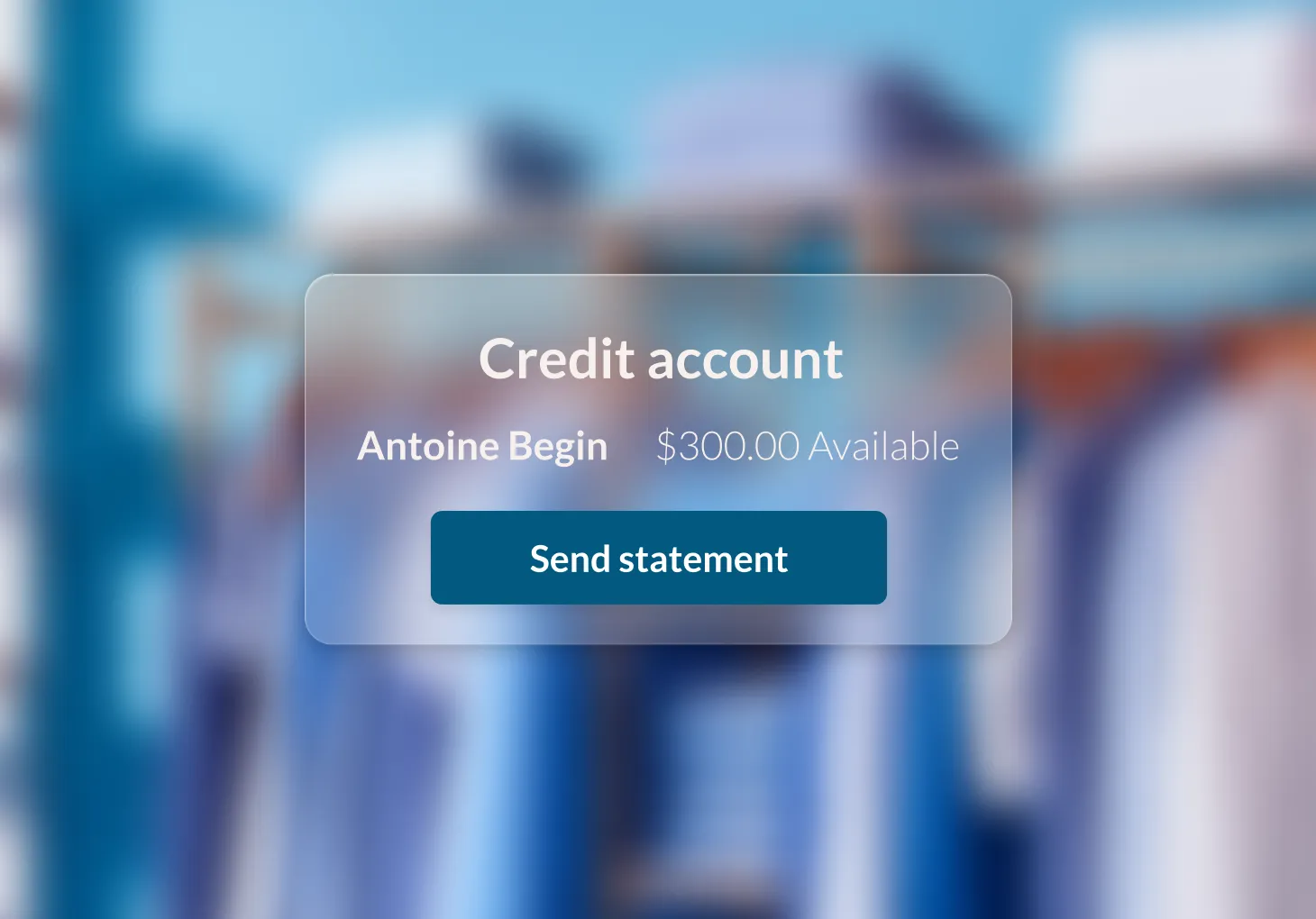
Improved functionality on Credit account pages
"The updated Credit Accounts page includes a list of customers with credit accounts and the overview columns Status (outstanding, overdue, or settled balances), the amount Overdue, and Outstanding balances.
On the customer’s Credit account > Account page, you can view the credit usage summary bar, edit the credit limit, view invoices and deposits, send account statements, and manage accounts receivable automations.
Some Lightspeed Invoicing features are currently in beta and may not be available in your account."