CUSTOMER FACING DISPLAY FOR RETAIL

Give every customer a clear view at checkout

Choose the Customer Facing Display that fits your business needs—from Lightspeed Payments terminals, to an iPad, tablet or device you already own.
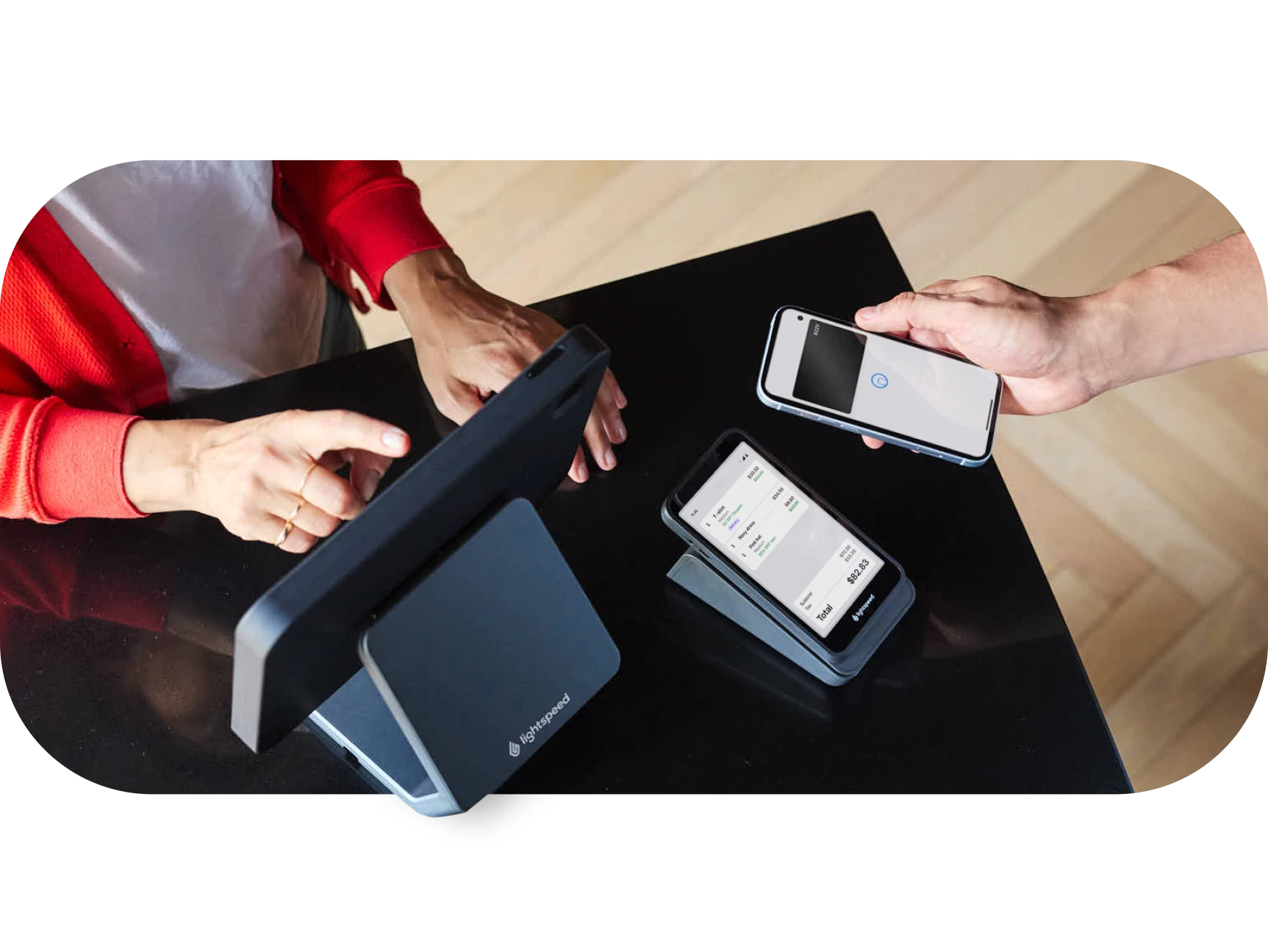
Built for the way you sell.

Lightspeed gives you flexible display options to support your checkout and adapt to local market needs.

  • Show the sale as it happens, from items and discounts to tax and total balance.
  • Choose the setup that fits your workflow using Lightspeed Payments terminals, iPads or your own compatible device.
  • Keep checkout transparent by giving customers a clear view before they pay.
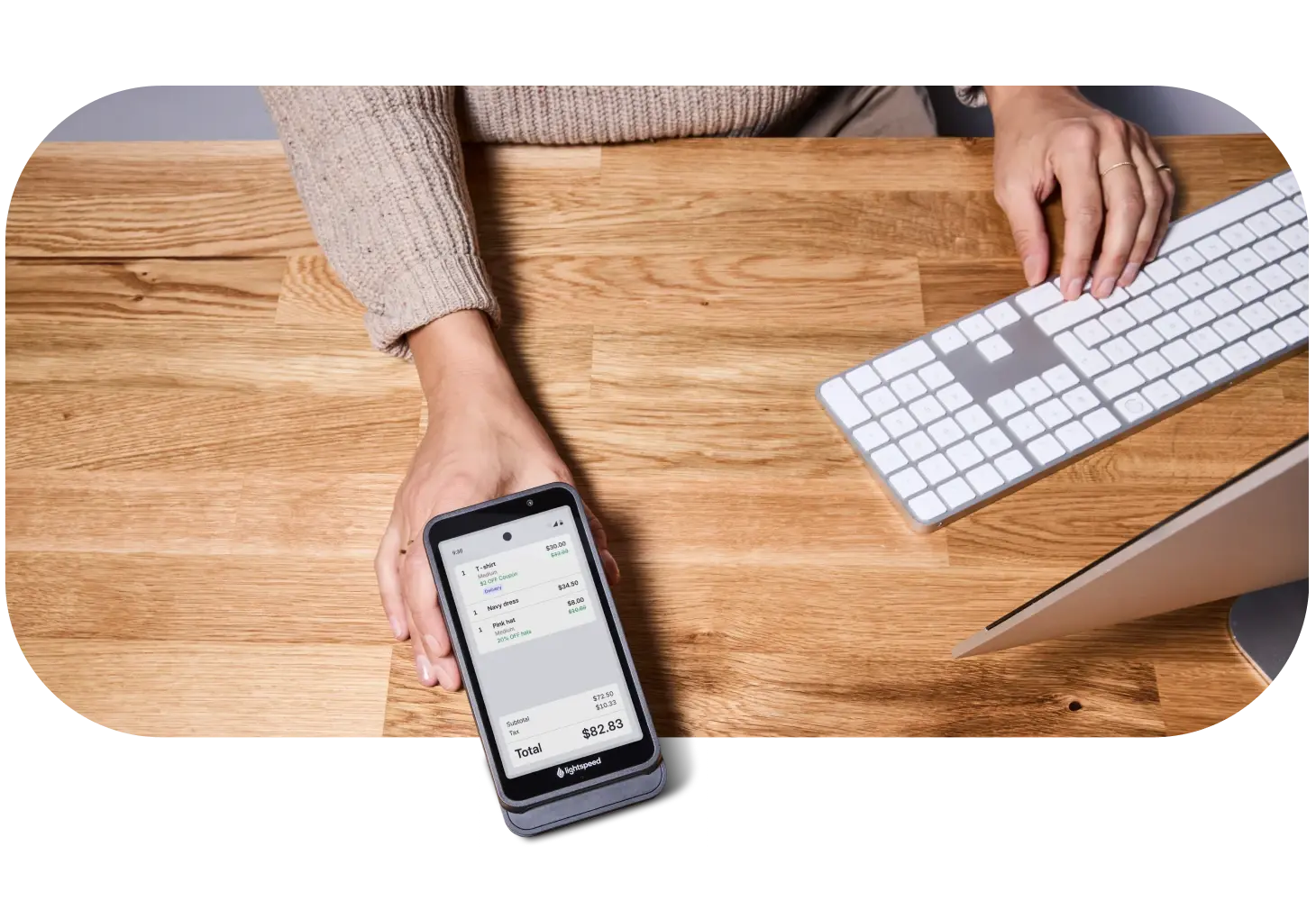
A better checkout experience.

Show what’s in the cart

Customers can review items added to the sale as you ring them up.

Make changes visible

Quantities, discounts and price changes stay clear throughout the transaction.

Adapt to local market needs

Display subtotal, tax and total amount before checkout is complete.

Pick the display that works for your store.

  • Lightspeed Payments terminals

    Show the sale and take payment on the same dedicated terminal.

  • Bring your own display

    Use a compatible tablet, phone or computer you already own.

  • iPad display

    Turn an iPad into a dedicated Customer Facing Display with the Display app.

Your questions, answered

What is a Customer Facing Display (CFD)?

A Customer Facing Display is a digital screen connected to a point-of-sale (POS) system that shows customers their itemized orders, prices, taxes and discounts during checkout.

What does the Customer Facing Display show?

A Customer Facing Display can show items, quantity changes, discounts, subtotal before tax, tax, total and the balance remaining to pay.

Are Customer Facing Displays compulsory?

In some jurisdictions, yes. Requirements vary by country, state or region, so check with your local regulators for the rules that apply to your business.

Do I need Lightspeed Payments to use Bring Your Own Device?

No. Bring Your Own Device is available with Lightspeed Retail web register regardless of payment processor, using a compatible device and browser.

Can I use a device I already own?

Yes, as long as it meets the supported device and browser requirements. An iPad or tablet is recommended, but a computer or mobile device can be used if needed.

If I use Lightspeed Payments, which terminal supports the Customer Facing Display?

For Lightspeed Payments merchants, the customer-facing display is available on the S700 terminal and WisePOS E.