What's new in Lightspeed Retail
We're constantly delivering product innovations, updates and fixes to better your business. See what's new this month on Lightspeed Retail.
Easier payments for take now items
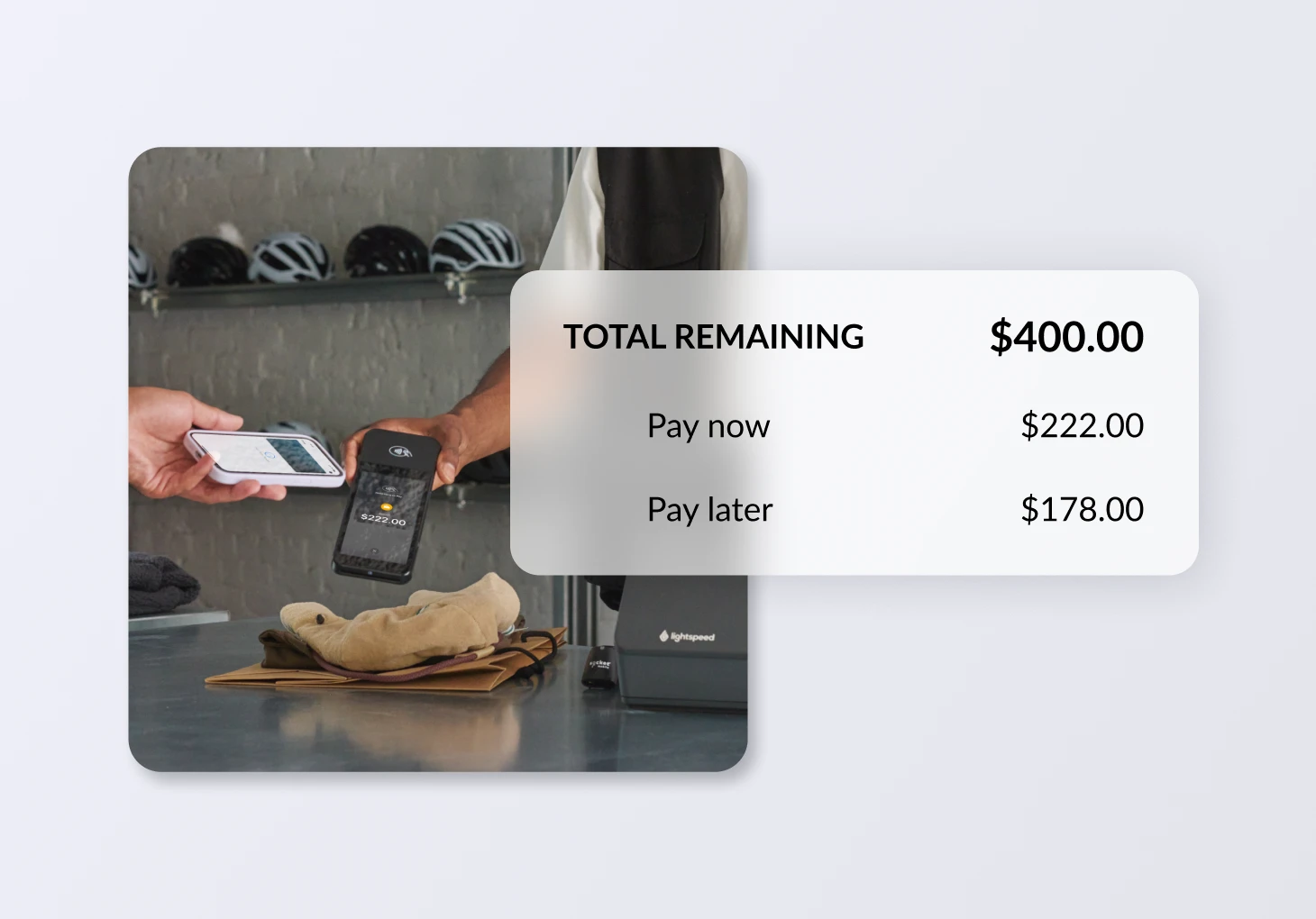
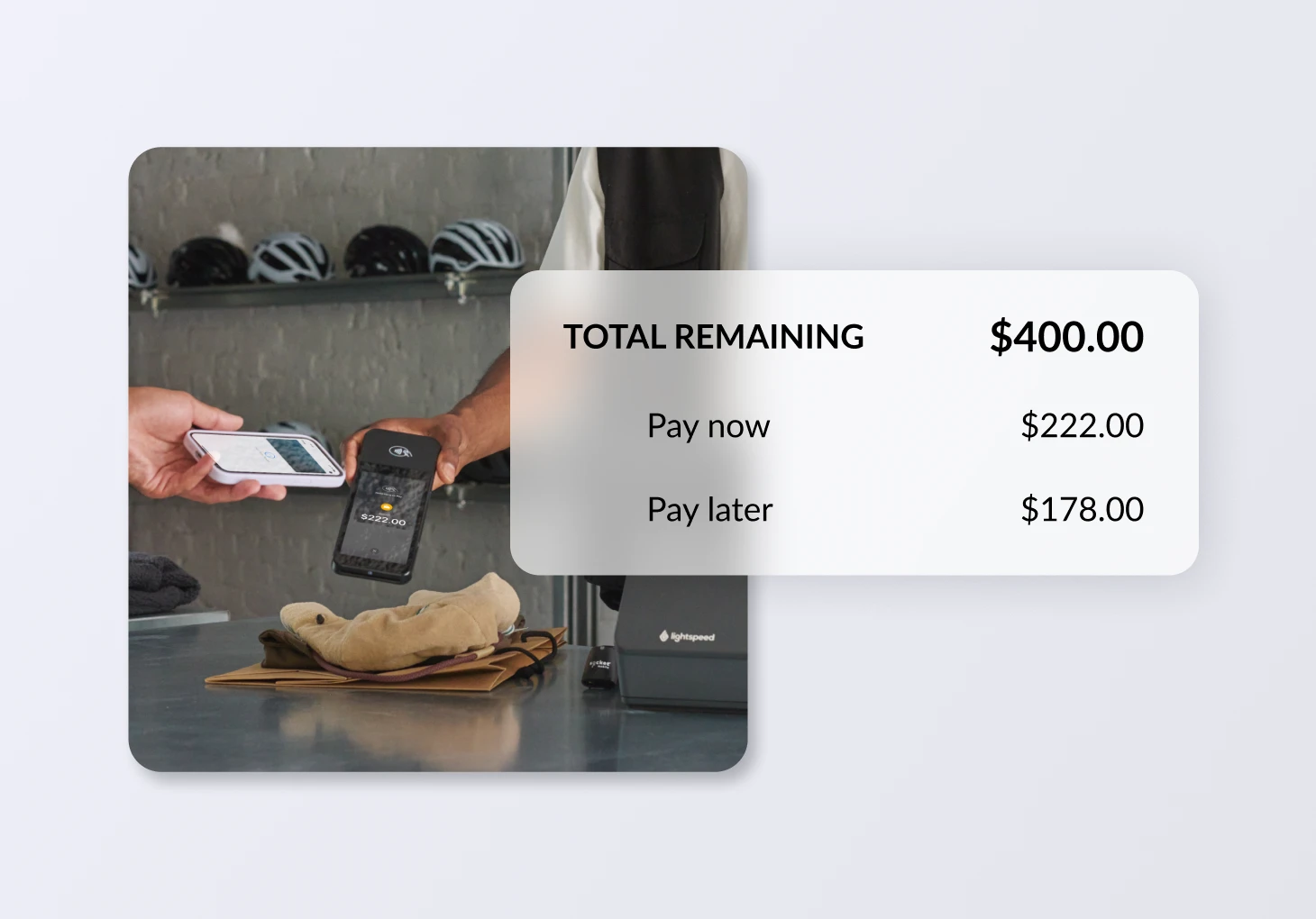
Cashiers can now ensure they take sufficient payment for the "take now" items in a sale, avoiding situations where a product leaves without being paid for. Now on the pay screen during a sale, cashiers will see: take now vs. fulfill later, a breakdown of what's due now vs. later, and clarity on how much payment is still required for the take now items in the sale. This removes the manual calculations and time it takes a cashier to determine how much money (and tax) is needed at time of sale creation. This change is live for staff accounts.
Add photos to services
You can now attach a photo to service notes when creating or editing a service. When you navigate to the create service page or edit service page, you can attach photos to notes that you add to the service. Once you save the services, the photos will be visible the next time the service is opened and worked on. This way you can easily keep track of customer items, particularly when they are expensive, and hedge against damage claims.
February updates
Get real-time updates during checkout
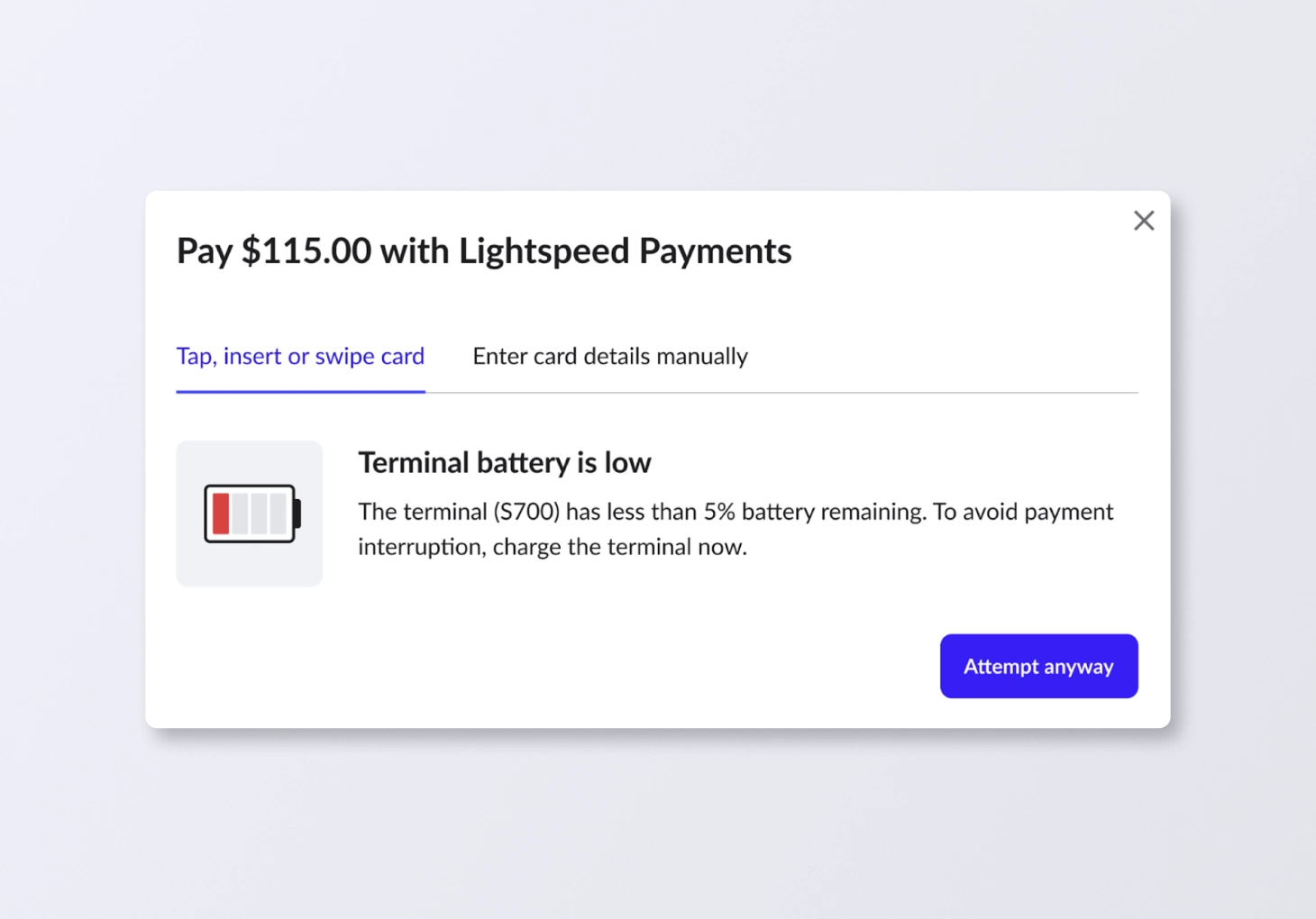
Our new terminal status alerts provide real-time updates during checkout to ensure a seamless payment experience. These notifications immediately flag if a terminal is busy, offline, low on battery or has a weak connection, allowing you to resolve hardware or connectivity issues on the spot and avoid transaction delays.
Consolidate line items for easier scanning
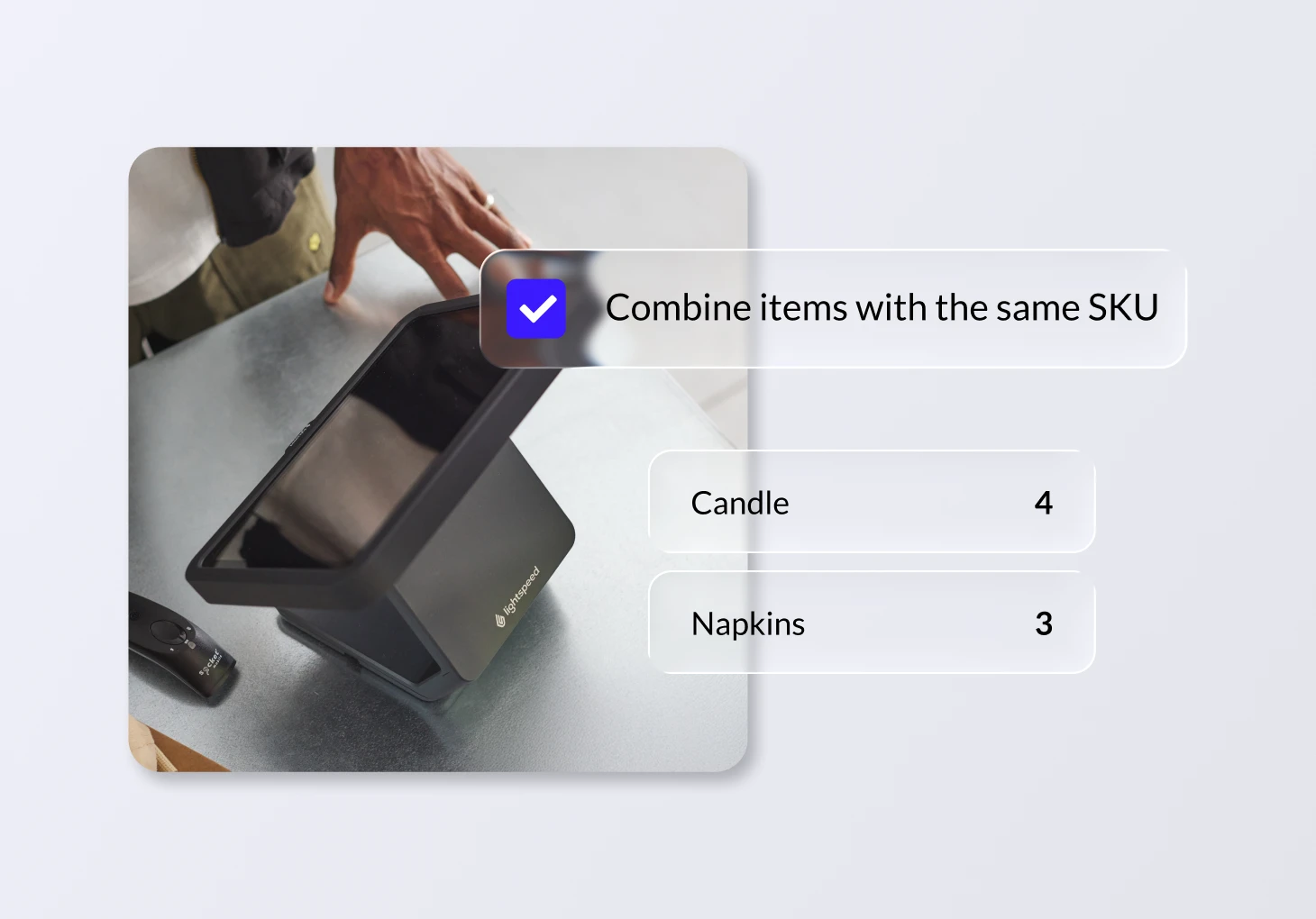
Multiple quantities of the same item are now automatically bundled into a single line item on your sell screen and customer receipts. This not only saves paper but provides a clearer outline of what's being purchased for your staff and for your shoppers. Prefer the old way? You can toggle back to individual line items in your General Settings.
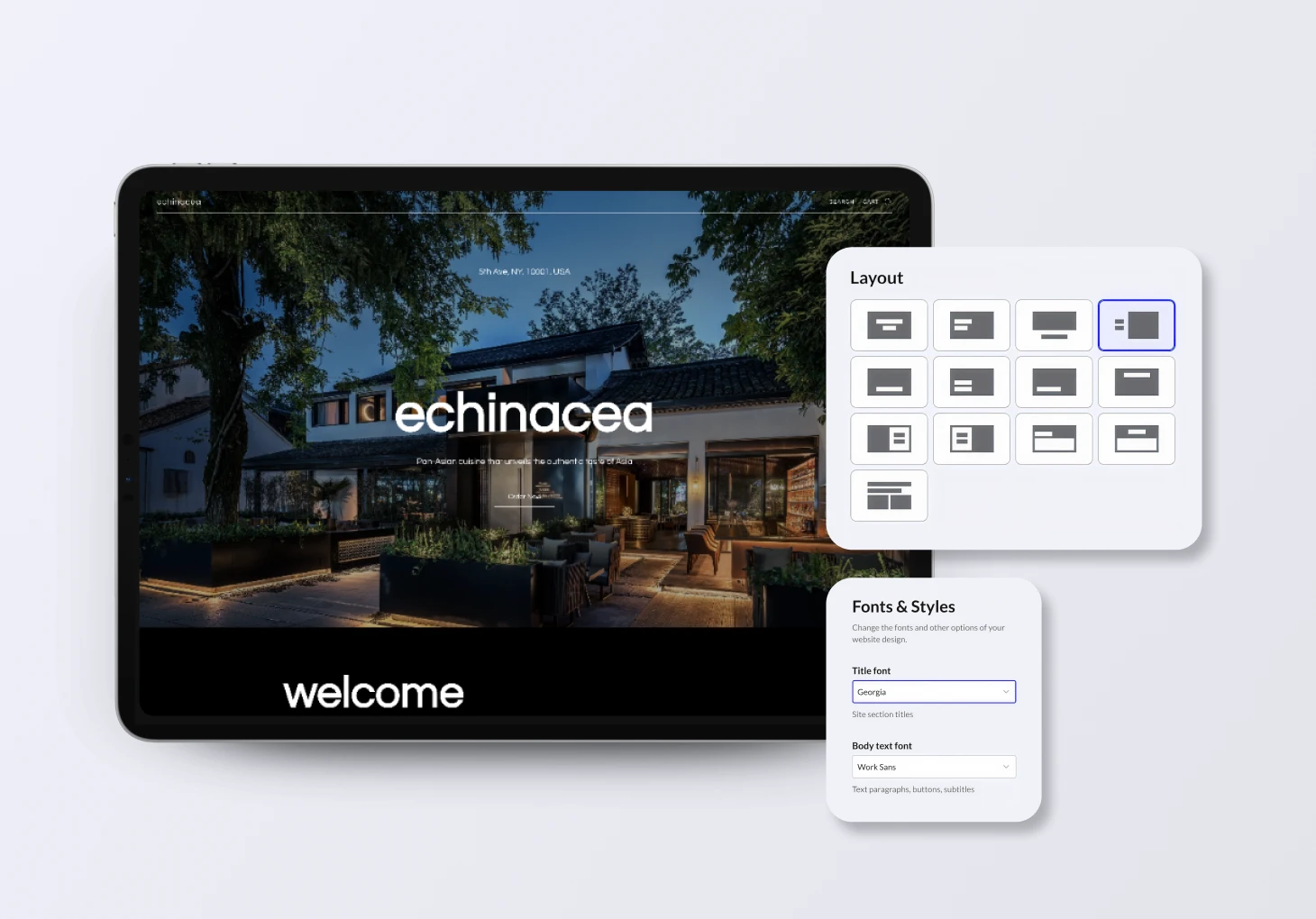
Apply your brand's styling across your site
Maintaining a consistent and professional brand identity online just got easier with our new global styling tool. Define your brand’s signature colors and fonts in one central location and apply them across your entire website with just a few clicks. Gone are the days of manually updating individual sections–you can now achieve a polished, cohesive look instantly while still retaining the flexibility to make fine-tuned adjustments to specific areas whenever needed.
Collect saved payment methods easily
Now when you send a remote payment request, your customers can save their credit card information on file. This is a seamless and secure way for you to collect credit card information, saving time and making future payments easier.
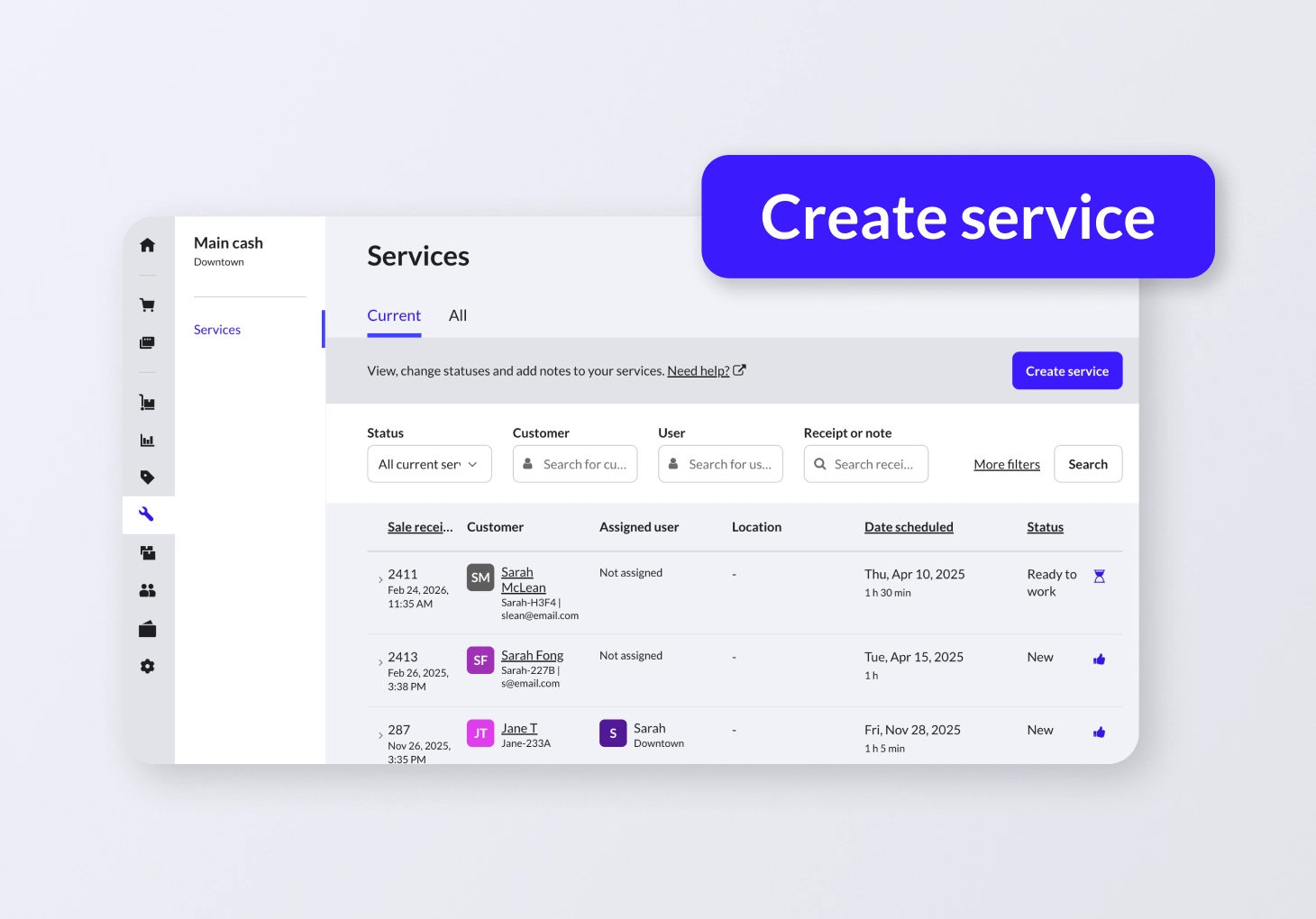
Simplify your service creation workflow
Creating services just got easier. Now you can complete this action, as well as edit services, from the services tab rather than the selling screen, where you can also add notes, assign users and even add line items.
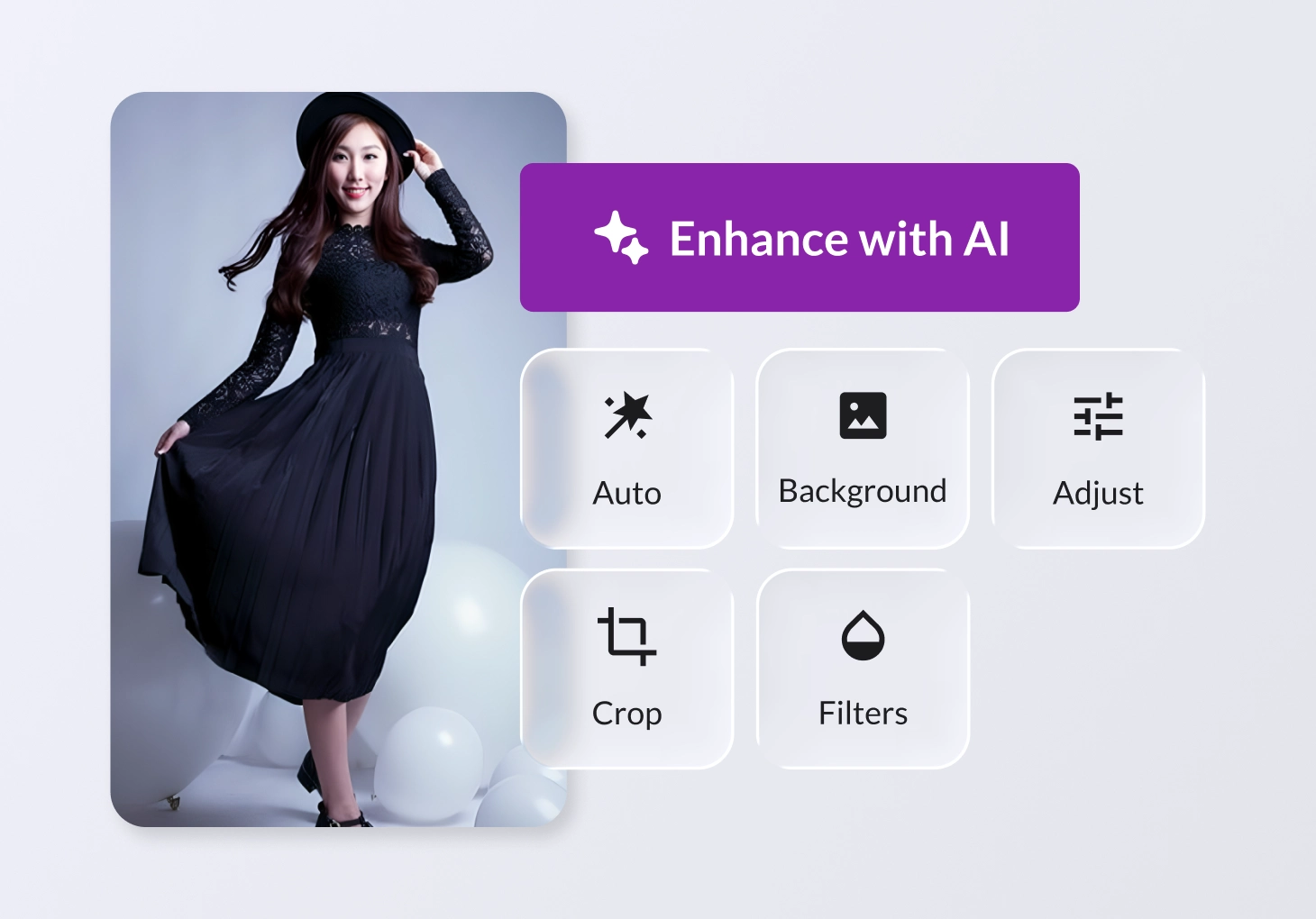
Edit photos with AI for your online store
Create professional, on-brand product images for your ecommerce store with our AI powered in-app photo editor. Remove backgrounds, choose new colors, add filters and more.
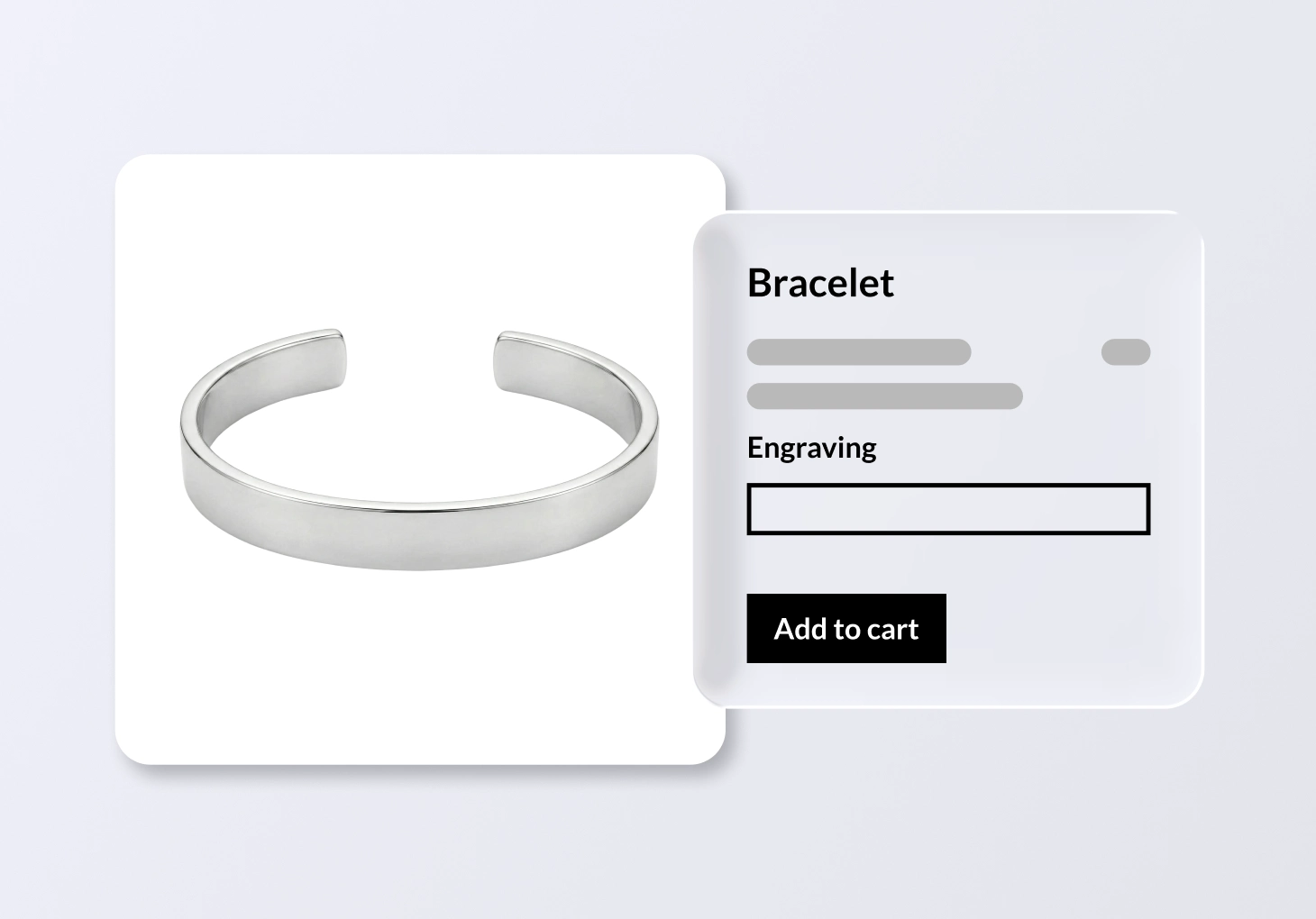
Collect item-specific shopper requests with new input fields
Collect item-specific shopper requests using additional fields such as a text field, a text area or a date picker, and access them in your Lightspeed Retail order details for fulfillment. This is great for jewelery stores–with these fields, you can provide the details needed to personalize an item directly on the Product page in your online store, for example engraving text.
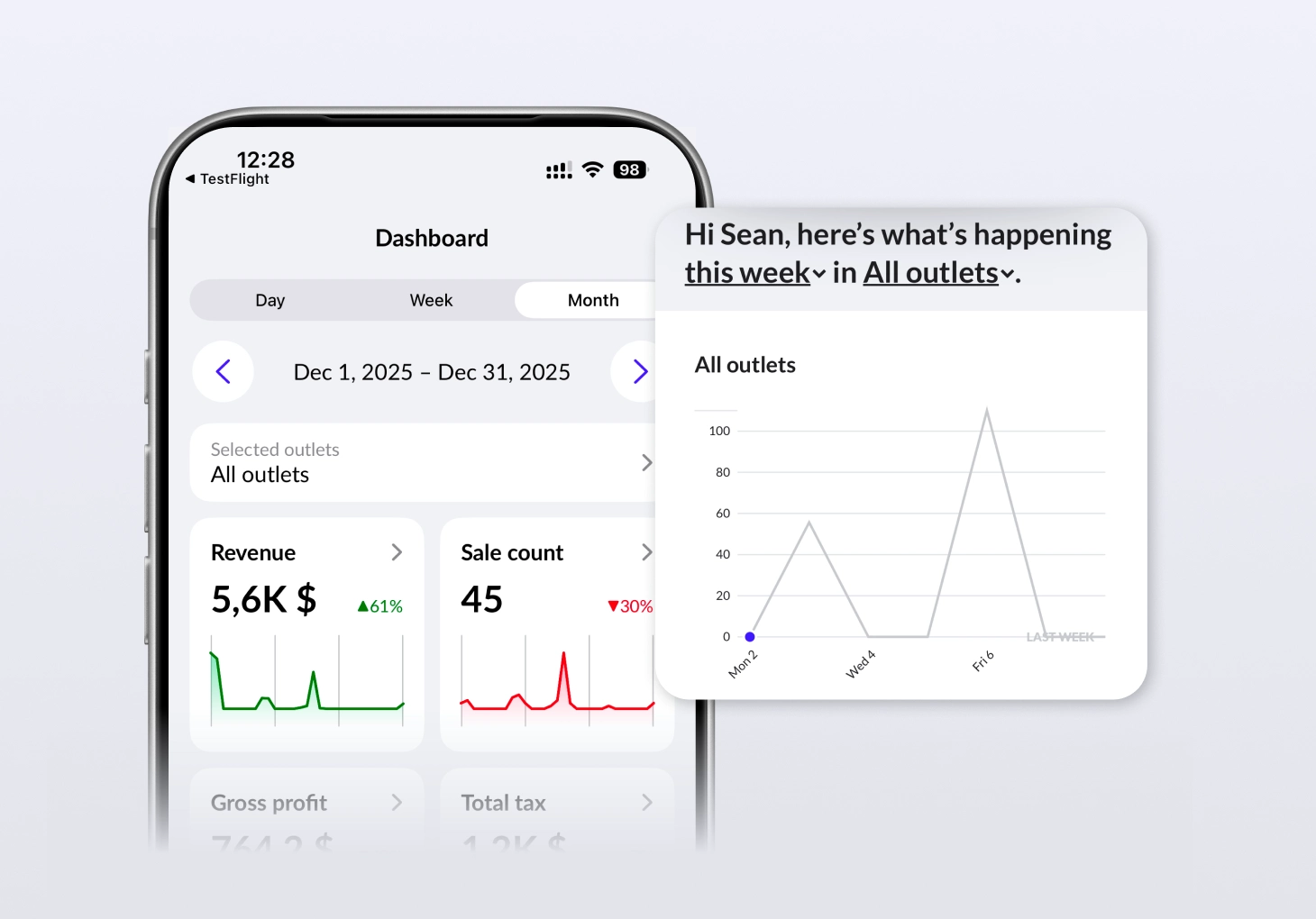
Get a clear view of key metrics
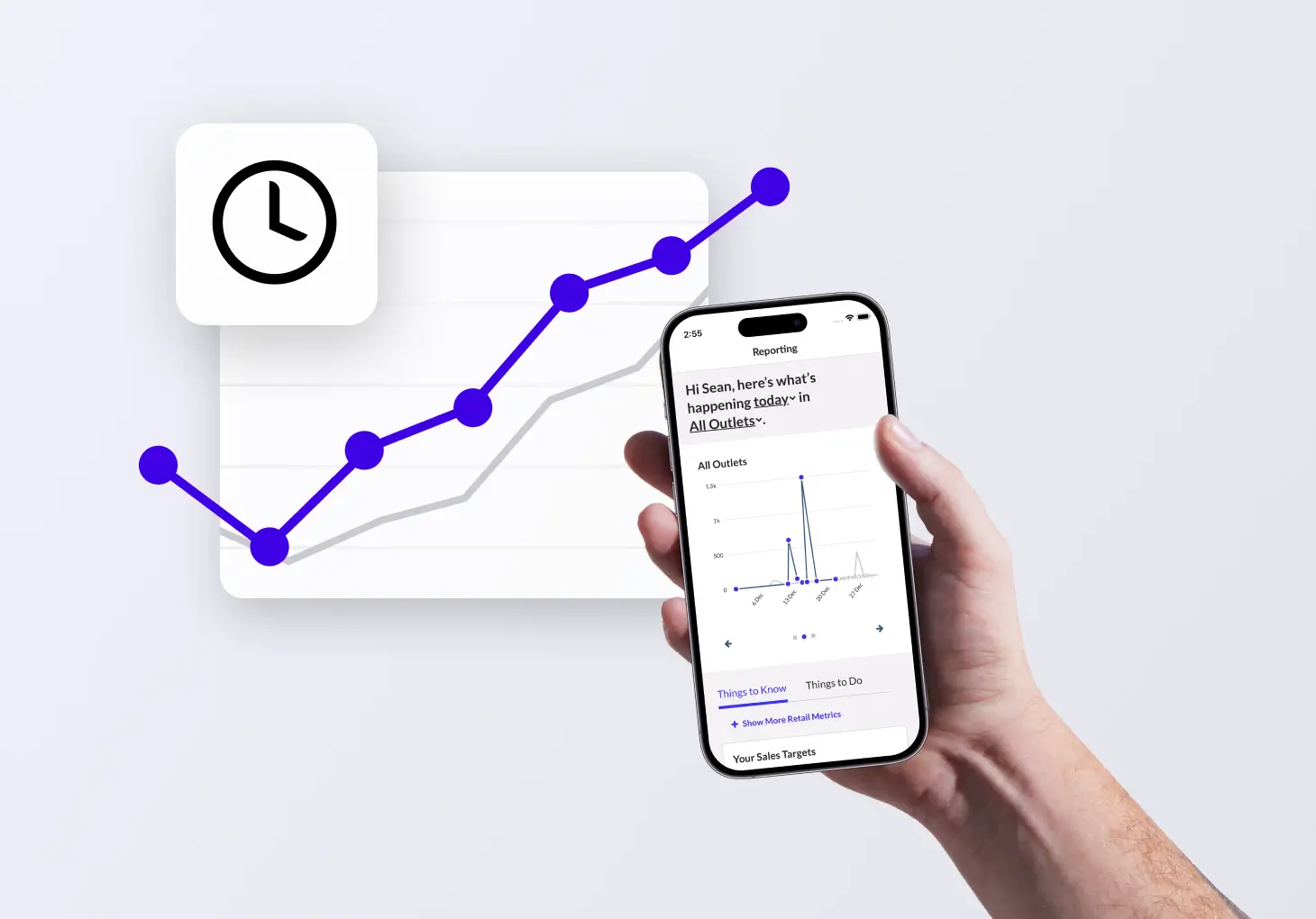
A new reporting dashboard in the Lightspeed Reporter app shows you key metrics in a snapshot. See revenue, sales count and other data accompanied by trends and mobile-friendly charts.
Want to be featured in a case study?
We’d love to hear from you. Share your story with Lightspeed.

January product updates
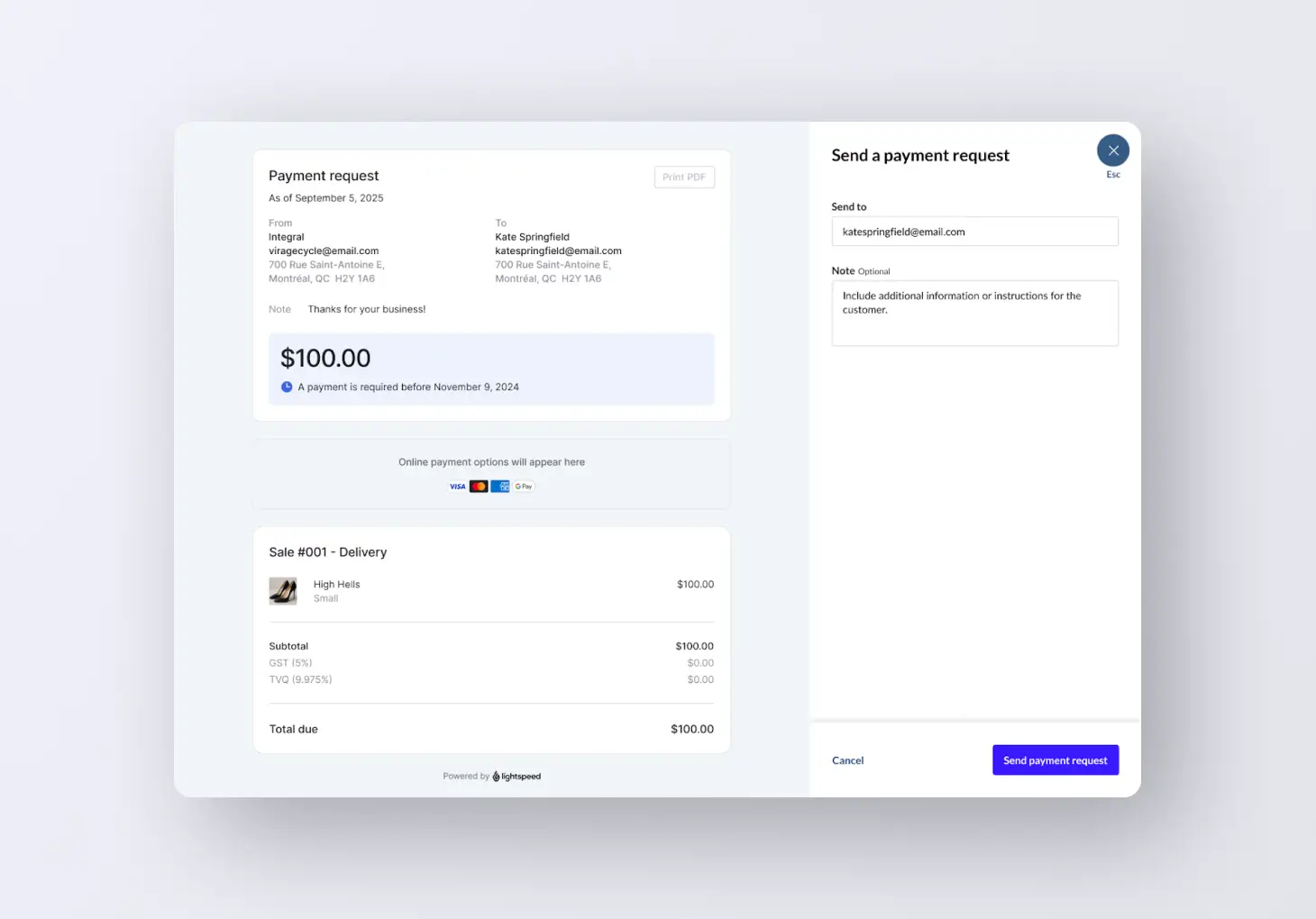
Seamlessly request online payments
Now you can send customers remote requests complete with built-in payment forms on Lightspeed Payments. This means your customers can see key details and pay in one place.
Line item fulfillment is coming to iOS
Item-level fulfillments are coming soon to the Lightspeed Retail iOS app. Manage individual items within a single order, making special orders and split fulfillments easy. Cashiers can clearly see which items go home with customers and which need to be fulfilled later.
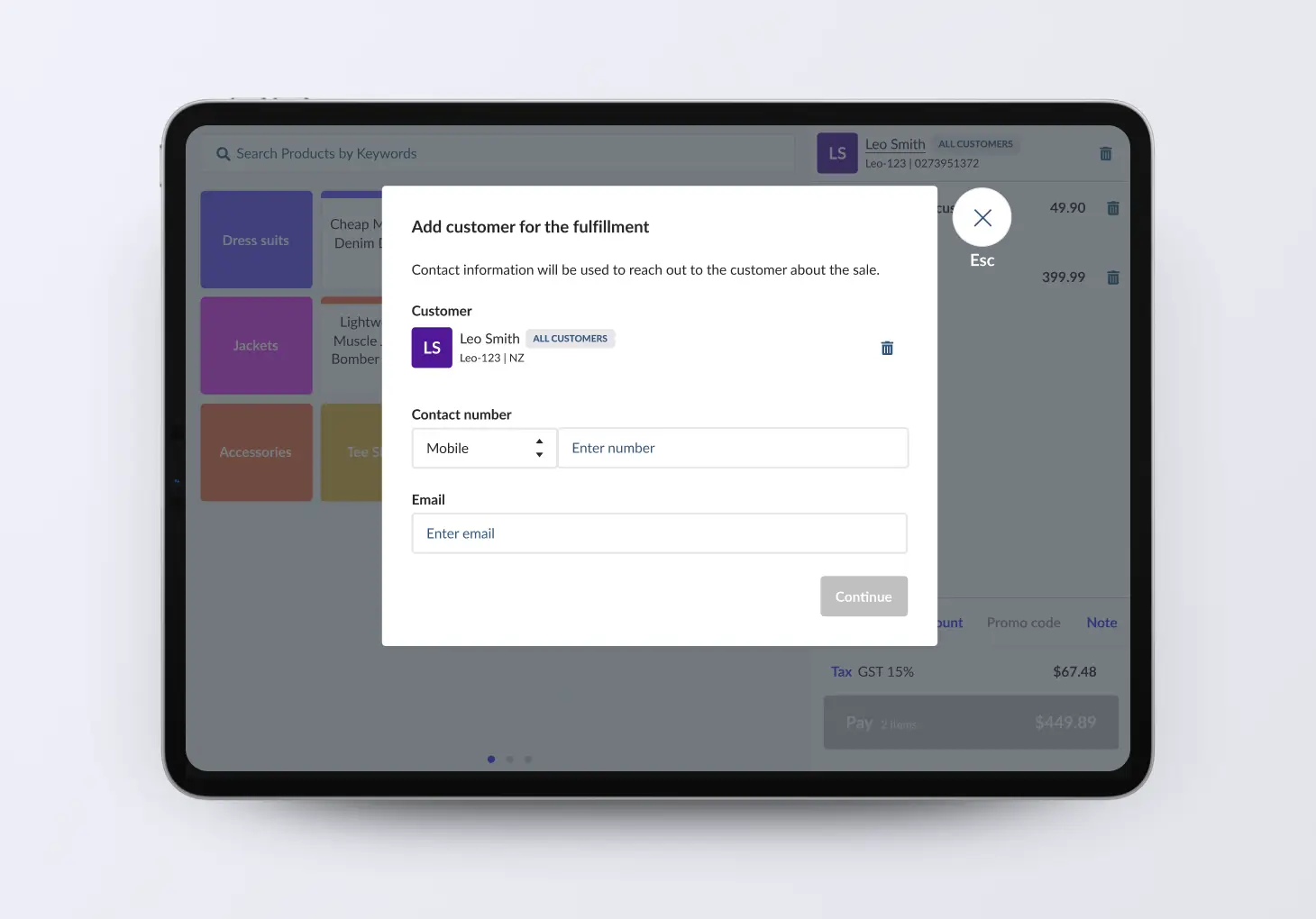
Improve your fulfillment workflow
Accurately pick and pack individual line-items within a sale. Provide your customers with available products sooner and significantly reduce fulfillment errors.

Give your online store a premium look
Explore a stunning selection of free and paid premium Themes, designed to help you increase conversion. Give your online store an ultra professional look without any coding required, whether you're launching your first site or refreshing your brand.

Import images via bulk CSV upload
We’ve made it faster and easier to launch your store with our new bulk image upload feature. You can now include image URLs directly within your product CSV files, eliminating the need for manual uploads or complex workarounds. Import your entire visual catalog in one go so you can get to your first sale even faster.
Get more control over your loyalty program
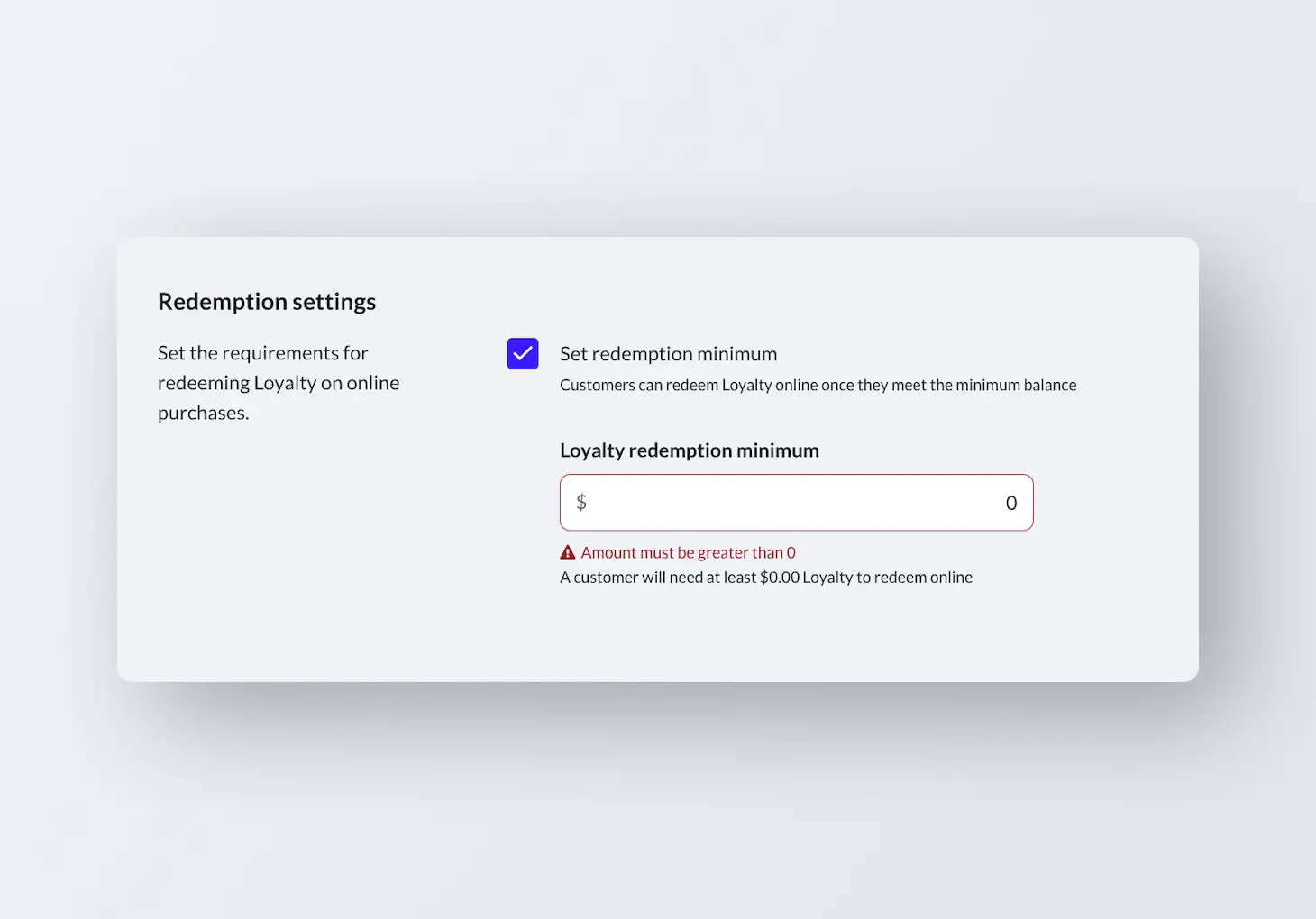
Now you can set a minimum loyalty balance required for redemption, giving you complete control over how your loyalty program operates and better management of your margins. Drive repeat purchases by motivating customers to return and build up their balance. These rules apply consistently across all channels, online and in-store, which eliminates manual workarounds and ensures a unified experience for both your staff and customers.
Stay on top of cash movements
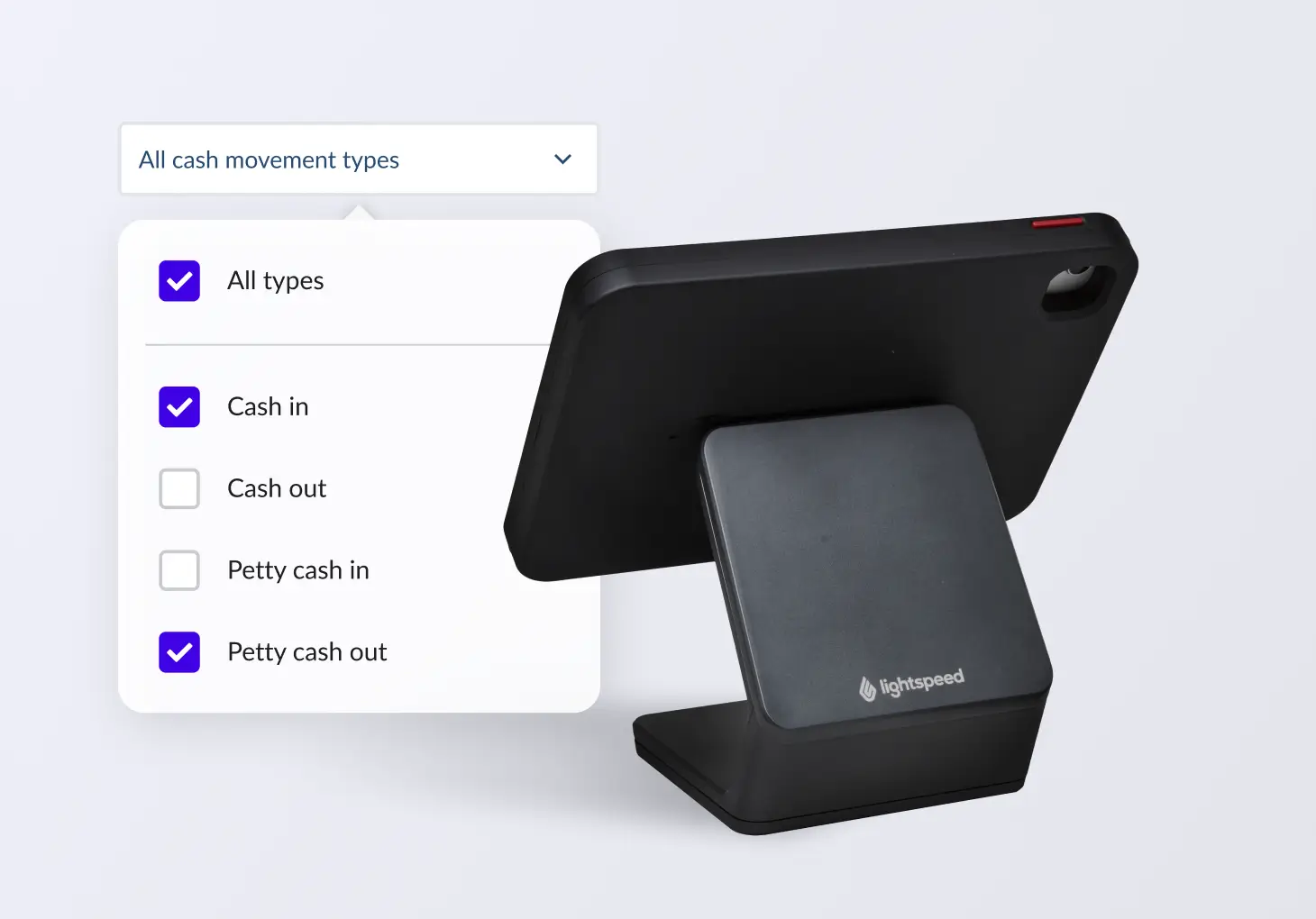
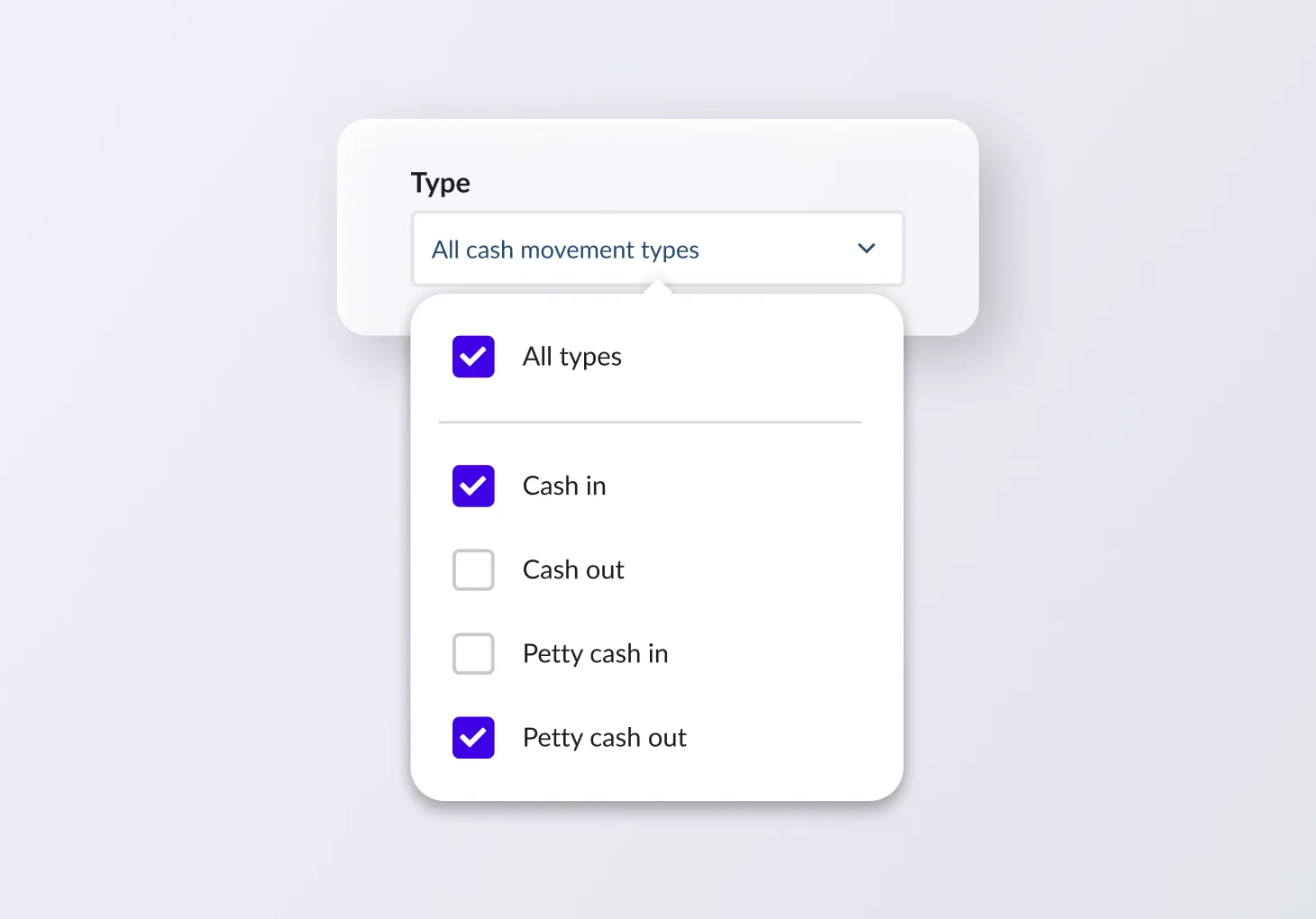
Get a complete report tracking every dollar, from petty cash to register additions and removals, across all your locations in one place. Reduce errors, enjoy total visibility and save hours on admin every week.
Use internal and external notes for services
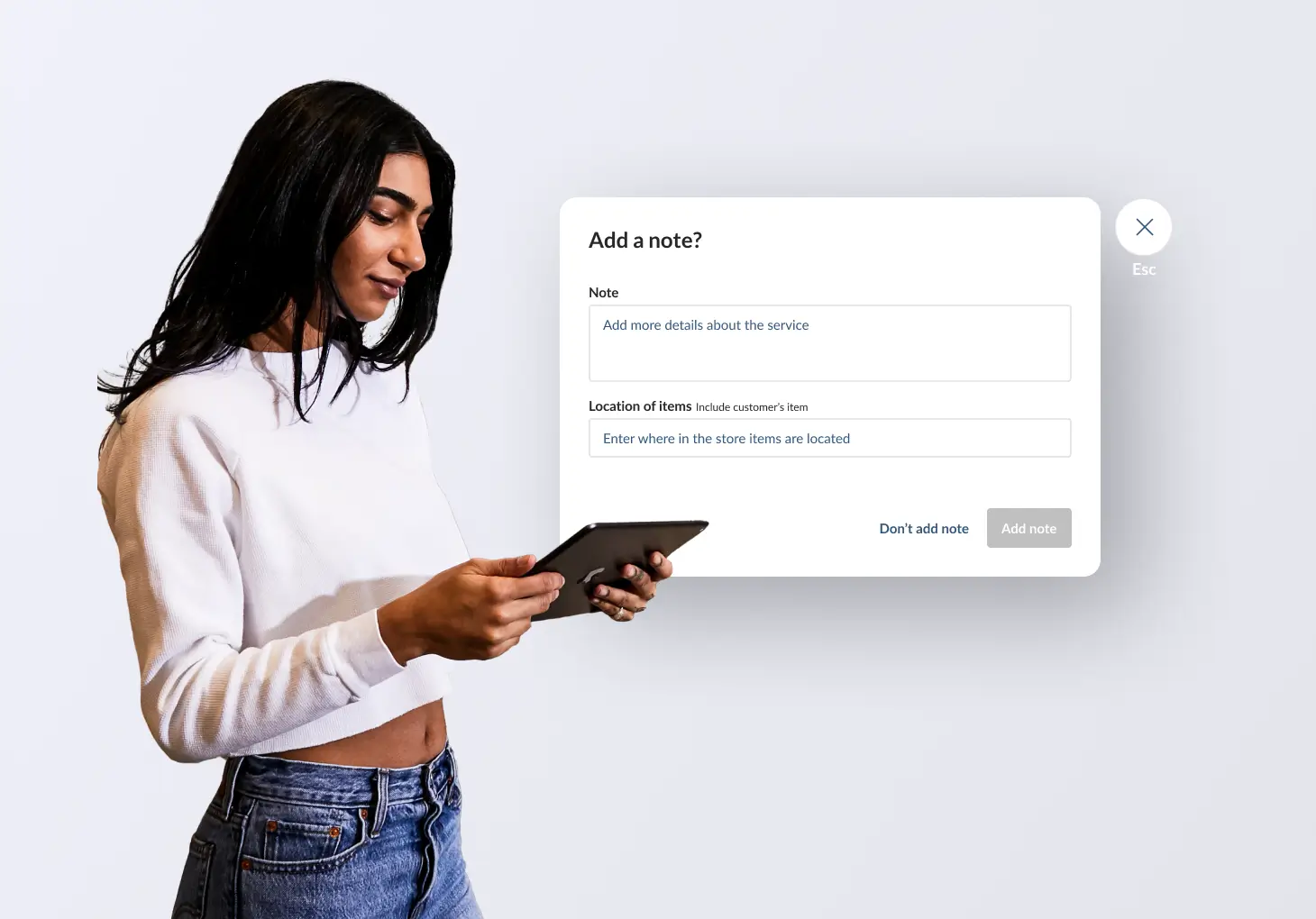
Better communication leads to better service. Service module users can now distinguish between internal and external notes directly on the Edit Service page. This update gives your team a private space to coordinate technical details or staff instructions while keeping customer-facing notes clean, professional, and focused. By choosing exactly what your clients see, you can eliminate confusion and ensure every interaction stays clear.
Save time finding transactions
Investigating a transaction discrepancy, or want to review peak performance times? Now you can narrow down your sales history searches by the hour to see exactly what happened and when.
Want to be featured in a case study?
We’d love to hear from you. Share your story with Lightspeed.

November product updates
Simplify user access with single sign-on
Now you can integrate your single sign on provider with Lightspeed. Manage multiple usernames and passwords, improve security by ensuring only active staff can log in and reduce subscription costs by keeping your user list up to date. Now available exclusively on our V9 Plus plan.

Add size charts to your online store
Forget third-party apps–the new size chart feature is built in to your online store for seamless use. Help shoppers choose the right size with confidence and reduce returns caused by sizing errors.

Increase lead generation with a new contact form section
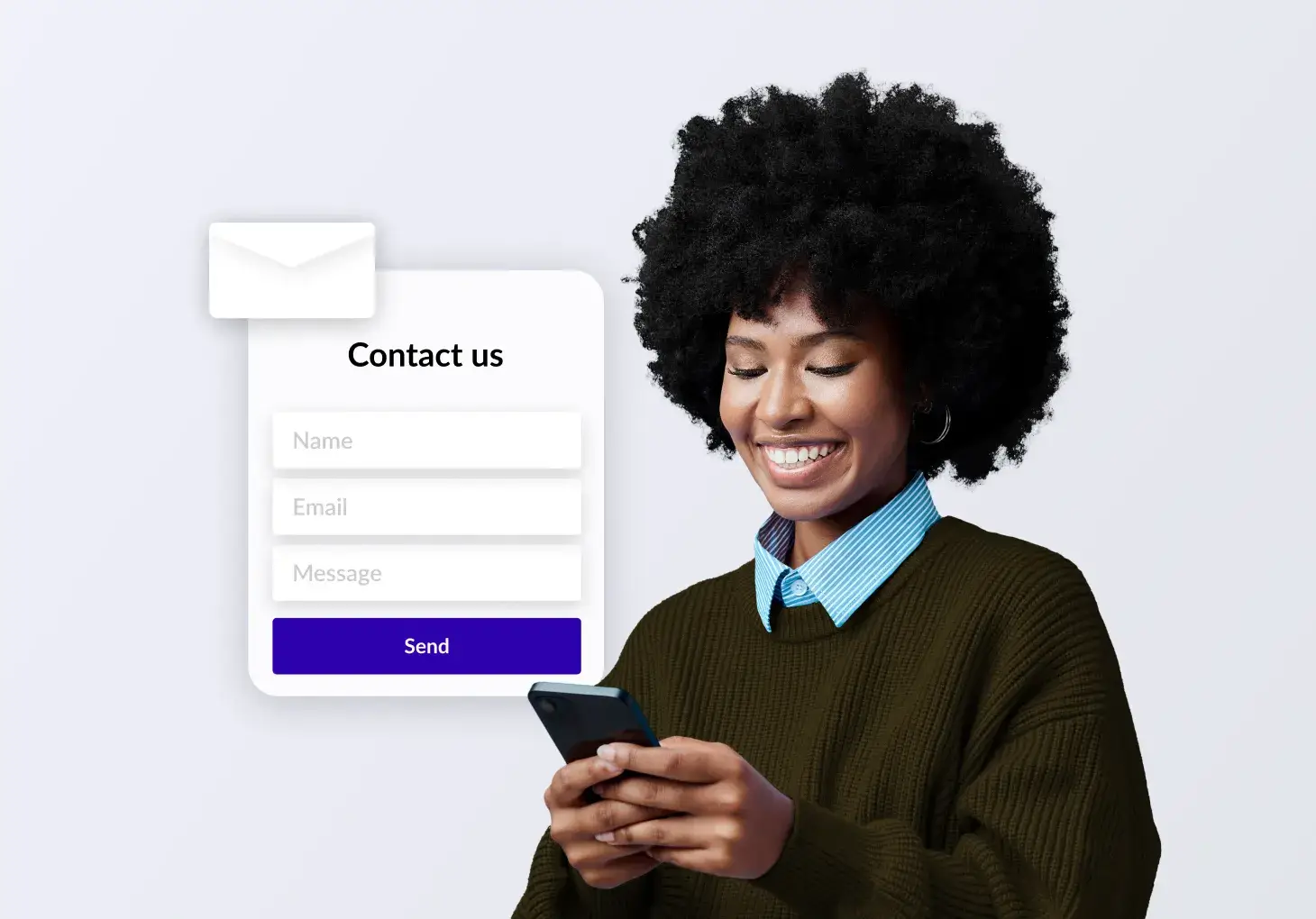
Empower your retail business with more opportunities to capture customer interest directly from your website. The new contact form section gives your customers an easy way to send you a message. When a customer reaches out, you'll instantly receive an email notification about the new lead, and our system will automatically create a contact profile for that customer if one doesn't already exist, ensuring you have all the tools needed to follow up and convert leads.
Your terminal will soon work as a customer facing display
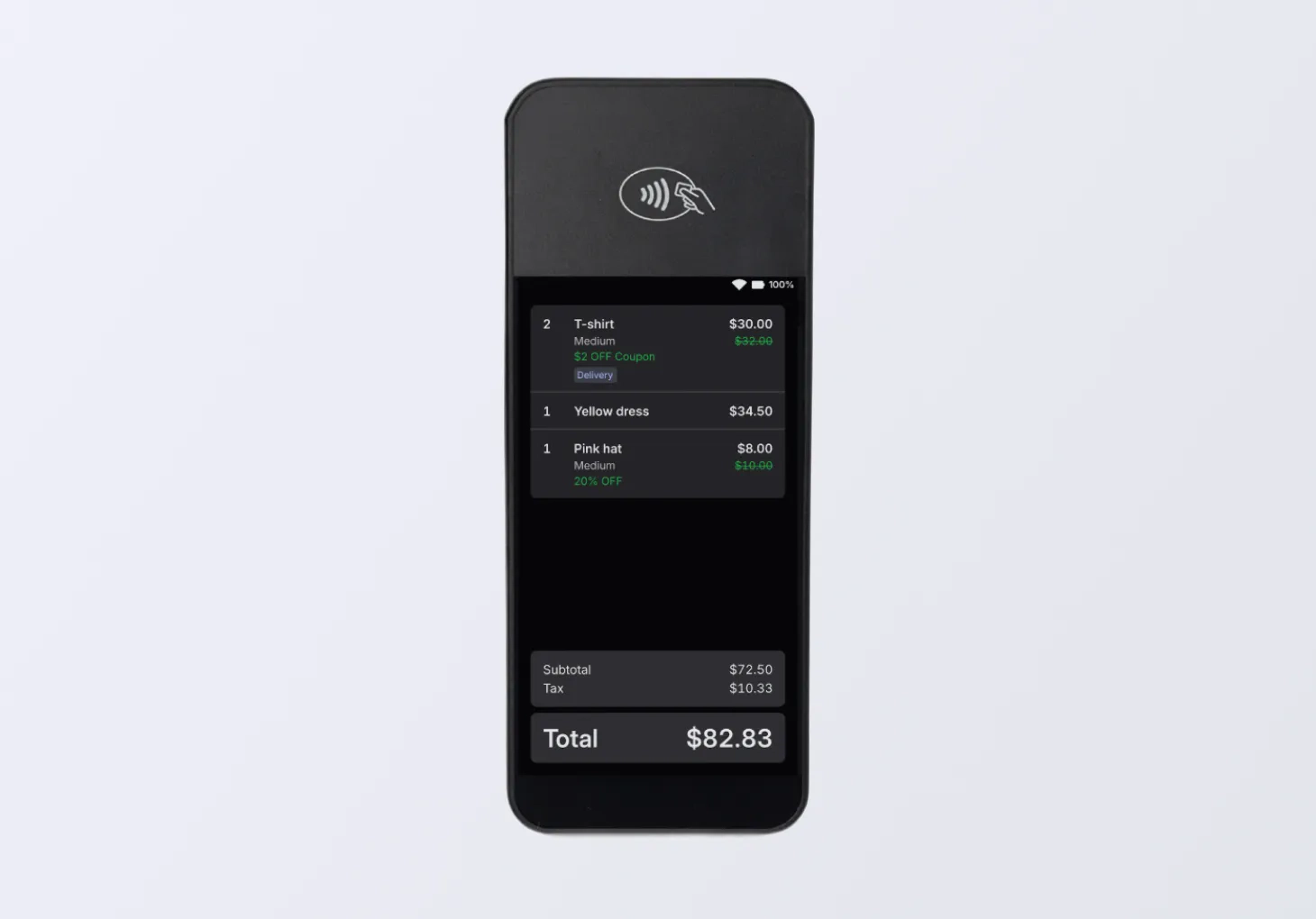
Do you use a WisePOS E terminal? Get excited for an automatic update that that will turn your terminal into a customer facing display. Streamline checkout, eliminate errors and stay compliant while giving your customers visibility into their purchases.
Get better visibility into cash movements
View all your cash movements, like additions, removals and petty cash in a centralized exportable report. Save time, reduce reconciliation errors and get complete visibility into all your cash handling activities.
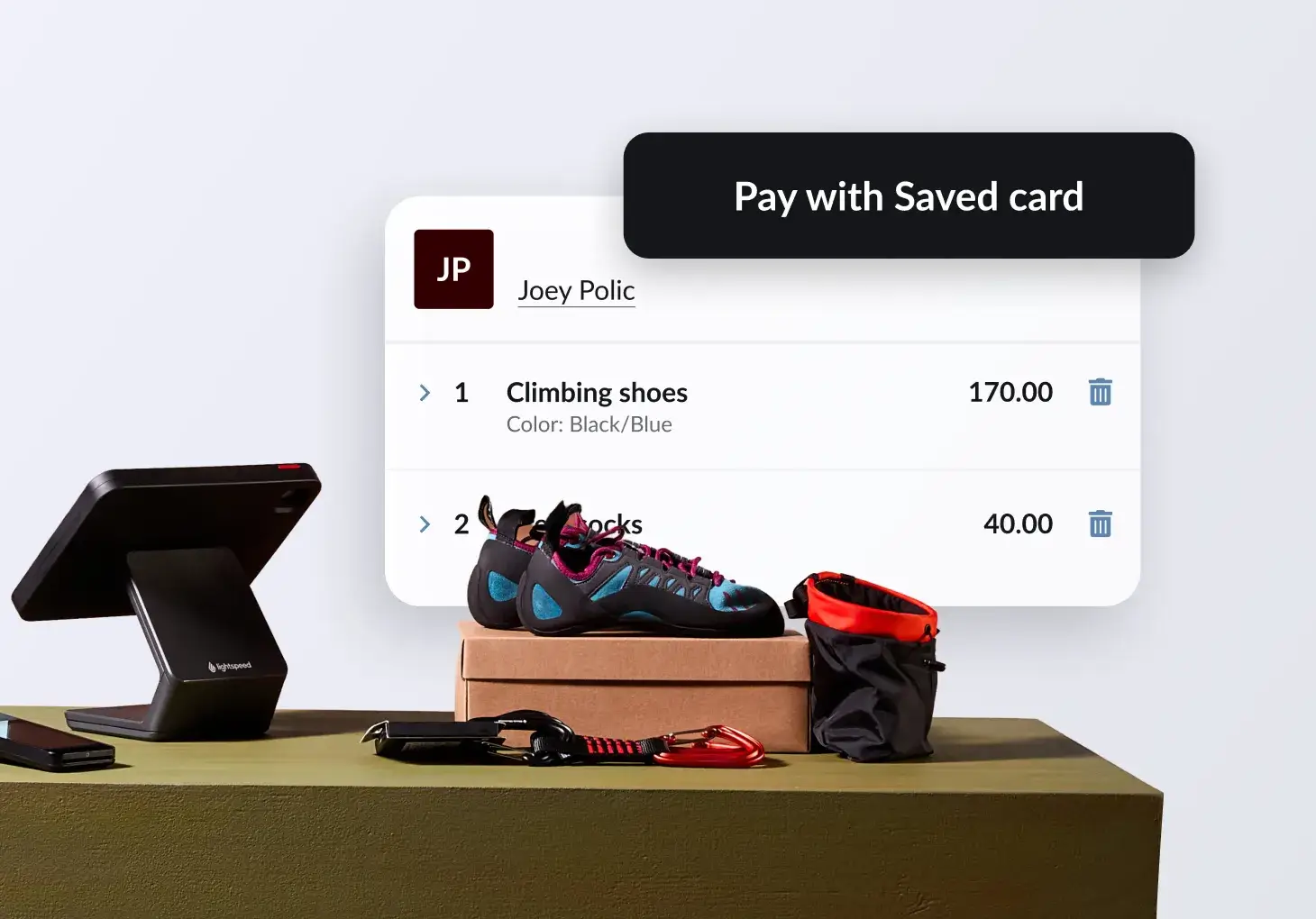
Save payment details for faster checkout
Speed up your checkout during the holiday rush. Now you can save your customers' payment information in your POS, making checkout more efficient for both staff and shoppers. To enable this feature, go to setup > saved payment methods. Note: available for Lightspeed Payments users. Only Admin roles can enable this feature.
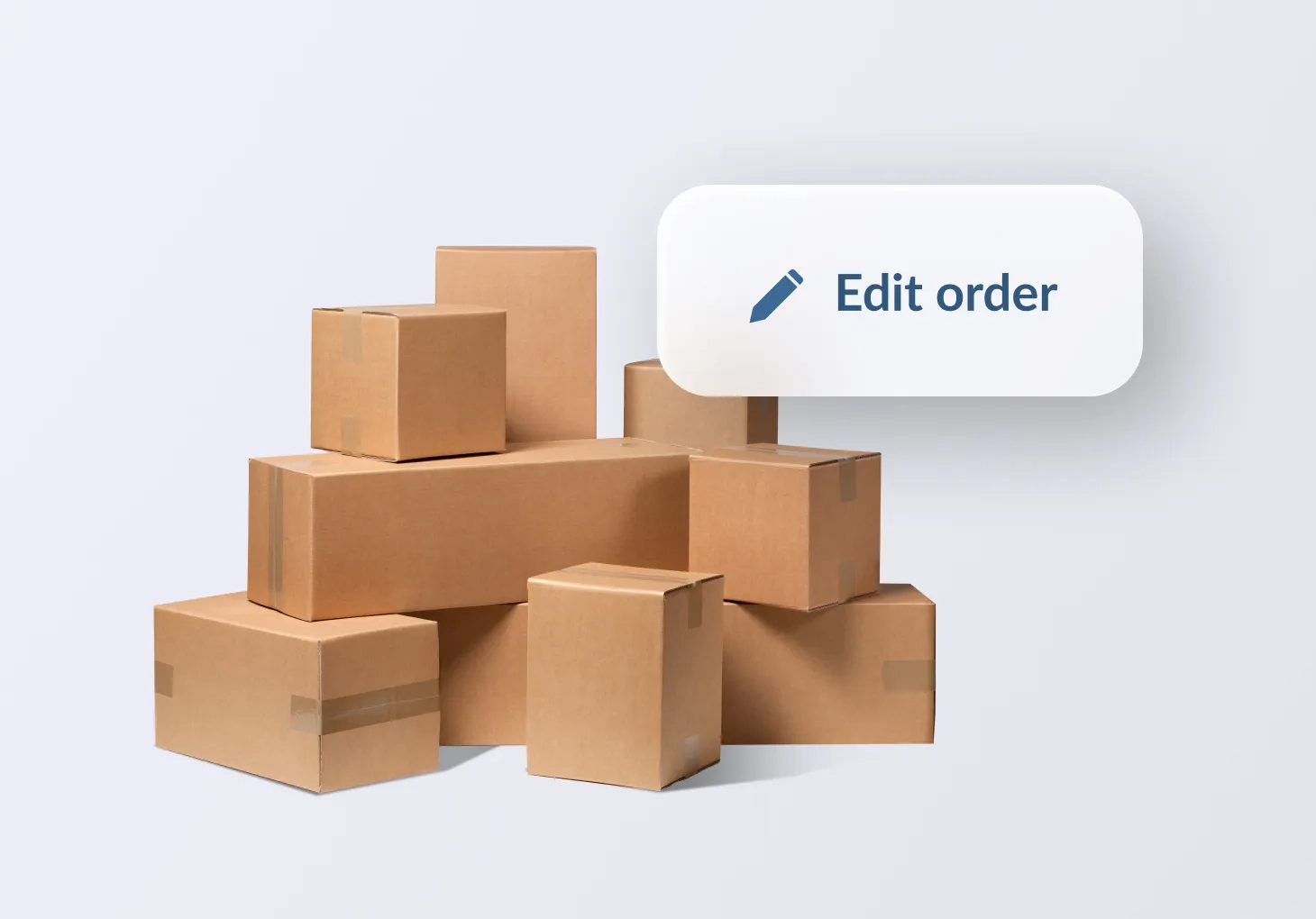
Modify partially received orders
Now you can partially receive multiple deliveries while keeping all transactions linked to the same purchase order. Received items are labeled "deliveries" and unreceived items are labeled "outstanding" for a simple, consolidated view of all deliveries and outstanding balances in one place.
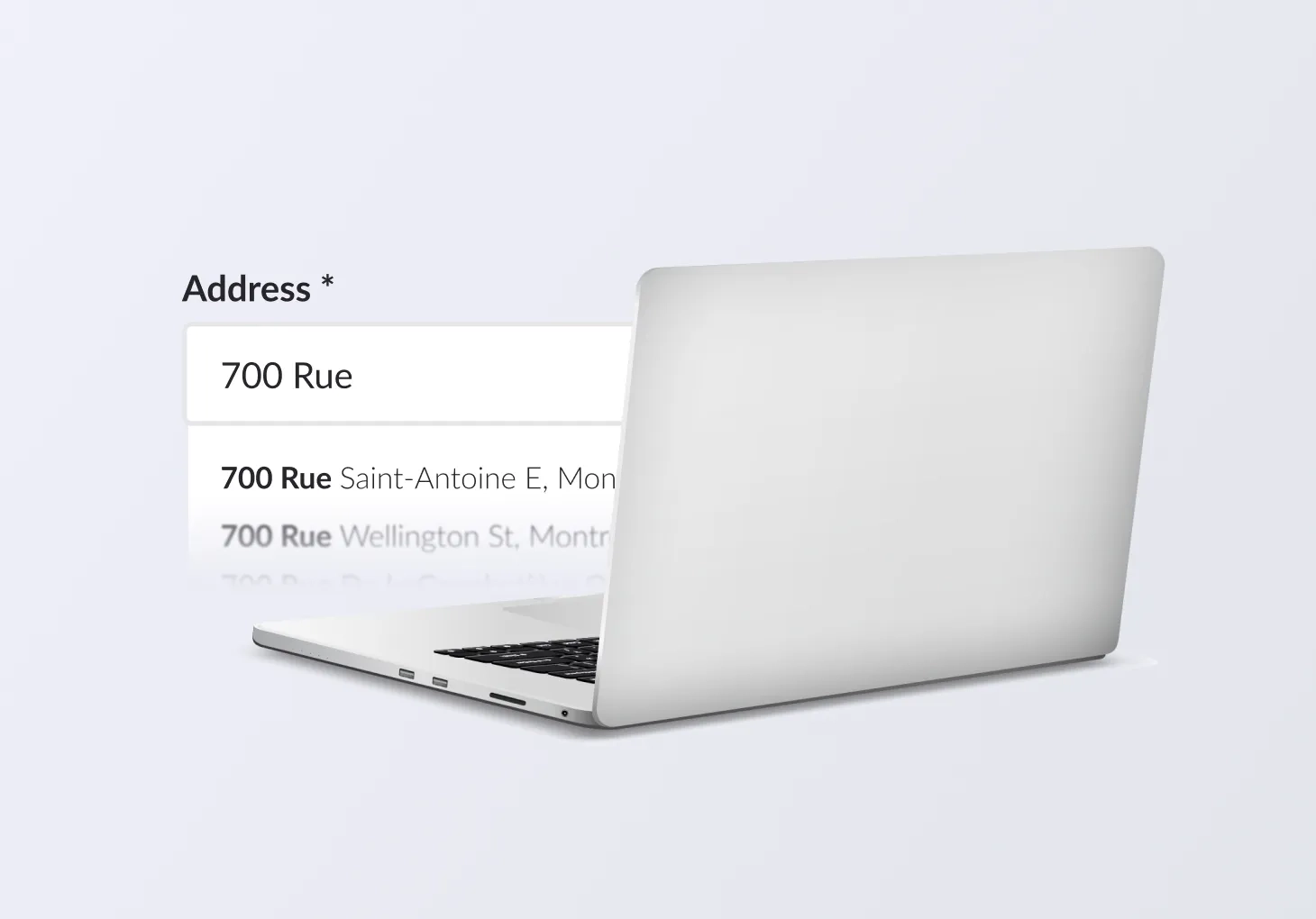
Seamlessly add customer addresses
Shipping from your store just got better. With an improved flow to capture customer addresses when marking an order for fulfillment, cashiers will be asked to enter address details that will autofill and be validated by Google. This ensures fewer mistakes and lost packages.
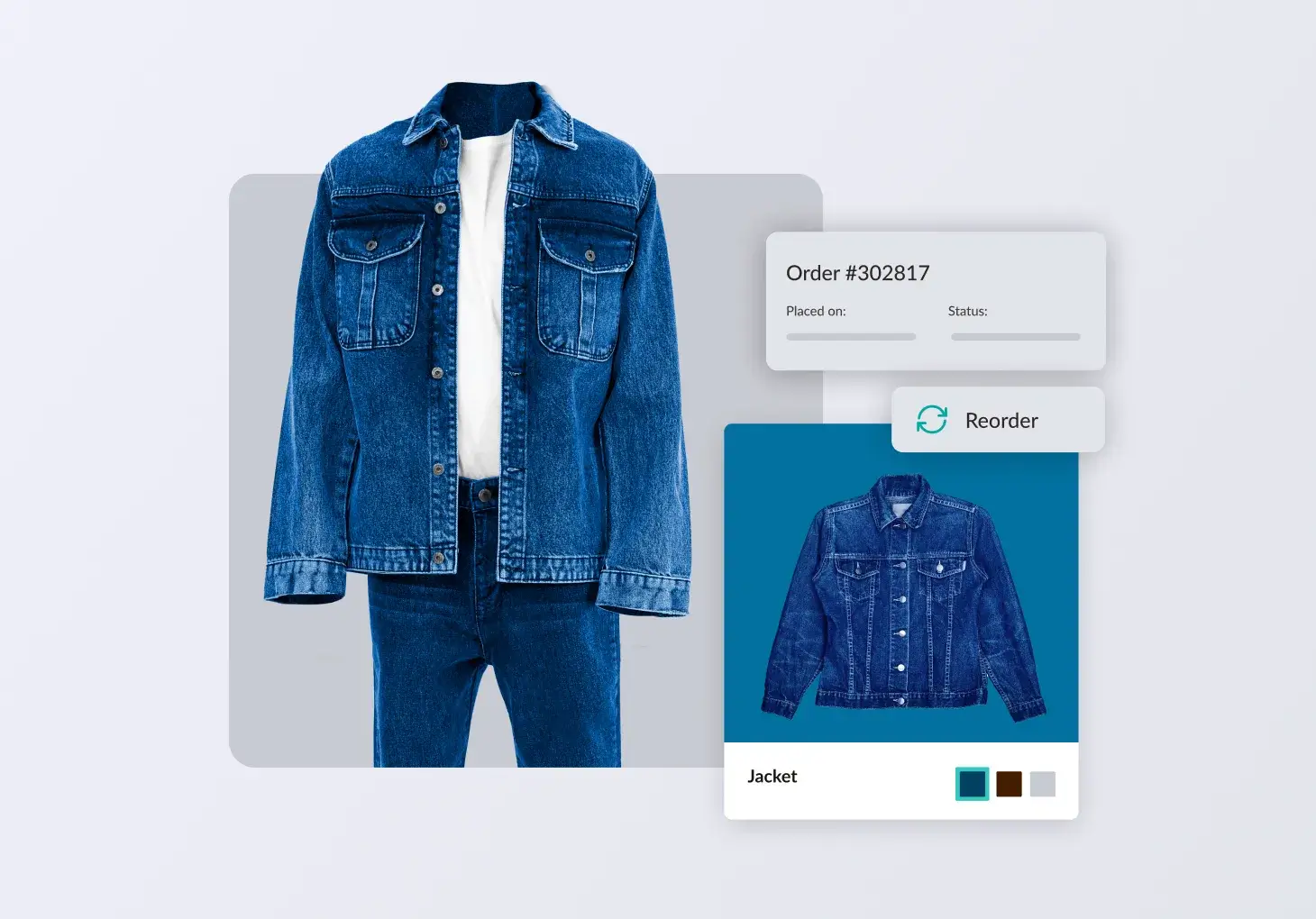
Streamline wholesale ordering with PO Sync
PO Sync lets you create purchase orders in either Lightspeed POS or NuORDER, with order details automatically syncing between both platforms to save time and cut manual entry. Our latest enhancement, Advanced Linking, makes syncing from NuORDER to Lightspeed POS even more accurate with true one-to-one product matching. You get better control, cleaner imports, and fewer manual fixes.
Get paid faster this holiday season
Remember, you can automate daily payouts and access Lightspeed Payments funds in as soon as 30 minutes.* It only takes a minute to set up. Head to the Finance section in your back office, then visit the payouts tab to enable same-day payouts.
Want to be featured in a case study?
We’d love to hear from you. Share your story with Lightspeed.

October product updates
Enable one-click checkout with Link by Stripe
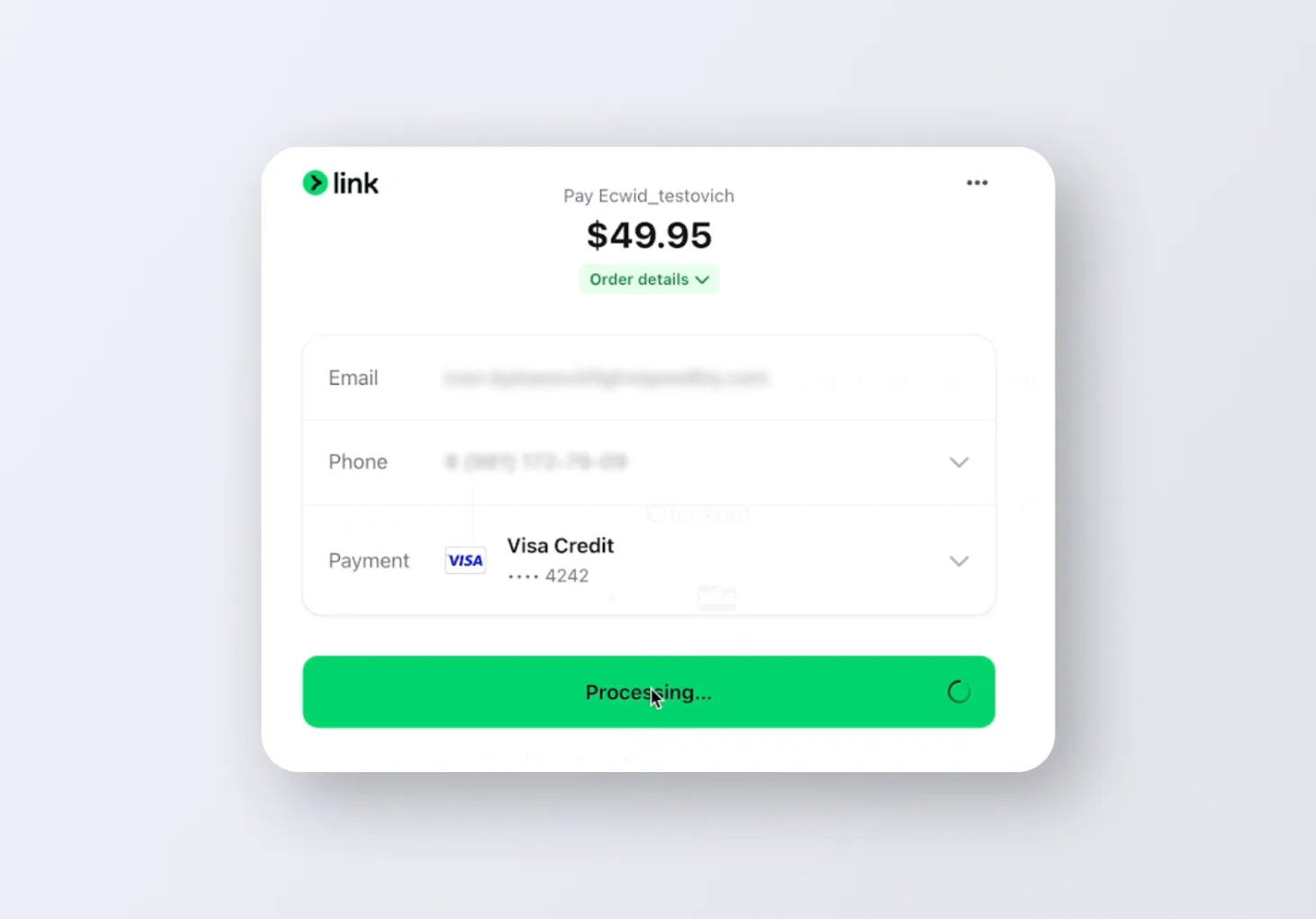
Checkout just got easier for your ecommerce store. Link lets customers save their payment details once so they can make one-click purchases on any website that supports Link. Get started today to become one of them.
See composite products online
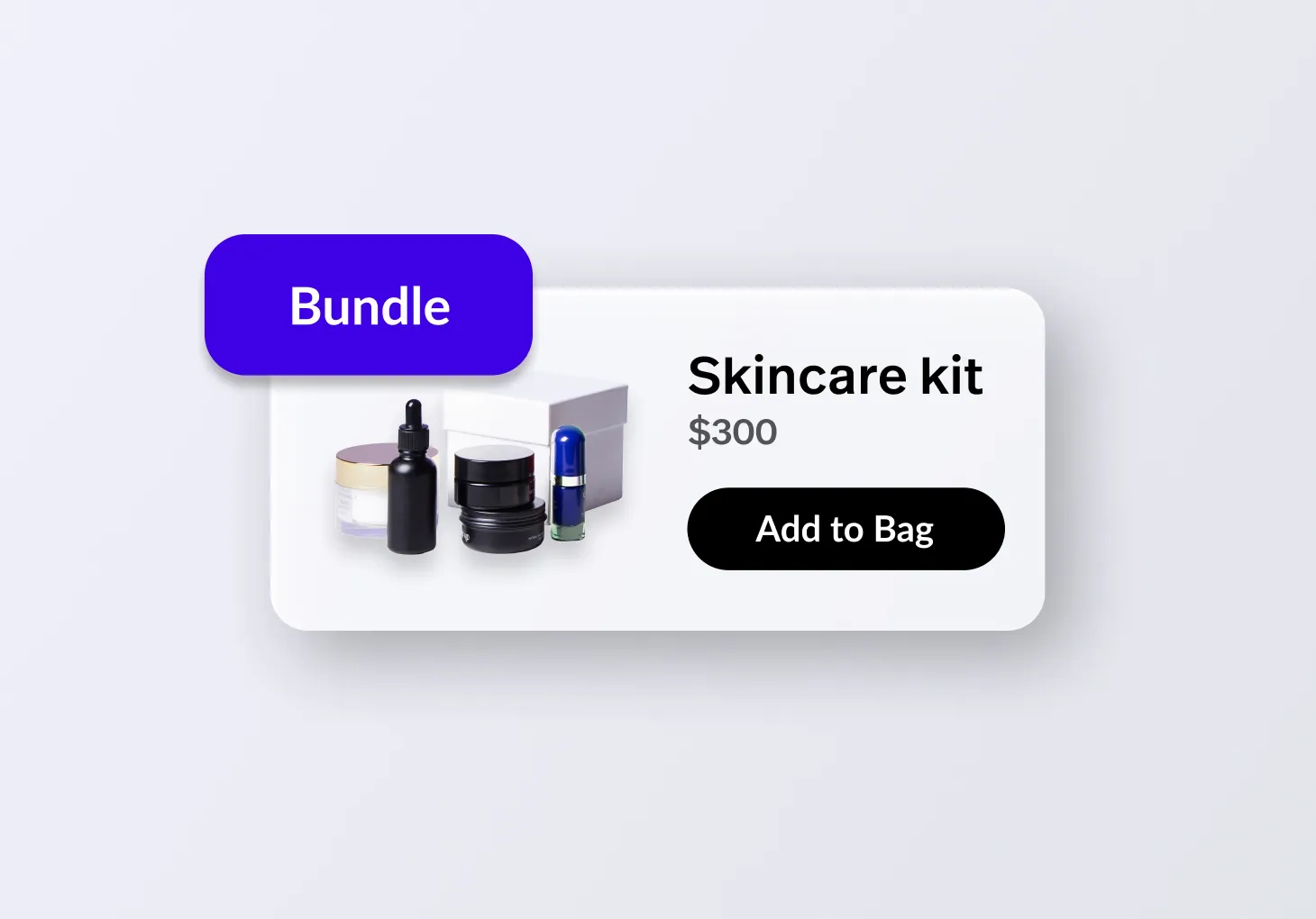
Composite products are pre-configured bundles of fixed-quantity SKUs, sold as a single product at a special bundled price below the regular price. Composite products configured once in your Lightspeed Retail back office and applied to both in-store and online are now shown online alongside standard products.
Color swatching is now easier
The color swatch feature, launched in May, now takes less time. Instead of manual set up, now you can swatch colors in just a few clicks. Apparel products with a color attribute (or similar) get swatches automatically configured in the online catalog, with HEX color codes detected based on attribute values.

Build custom drop-down headers in Instant Site
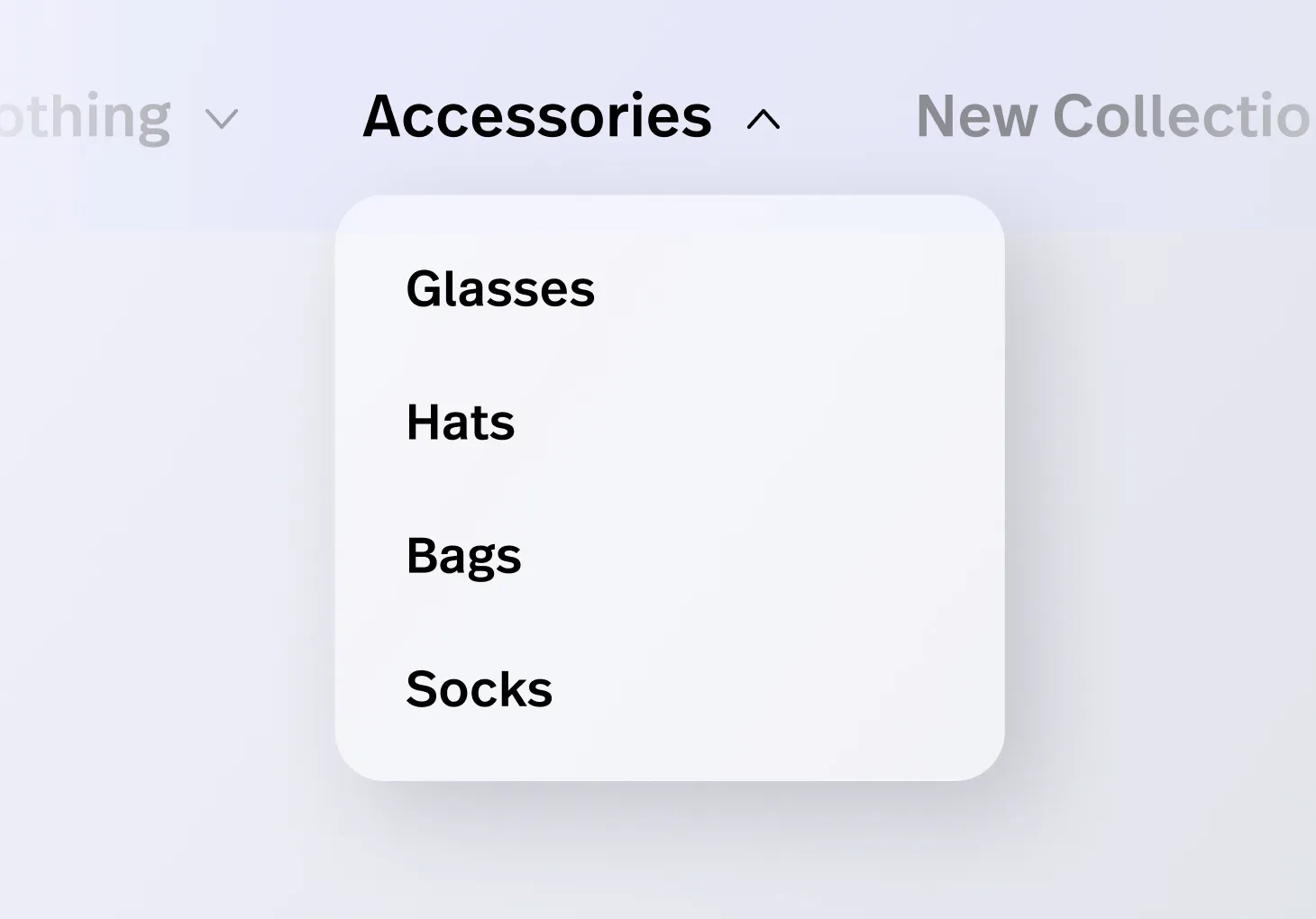
You can now build custom drop-down lists in the Instant Site's navigation menu. This update lets you add any link you want (not just store categories and brands) to create a more flexible menu hierarchy. Easily link to pages like "About Us," articles or services, giving your customers a clearer, more convenient browsing experience.
Set customer-specific pricebooks
Omni price books let you set and manage product prices once in Lightspeed Retail and have them apply both in-store and in your Lightspeed eCom store. You can target prices to specific channels, locations, customer groups or items, and schedule when those prices go live.
Try the new partial fulfillment API release
Lightspeed now offers a new set of fulfillment APIs that support partial fulfillment, letting retailers pick, pack, and fulfill individual items or quantities within a sale. This long-requested feature adds flexibility, improves fulfillment accuracy and enables more complex workflows. The new API endpoints are live, giving partners and integrators time to integrate before the front-end rollout. Updated documentation, including our API Reference, Changelog, and a step-by-step tutorial, are available to help you get started.

Easier dispute management is here
We've made managing payment disputes faster and easier so you can better protect your revenue. Save time and stay organized by viewing all your disputes in the Financial Services section of your back office. Plus, with automatic email alerts for new or updated disputes, you can respond faster than ever, helping you meet critical deadlines and build a stronger case.

Add positive adjustment reasons
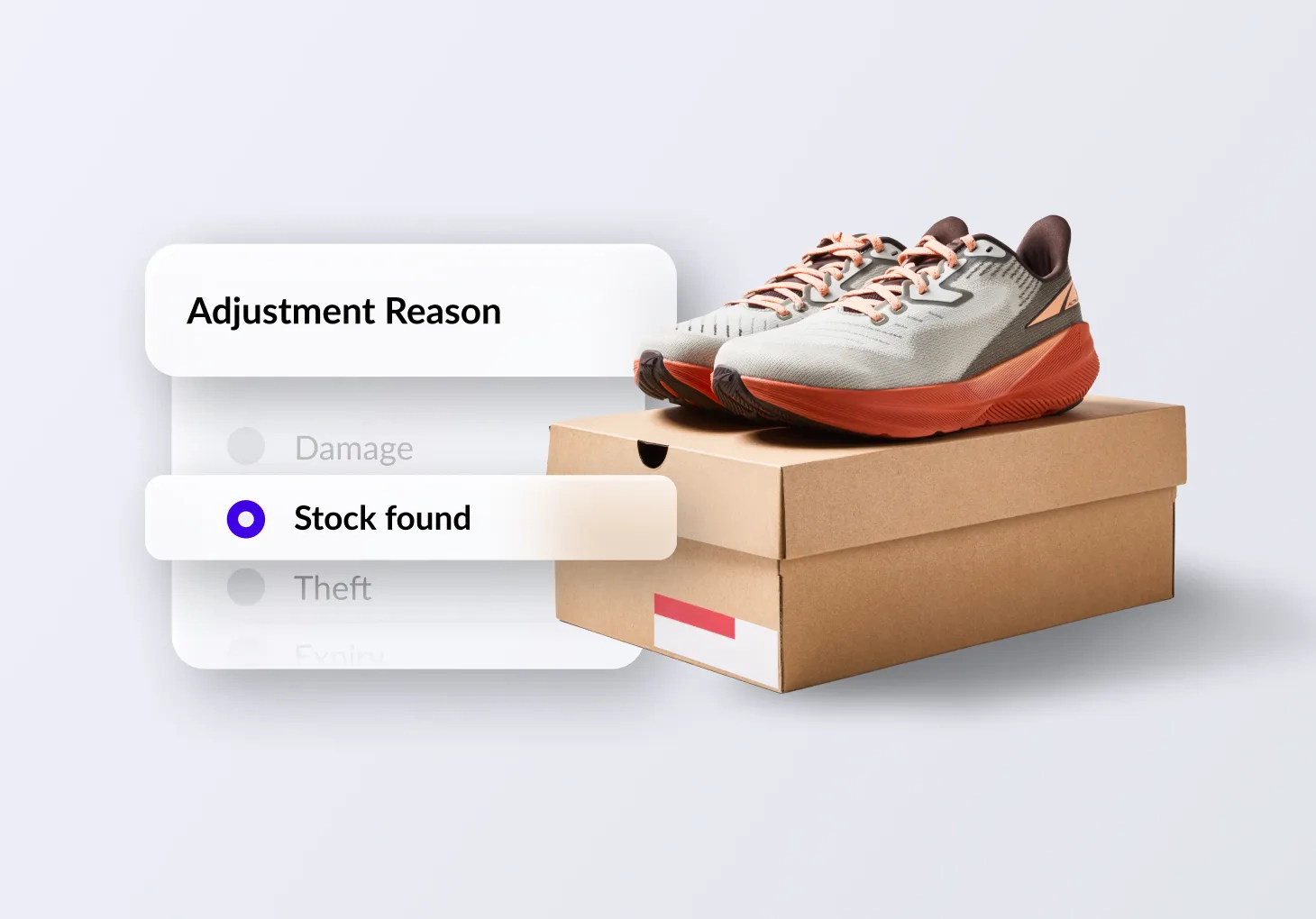
With the new built-in adjustment reasons, merchants can now easily record positive adjustments directly from the product listings page, such as “Stock found” for inventory that wasn’t previously counted or “Sample for sale” for items now available to sell. Merchants can also create their own custom adjustment reasons in Catalog > Adjustment Reasons, choosing whether each reason increases or decreases stock. This update simplifies stock corrections, improves reporting accuracy, and gives merchants clearer visibility into why inventory levels change.
Want to be featured in a case study?
We’d love to hear from you. Share your story with Lightspeed.

25 easy holiday marketing ideas for retailers
The holiday season is here, but it's never too late to expand on your marketing strategy. Check out our comprehensive guide with 25 easy holiday marketing ideas to help your business stand out.
September product updates
Launch an online presence fast with AI Showroom
Not ready to sell online yet? You can still put your business on the map with AI Showroom. Build a stunning site with the help of AI in minutes, then refine it your way. Shoppers can find you and explore your products, then go in-store to purchase.

Navigate your back office faster with global search
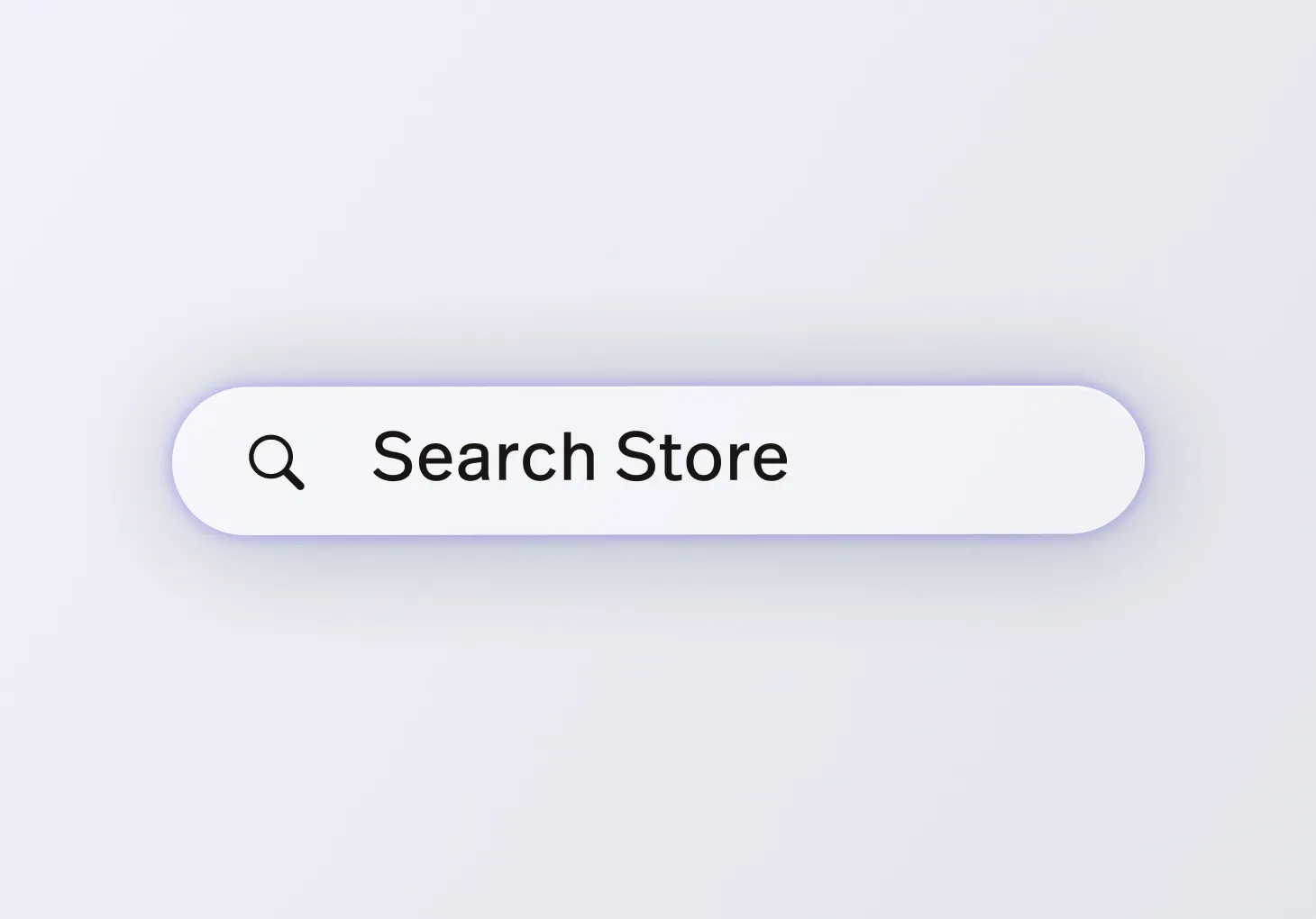
Save time and get exactly where you need to be with our new global search function. Instead of clicking through multiple menus, you can now simply search and jump straight to the right page. Try it out in your back office today.
Create services in your back office
Service module users, your technicians can now create services right from the back office without going through the sell screen. This will save time and streamline your service workflows.

Easily assign technicians to a service
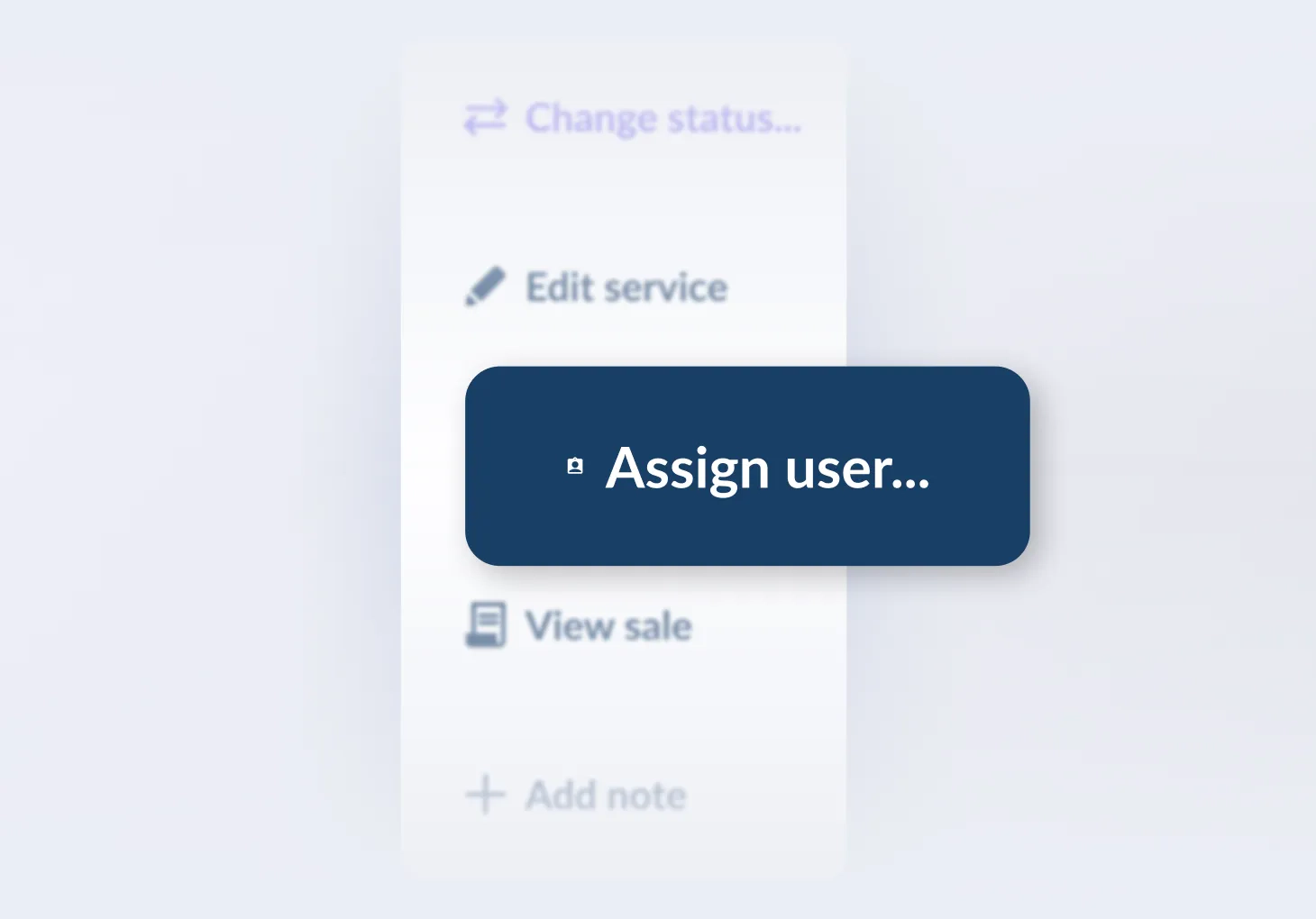
Does your store have multiple technicians? Great news: you can now assign an employee to a service directly in the services module. When creating or editing a service, use the new “assign user” field to select which employee is responsible. You can even filter services by user, making it easy to track who’s working on what.
Rolling out now: Consolidate line items for easier scanning
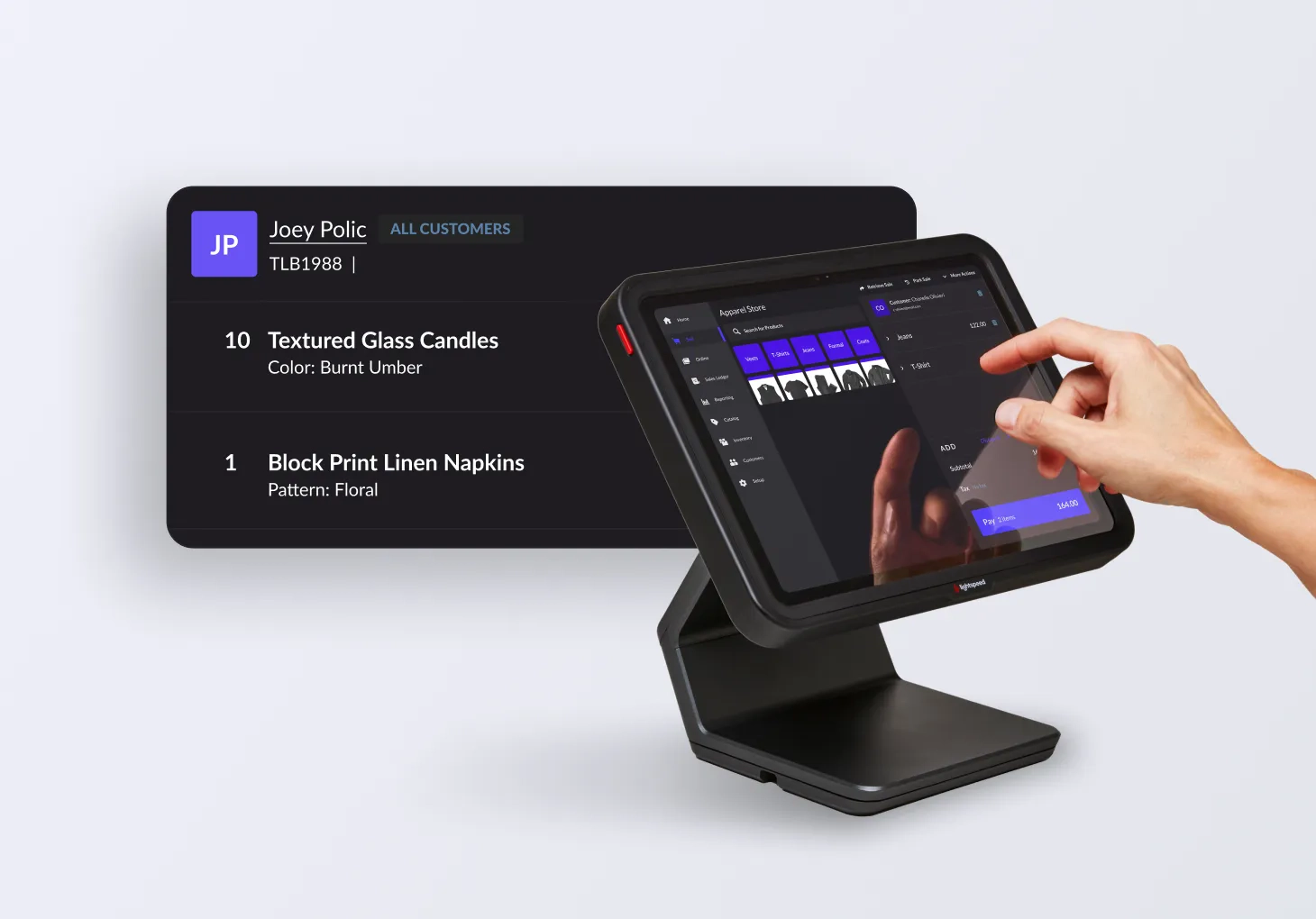
The sell screen will automatically combine multiple scans of the same item into a single line item, or manual adjustments to the quantity, speeding up checkout and shortening receipts. Simplify order review and reduce paper use, while still having the option to split items if needed.
Rolling out now: track true item costs
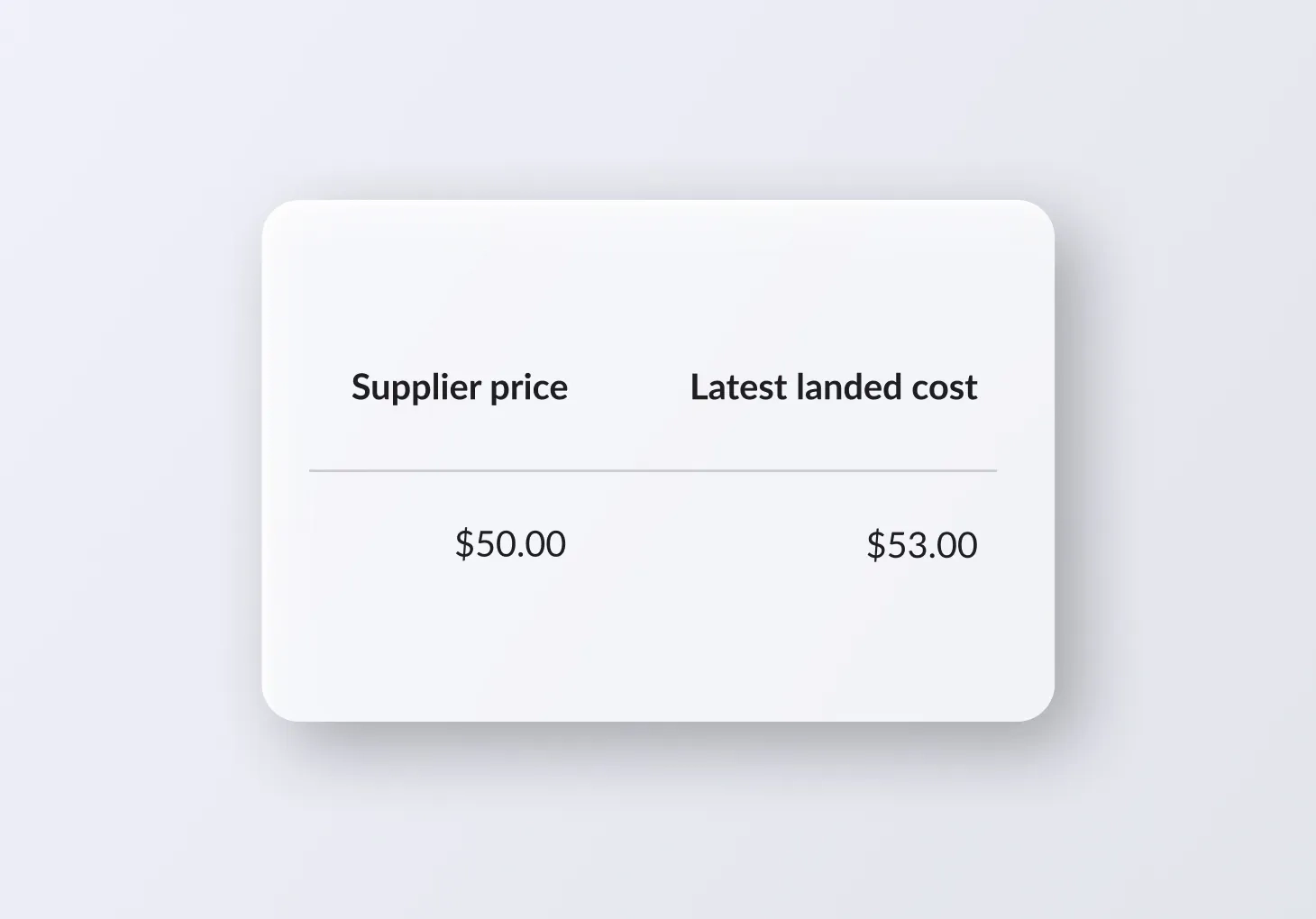
Manage costs seamlessly across your delivery workflows. See the true cost of each item in a purchase order with distributed landed costs, now launching on the receive delivery and multi-location receiving pages.
Sell items straight from product packaging
Ever had a customer at the counter ready to buy an item, but the system shows zero stock because it's still in a sealed case? You can now unpack a case and sell individual items directly from the sell screen, eliminating delays and lost sales when stock is still boxed. A new permission also lets cashiers do this without needing advanced product editing access.

Connect with customers using our new contact forms
Add a contact form directly to your instant site, giving visitors and customers a quick and easy way to reach you. Use new sections in the instant site builder to seamlessly fit into your store design, without relying on widgets. It's a simple, effective way to enhance your store and boost customer engagement.

Be the first to set flexible stock levels for your POs
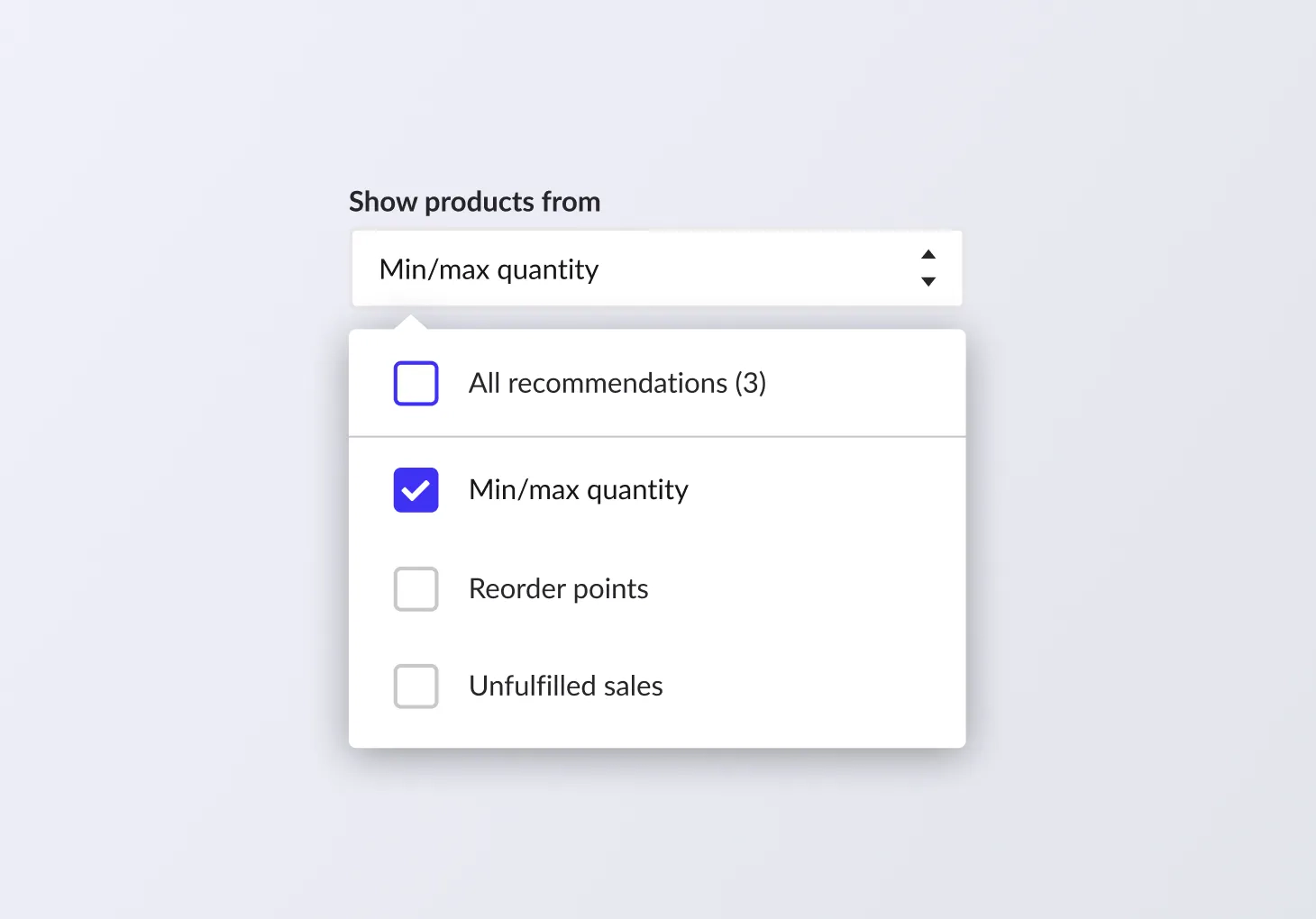
We’re launching a new minimum/maximum levels feature, now available in beta. This feature lets you set both a minimum and maximum stock level for your products, ensuring that when you generate POs for replenishment you're able to add products and quantities that will bring stock levels back up to desired maximum instead of relying on static reorder quantities.
Want to be featured in a case study?
We’d love to hear from you. Share your story with Lightspeed.