Reviewing your pricing before 1 October?
From 1 October, card surcharging will no longer be permitted. Lightspeed Menu Pricing Assistant helps you model, review, approve & schedule menu updates.
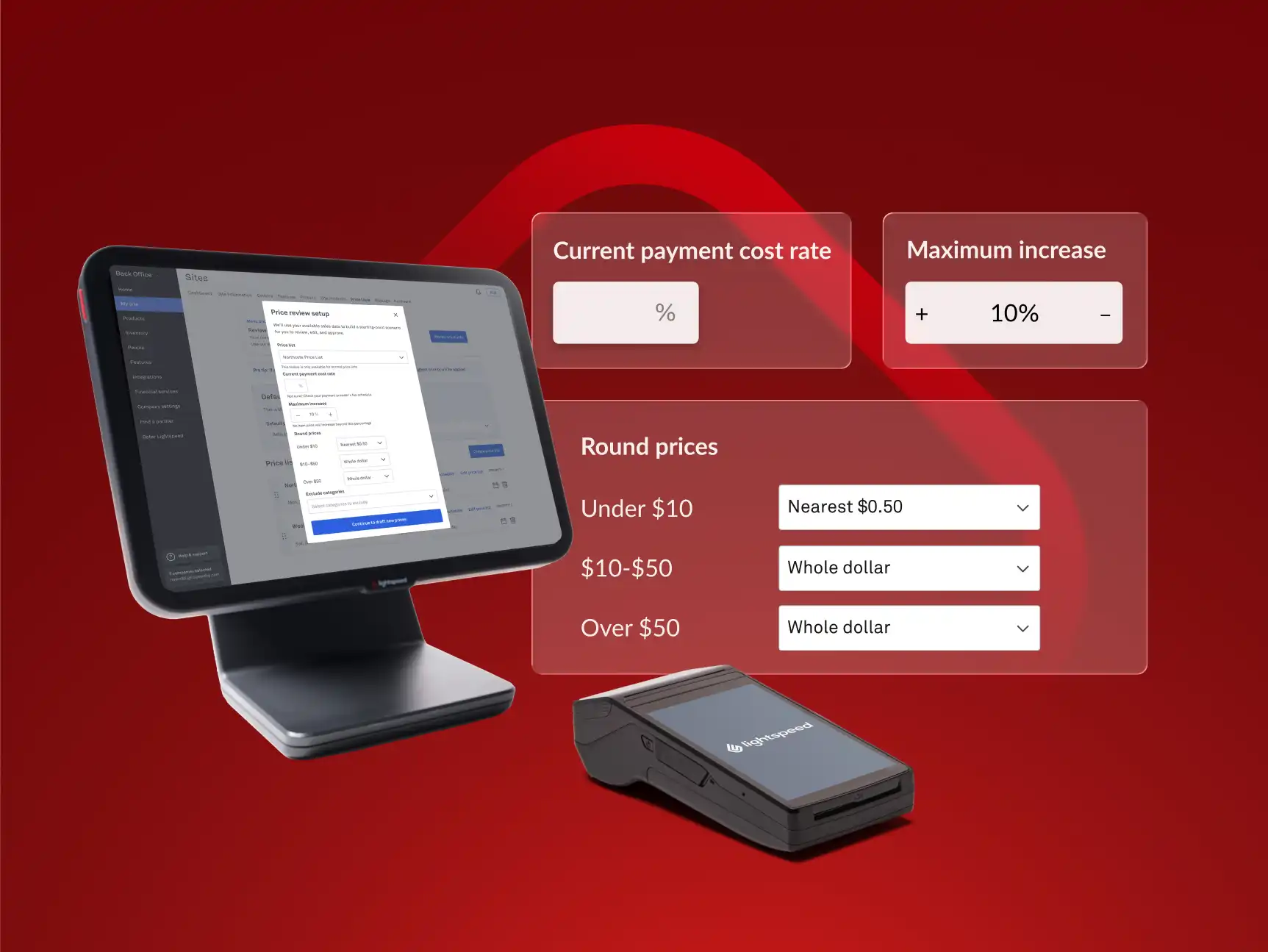
Lightspeed Menu Pricing Assistant
A simpler way to work through pricing updates
Lightspeed Menu Pricing Assistant is a free tool in your Back Office that helps you model price updates, review the estimated impact and schedule changes for when you're ready.
Final pricing decisions are yours—nothing goes live until you confirm.
How it works
Three steps, at your own pace—nothing goes live until you confirm.
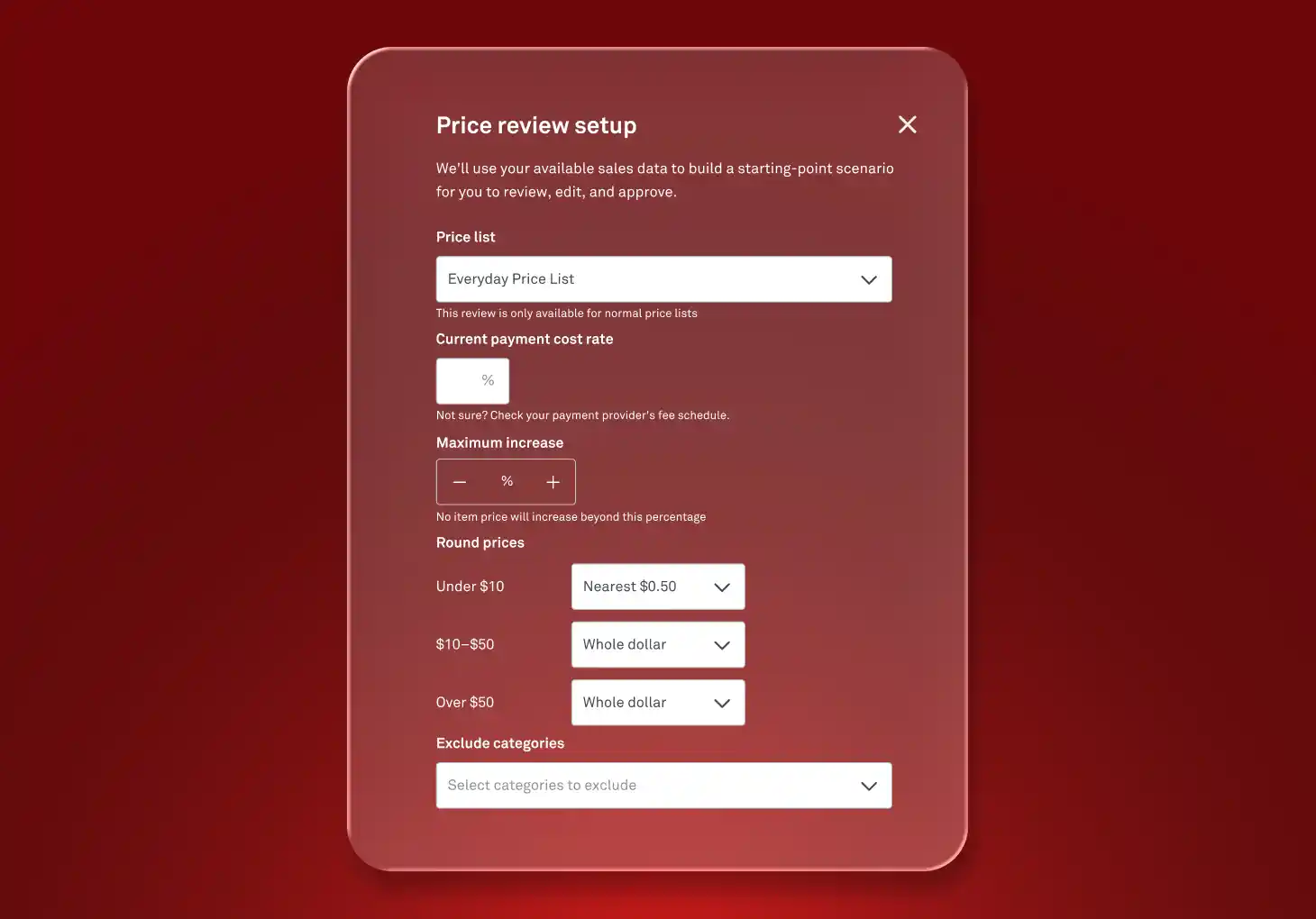
1) Set your rules
Enter your cost rate assumption and rounding preference you want to model (e.g. $8.12 → $8.50, nothing awkward), and choose any categories to leave untouched.
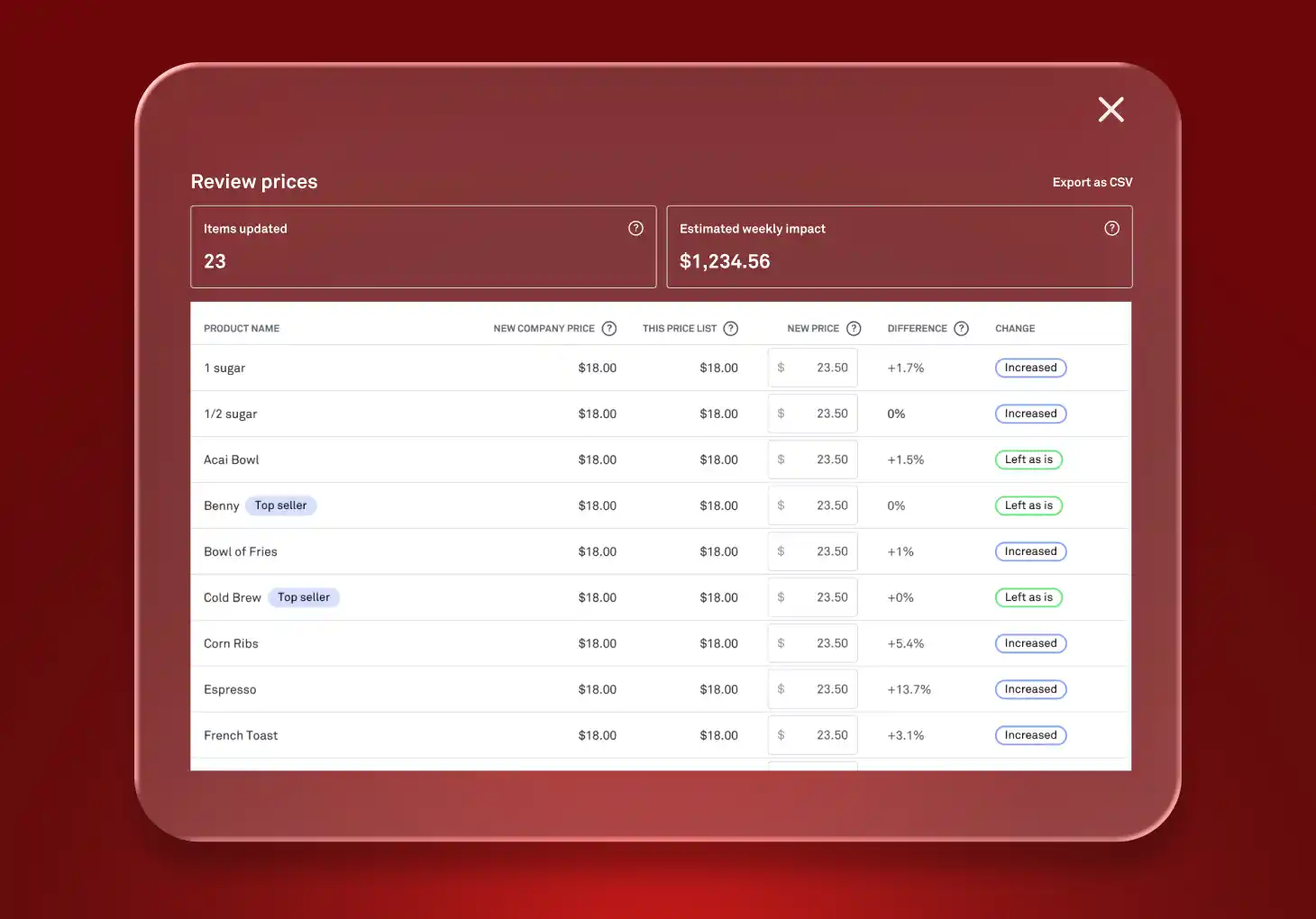
2) Review & adjust
See an estimated revenue projection based on your last 30 days of sales.
- Review the suggested price for every item
- Adjust anything you'd like
- Export the full csv list for your records or to share with the team
3) Schedule
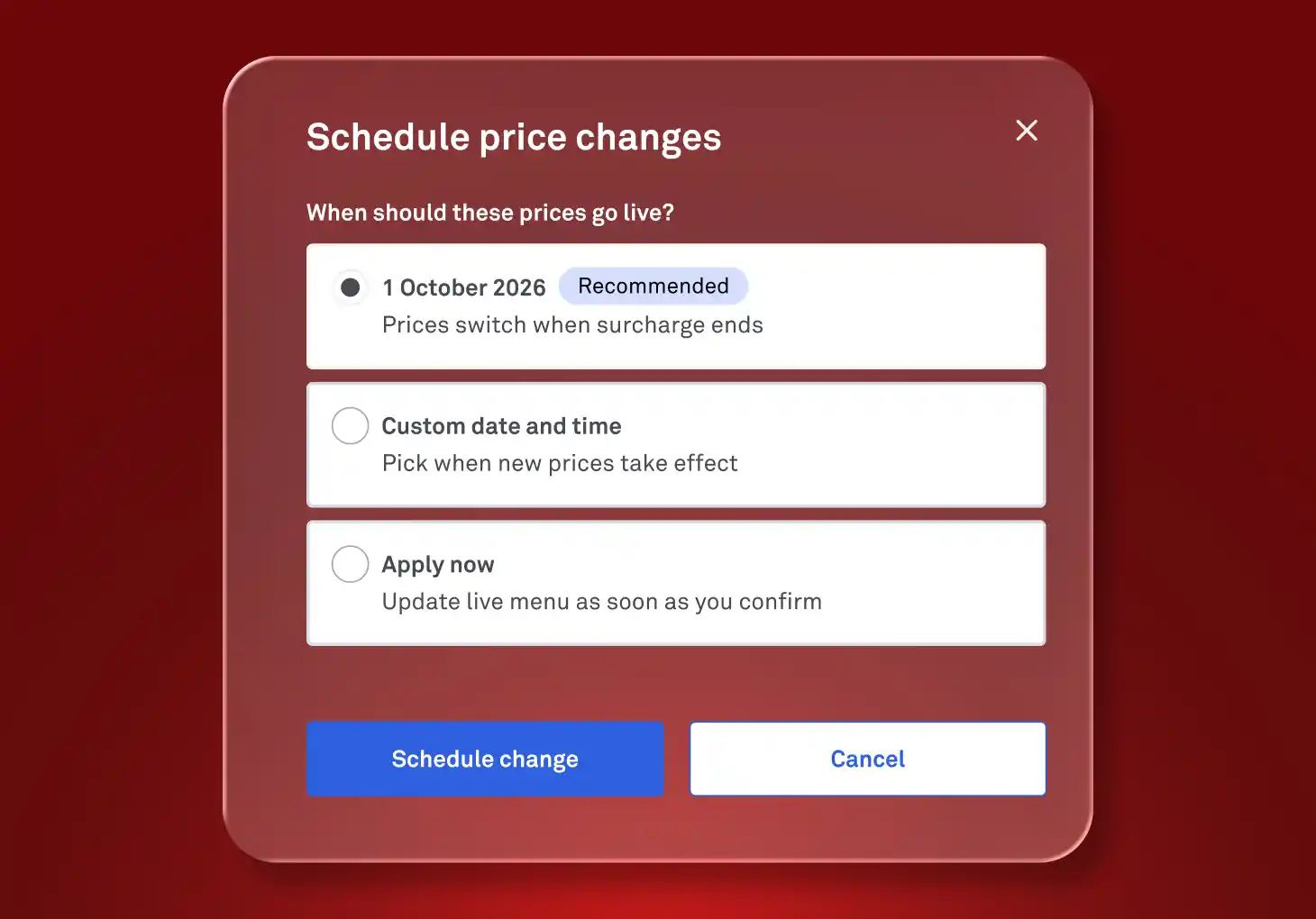
Pick your go-live date. Once you approve and schedule the update, your POS will update with the new menu prices across every device—edit it anytime before your scheduled date.
Ready when you are
It's already available in your Back Office. Open it whenever you'd like to start modelling.
Lightspeed Menu Pricing Assistant helps you model and schedule pricing scenarios based on the information available. It doesn't provide legal, tax, financial or pricing advice. You control all pricing decisions and actual results may vary.