CROSS-LOCATION FULFILMENT

Capture more sales with Sell Across Stores

Keep selling, even when an item is out of stock at your location. Sell it, then fulfil it at another store in one smooth workflow.
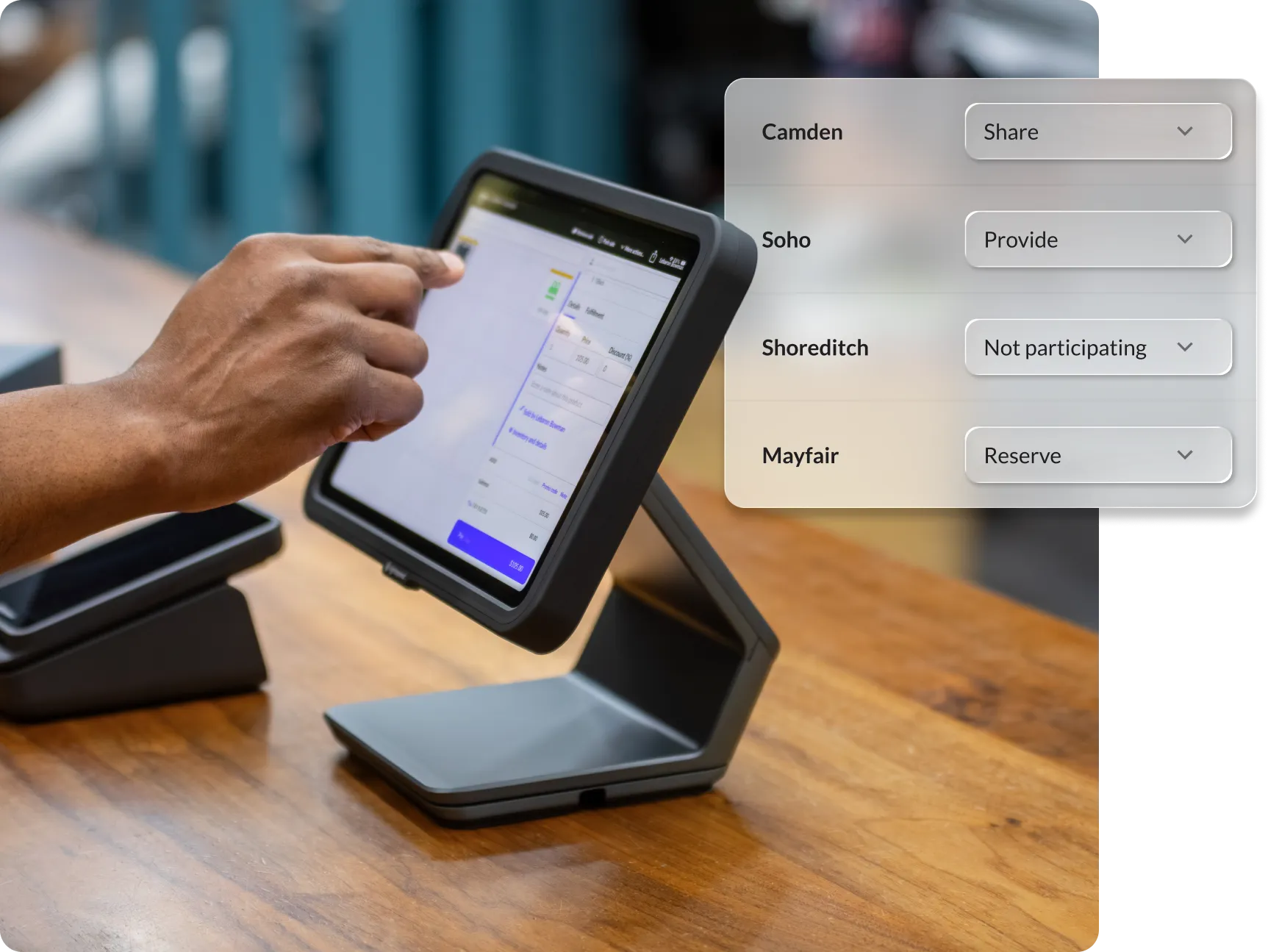
Keep sales moving from store to store.

Stop using time-consuming workarounds to fulfil orders. Simply select the item you want to fulfil at another location, choose your fulfilment method and finish the sale.
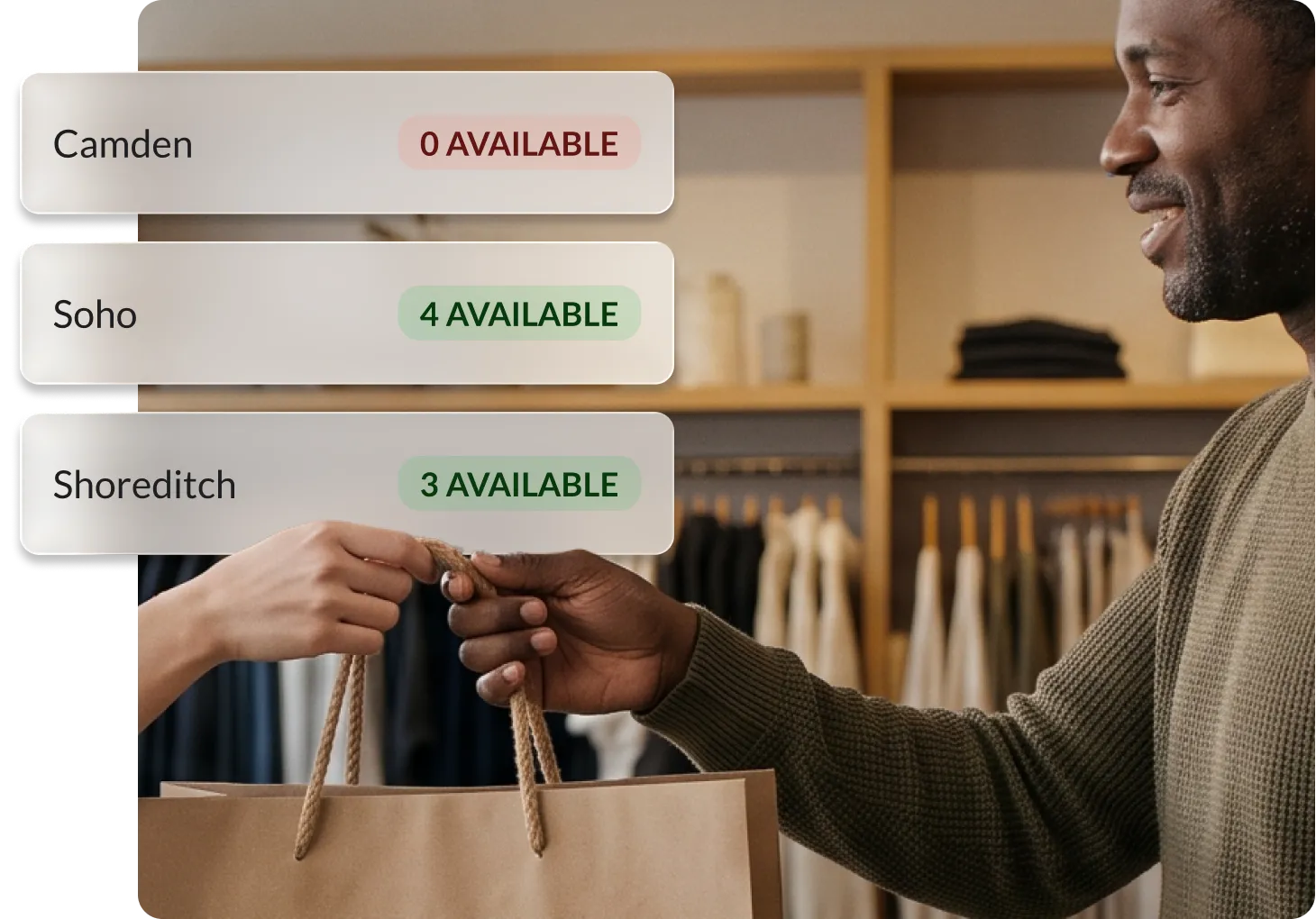
Sell from any outlet

Never lose a customer to an item being out of stock.

Secure items in a click

No more setting items aside by phone or accidentally double-selling.

Offer flexible fulfilment

Customers can pick up their items or staff can have the item shipped.

Stay on top of orders

Staff are notified when an order comes through so nothing falls through the cracks.

Fulfilment is easier with Lightspeed

FAQs

How does inventory reservation work for cross-location fulfilment?

The inventory is immediately reserved in the other store when the sale is created, and is marked as not available to sell.

How do payments work for cross-location fulfilment?

The payment is taken in the store where the sale is created, and must be paid in full before it can be fulfilled.

How does the fulfilment store know they have to fulfil a sale?

Staff at the fulfilment location are notified in-app the moment the sale goes through. You can also see all the details in the Sales History tab in your Back Office for every store related to the sale.

How do I fulfil sales across multiple stores?

There's one fulfilment created for every fulfilment store. These can be fulfilled and tracked individually.

How do I set up Sell Across Stores?

Set it up in a few clicks. Head to settings > fulfilments > enable Sell Across Stores.

Can any of my staff use Sell Across Stores?

Sell Across Stores can be restricted as a user permission for managers and cashiers, so you can control who can make this type of sale.