IPAD ePOS SYSTEM

Go mobile with an easy-to-use iPad ePOS system

Get out from behind the counter. Whether you're running a restaurant or a retail shop, Lightspeed's iPad ePOS system helps you provide your customers with a better experience.
~150K

~150K locations around the world trust Lightspeed**

200+

Over 200 Michelin-starred restaurants rely on Lightspeed

20

Our experts have been guiding retailers for over 20 years

iPad ePOS tools for restaurants and retail shops.

Lightspeed's restaurant and retail cloud-based iPad ePOS systems are easy to learn and intuitive to use. Upgrade your business to the iPad point of sale powering over 144,000 customer locations worldwide.

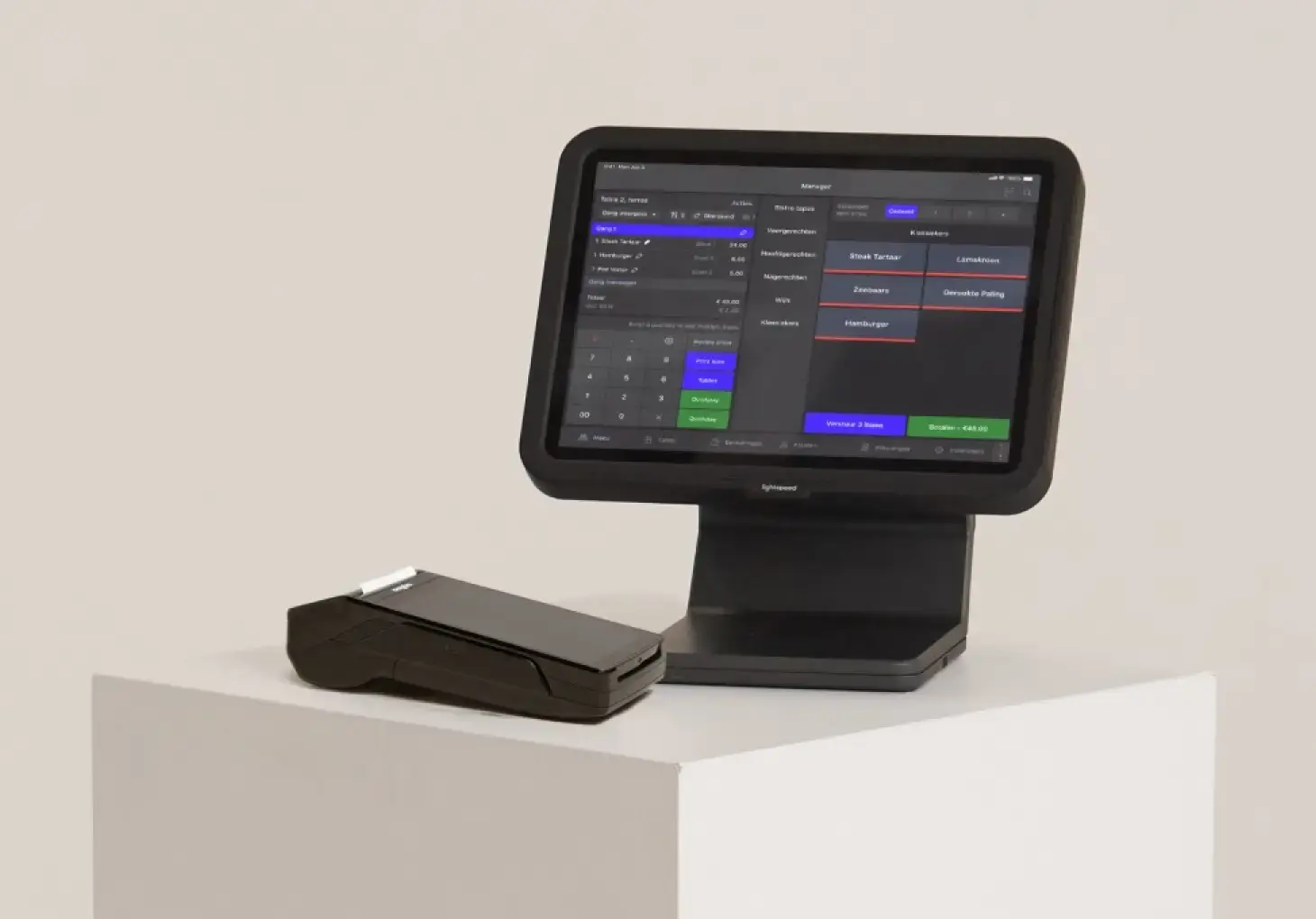
  • Whether you have your own or use a Lightspeed iPad, run your business on sleek, modern hardware
  • Benefit from cloud-based data so you can keep an eye on your business' performance from anywhere
  • Provide on-the-spot service with an iPad ePOS that follows you and your customers
Top 5 benefits of an iPad POS
Mobility & flexibility

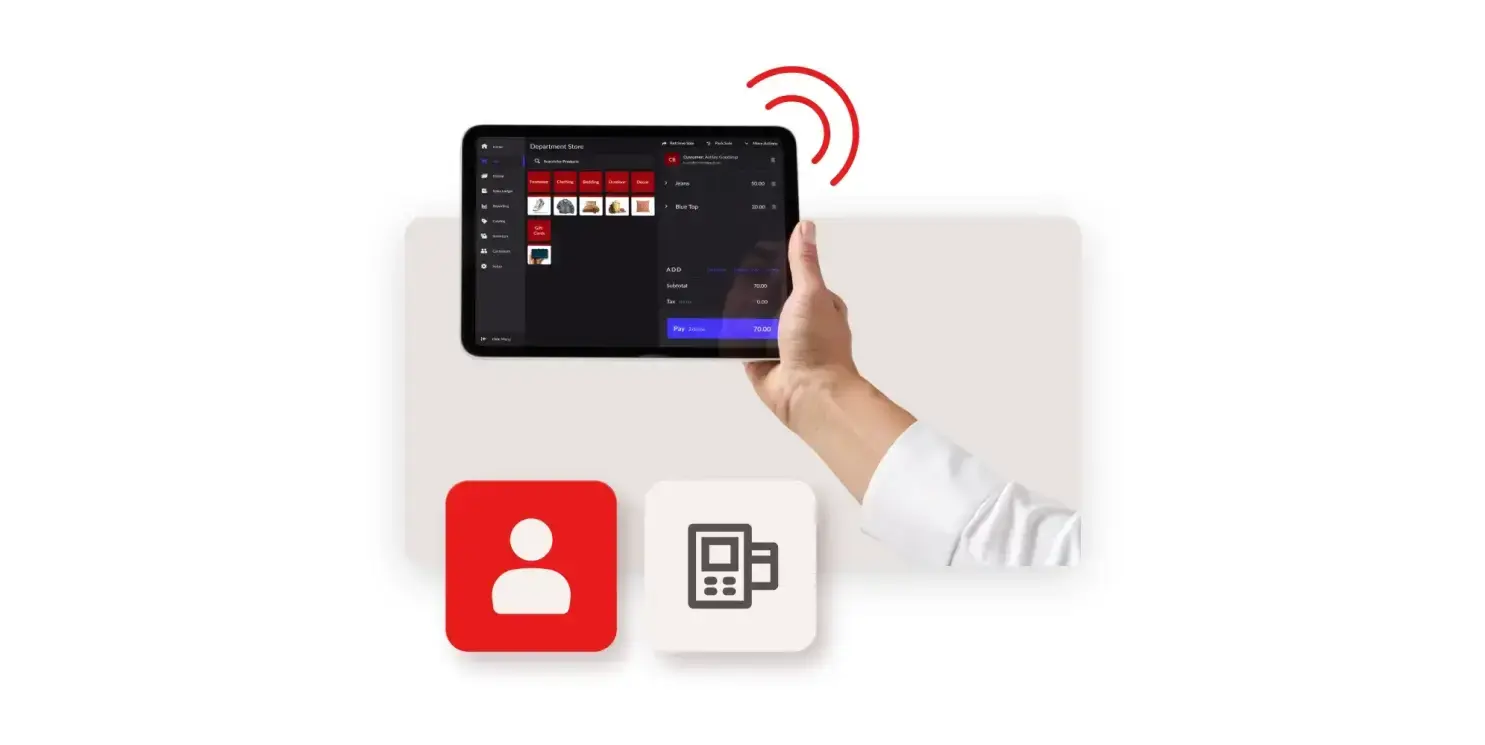
Serve customers wherever they are: on the shop floor, at the table or at events. An iPad ePOS frees your staff from fixed counters and bulky tills.
Faster checkout

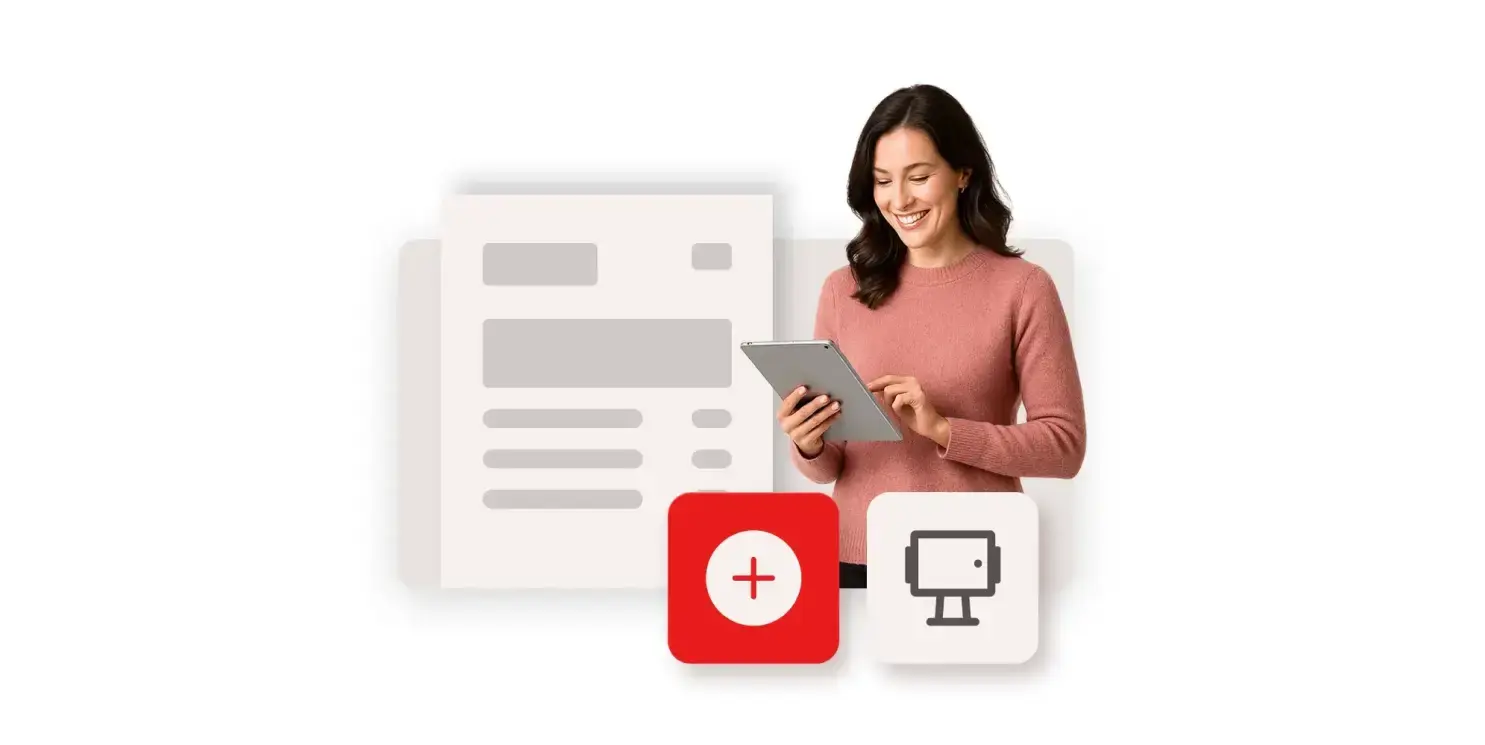
Take payments, apply discounts and rewards, and create customer profiles directly from your iPad. Intuitive workflows help reduce queues at peak hours.
Better customer experience

Access product data, real-time inventory and customer profiles instantly, so you can deliver fast, personalized service anywhere in-store.
Scalable for multi-location businesses

Add unlimited registers and users across locations while managing reporting, inventory and staff permissions from one central dashboard.
Real-time inventory management

Check stock availability and adjust quantities directly from your iPad POS. Real-time syncing reduces manual work and prevents overselling.

Which iPad ePOS solution are you looking for?

Lightspeed has iPad ePOS systems for restaurants and retail shops.

Payment methods our iPad ePOS system accepts

Card payments

Using an integrated card reader, accept all major credit and debit cards.

Contactless payments

Accept tap-to-pay from contactless cards, smartphones and wearable devices.

Mobile wallets

Accept mobile wallet payments like Apple Pay, Google Pay and Samsung Pay.

Gift cards/split payments

Accept physical and digital gift cards, partial payments and split tenders.

Faster turnover from efficient restaurant ePOS tools.

Equip your employees with the tools they need to serve up experiences that leave a lasting impression. Improve turnover and boost efficiency with a sleek and flexible iPad ePOS system for restaurants.

  • Fire orders directly to the kitchen as you're entering them tableside with a mobile iPad ePOS system
  • Offer guests payment at sear their seat with restaurant table ordering apps
  • Speed up order intake and payment processing with an efficient table ordering system

Give your guests a seamless dining experience

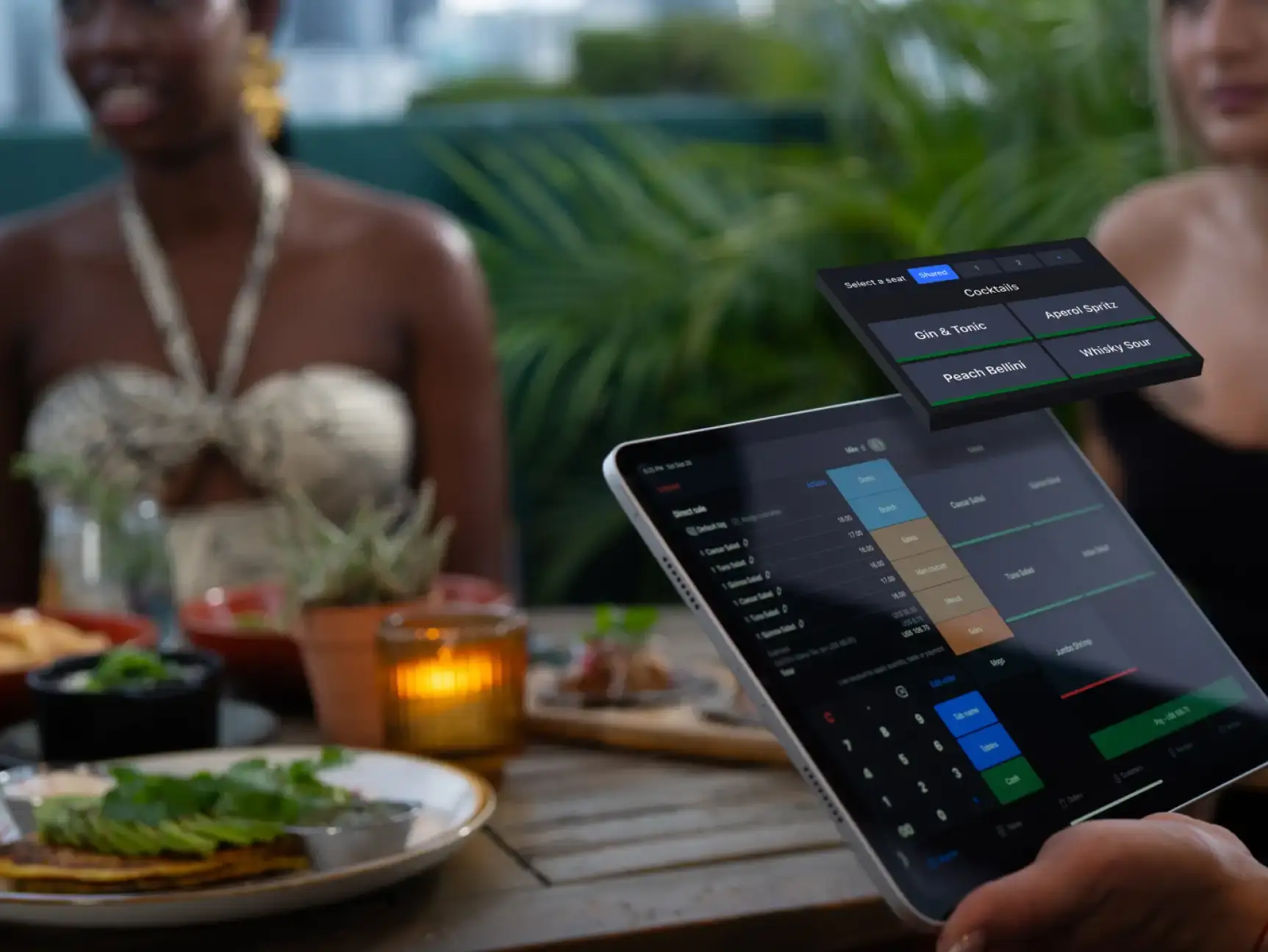
With Lightspeed's iPad Restaurant ePOS in hand, you have everything you need to provide excellent service. Orders get to the kitchen faster and payments are processed on the spot, freeing your staff up to focus on what matters — the guest experience.

A dine-in experience that leaves a lasting impression on your guests.

With Lightspeed Restaurant's iPad ePOS in hand, you have everything you need to provide excellent service. Orders get to the kitchen faster and payments are processed on the spot, freeing your staff up to focus on what matters—the guest experience.

A mobile ePOS system that modernises your in-store experience.

Untether your employees from the till. With Lightspeed's iPad POS system, anywhere can be your checkout counter—customers can request more information, make payments and join your loyalty program on the spot thanks to a mobile, connected workflow.

  • Give customers personalised service anywhere in store with customer profiles at your fingertips
  • Cut down on long queues by checking out customers on the sales floor with your iPad ePOS system
  • Access your inventory levels in seconds to facilitate upselling and product recommendations
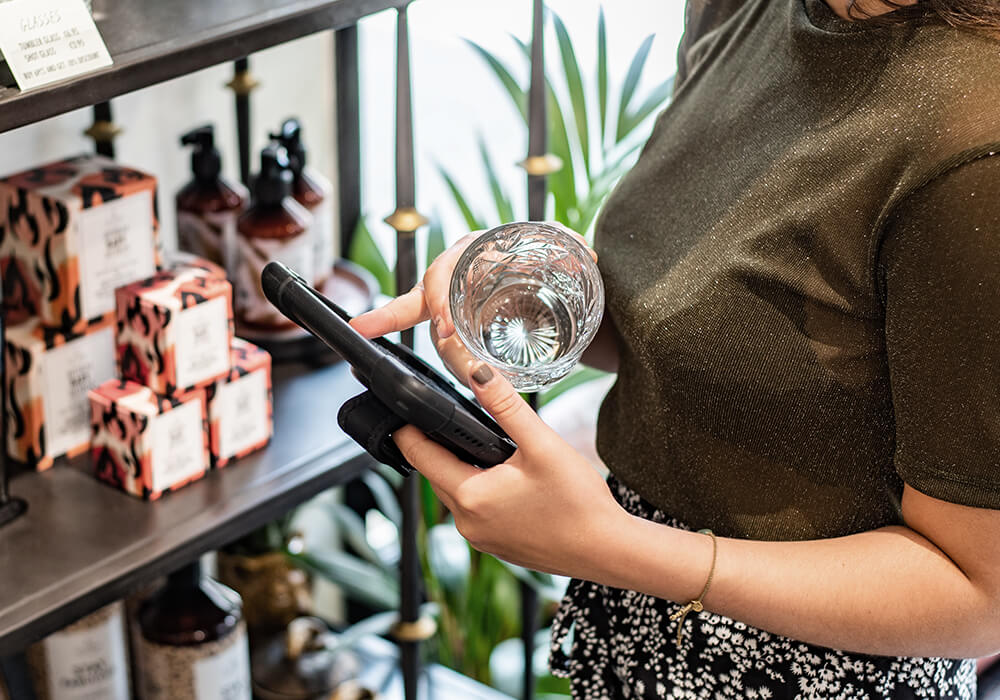
Help more customers from anywhere in your retail store

Say goodbye to legacy systems and clunky hardware. With Lightspeed Retail's iPad POS system, everything you need to create a personalized experience for your customers is right in the palm of your hand.

Help more customers from anywhere in your retail store.

Say goodbye to legacy systems and clunky hardware. With Lightspeed iPad POS system, everything you need to create a personalised experience for your customers is right in the palm of your hand.

iPad POS Hardware Accessories
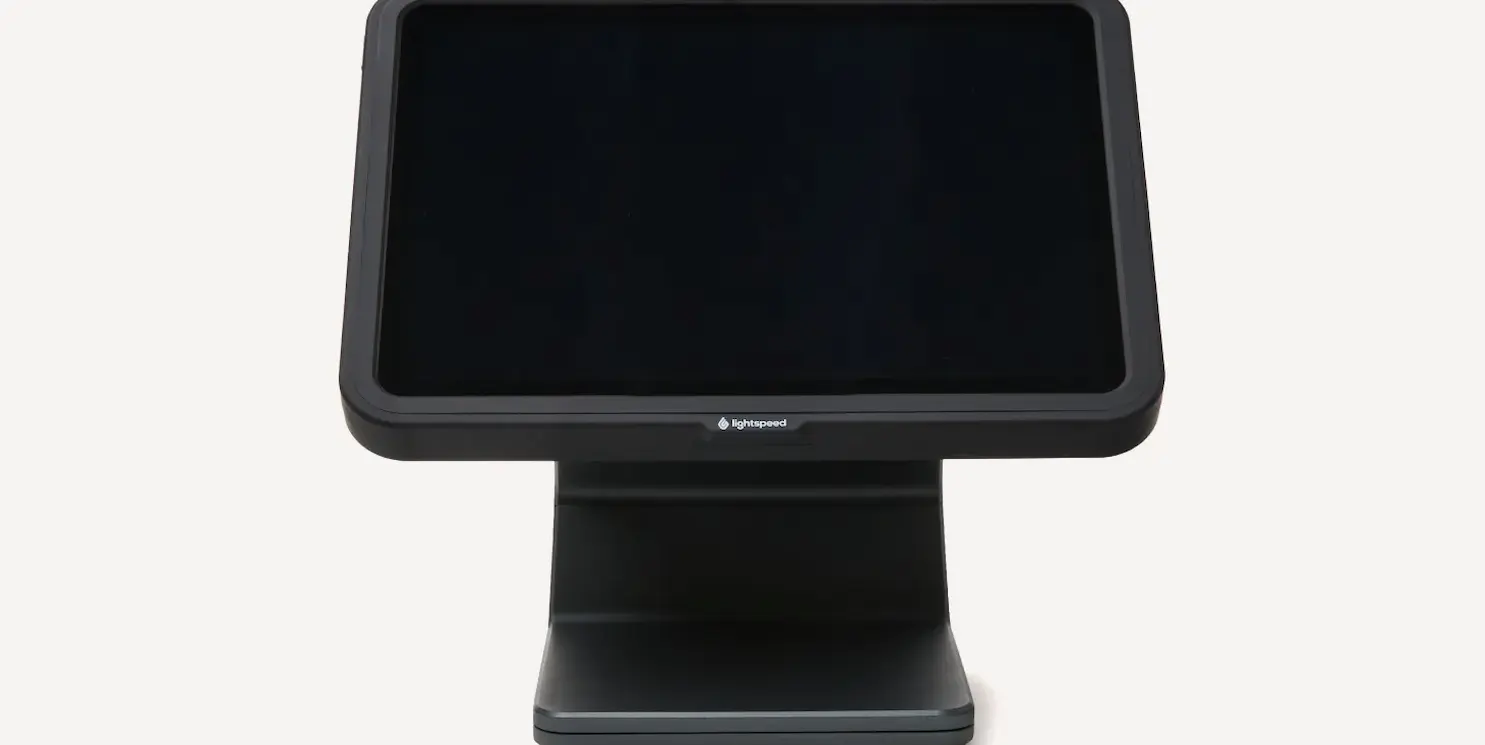
Lightspeed iPad stand

A sleek, sturdy iPad stand with magnetic swivel for easy customer interaction.
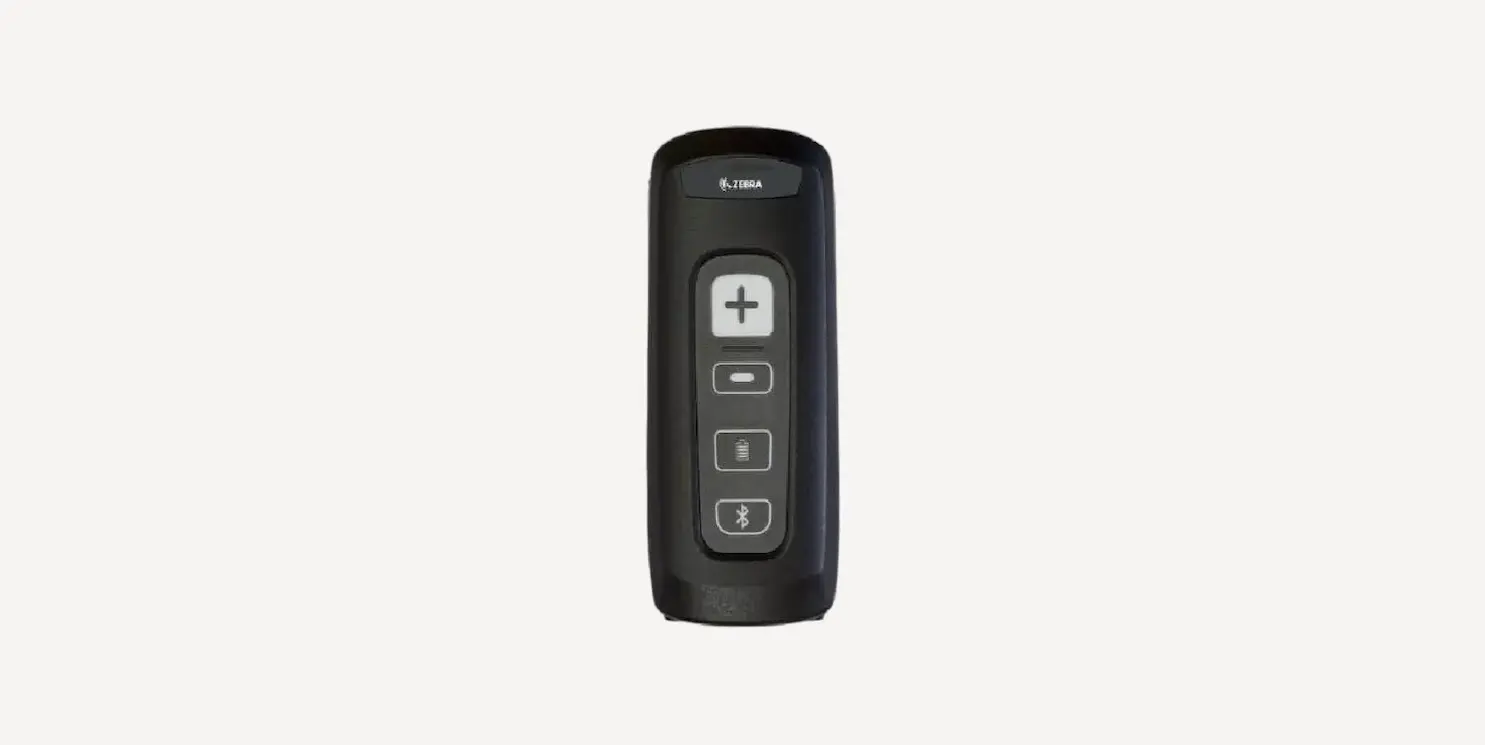
Bluetooth scanner

Our Bluetooth scanner is certified by Apple and integrates seamlessly with Lightspeed's iPad app.
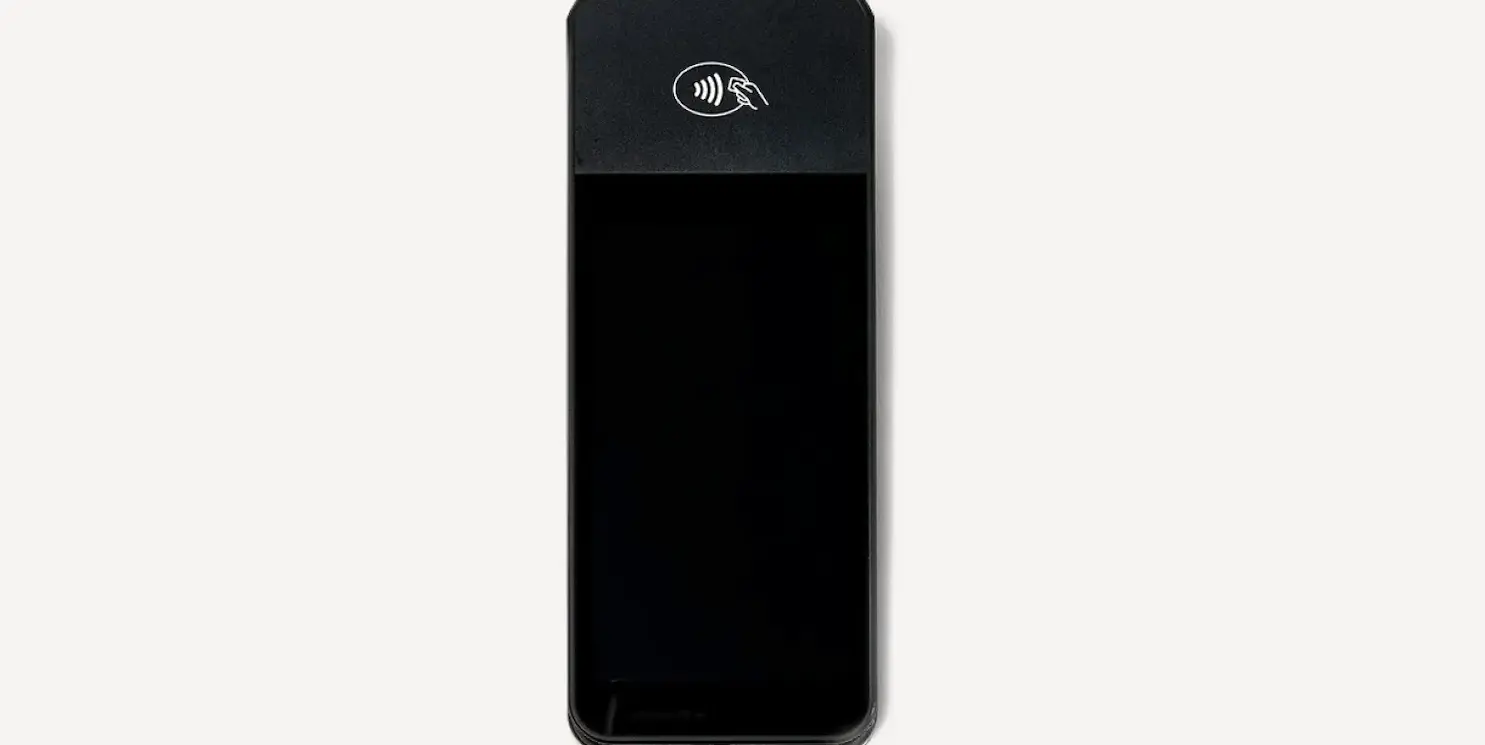
WisePOS E

Durable, lightweight payment terminal with touchscreen display and 12-hour active battery.

Do I need to use an iPad?

Lightspeed Restaurant ePOS users must use the iPad app to access ordering functionalities; however, the backend manager can be accessed on both an iPad and a desktop computer. This enables waitstaff to enter orders from anywhere in the restaurant (table, bar, or terrace) and send them directly to the kitchen with one tap.

Like Restaurant, Lightspeed Retail ePOS users are encouraged (but not required) to use the iPad app. Both the backend manager and point of sale can also be accessed on a desktop computer, so you can choose which device you prefer to run your entire business with. No matter the device you choose, you'll get full access to every feature. The main difference is that the iPad app lets your employees take the entire point of sale system with them anywhere in store to assist customers, transforming the shopping experience.

How do the desktop and iPad versions differ?

Lightspeed Restaurant is an all-in-one system, no matter the device you're using; the difference is the level of access you have to the ePOS depending on the device you're using. The desktop version is used to manage your backend only, from menus to floor plans and employee roles. The iPad app was designed to manage your front of house, such as taking orders, but can also let you manage the backend.

Like Restaurant, Lightspeed Retail is an all-in-one system, no matter the device you're on. The desktop version enables backend management and point of sale functionalities. The iPad ePOS system can be used alongside a desktop computer for both point of sale and most backend management functionalities.

Can you turn your iPad into a cash register?

Yes, you can turn your iPad into a "cash" register by using it as a central component of a point of sale (ePOS) system. You'll probably need to integrate additional hardware with your iPad ePOS to complete your setup, including a card reader for processing payments, a printer for customer receipts and a lock box/cash drawer for securely storing cash.

Can I use an iPad as a second register?

For Lightspeed Restaurant, every iPad registered to your account must be linked to a physical cash drawer. Note that if an iPad you're using is not connected to a corresponding cash drawer, all payments taken through it will be deposited in a virtual cash drawer automatically associated with the user logged in to the device. However you decide to manage this, any iPad associated with your account can be used as an extra register.

Like Restaurant, Lightspeed Retail plans include one register as default, but you can add extra registers to your plan by contacting your sales representative. Your registers don't all need to run on the same device — you can have both desktop computers and iPads running at the same time.

Which version of iPad do I need?

In order to use Lightspeed Restaurant or Lightspeed Retail on an iPad, you must have a version capable of supporting iOS 12.2 or higher.

Can I install Lightspeed ePOS on multiple iPads?

Yes. Lightspeed ePOS can be installed on multiple iPads, allowing you to add registers, enable mobile checkout, and equip staff across your store or locations as your business grows.

What cards can I accept with Lightspeed ePOS on iPad?

To accept credit and debit cards, you'll need to connect a compatible payment terminal or card reader to your
iPad ePOS. Once set up, you can accept all major cards, including Visa, Mastercard, American Express and
Discover, as well as contactless payments.

How do I take payments with Lightspeed ePOS on my iPad?

Once your iPad ePOS is paired with a compatible card reader, simply add items to the cart and choose the payment method at checkout. Lightspeed supports card, contactless, cash and gift card payments-all synced automatically with your sales reporting.

Do I need to use an iPad to use Lightspeed point of sale (ePOS)?

Lightspeed Restaurant ePOS users must use the iPad ePOS app to access ordering functionalities, however, the backend manager can be accessed on both an iPad and a desktop computer. This enables waitstaff to enter orders from anywhere in the restaurant (table, bar or terrace) and send them directly to the kitchen with one tap.

Lightspeed Retail ePOS users are encouraged (but not required) to use the iPad app. Both the backend manager and point of sale can also be accessed on a desktop computer, so you can choose which device you prefer to run your business with. No matter the device you choose, you'll get full access to every feature.

The main difference is that the iPad ePOS app lets your employees take the entire point of sale system with them anywhere in store to assist customers, transforming the shopping experience.

Can I use my phone as a ePOS system?

Yes, you can use your phone as a ePOS system but you'll need the right combination of hardware and software.

Using an app version of your ePOS and a mobile card reader, you can essentially turn your phone into a portable ePOS terminal, allowing you to accept payments, manage inventory and run your business from anywhere.

In a restaurant, where guests want to pay at the table and staff are always on the go, using your phone as a ePOS system makes a lot of sense.

For a sleek, all-in-one portable ePOS and payment solution for restaurants, check out Lightspeed Tableside.

How do the desktop and iPad versions differ?

Lightspeed Restaurant is an all-in-one system, no matter the device you're using; the difference is the level of access you have in the POS depending on the device you're using. The desktop version is used to manage your backend only, from menus to floor plans and employee roles. The iPad POS app was designed to manage your front of house, such as taking orders, but can also let you manage the backend.

Like Restaurant, Lightspeed Retail is an all-in-one system, no matter the device you're on. The desktop version enables backend management and point of sale functionalities. The iPad ePOS system can be used alongside a desktop computer for both point of sale and most backend management functionalities.

Can I use an iPad as a second register?

For Lightspeed Restaurant, every iPad registered to your account needs to be linked to a physical cash drawer. Note that if an iPad you're using is not connected to a corresponding cash drawer, all payments taken through it will be deposited in a virtual cash drawer automatically associated to the user logged in to the device. However you decide to manage this, any iPad associated to your account can be used as an extra register.

Lightspeed Retail plans include one register as default, but you can add extra registers to your plan by contacting your sales representative. Your registers don't all need to run on the same device-you can have both desktop computers and iPads running at the same time.

Which version of iPad do I need, to use Lightspeed's iPad POS system?

In order to use Lightspeed Restaurant or Lightspeed Retail on an iPad, you must have a version capable of supporting iOS 12.2 or higher.

How do I accept Apple Pay for my business?

To accept Apple Pay in your business, you need a contactless payment-enabled POS system.

The good news is that if you already accept credit cards in your business, there's a good chance you're already able to accept
Apple Pay. That's because Apple uses near-field communication (NFC) technology to enable contactless payments, and NFC technology has actually been in the market for some time. As long as your credit card readers are equipped with an NFC chip, you should be able to accept all kinds of contactless payments, from tap cards to Apple Pay and Google Pay.

If you don't already use a POS and payment provider that enables contactless payment methods, it's probably time to switch to one that does, especially as more consumers turn to digital wallets as their primary method of payment.

Lightspeed Payments supports digital wallets like Apple Pay. Your customers can pay quickly and securely, both online and in-store. Learn more about Lightspeed Payments.