The POS system to make your jewelry store shine

10 ways our POS system can help your jewelry store grow
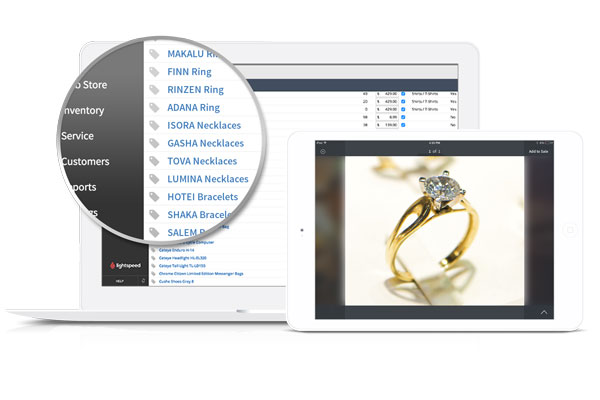
1. Show product images on your iPad
Use Lightspeed POS' mobility to your advantage. Working with a mobile POS means that you can walk around your store showing high-res product images to customers.
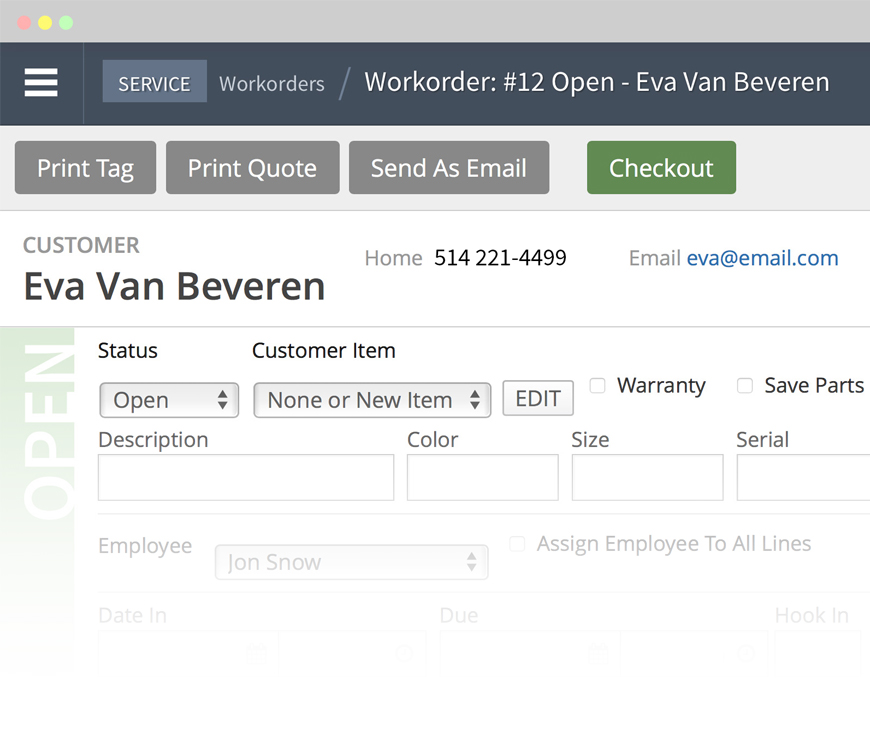
2. Work order tracking directly in the POS
Offer superior customer service by tracking your work and repair orders. Received a new watch for repair? Track exactly what stage of the process items are in, and manage customer expectations.
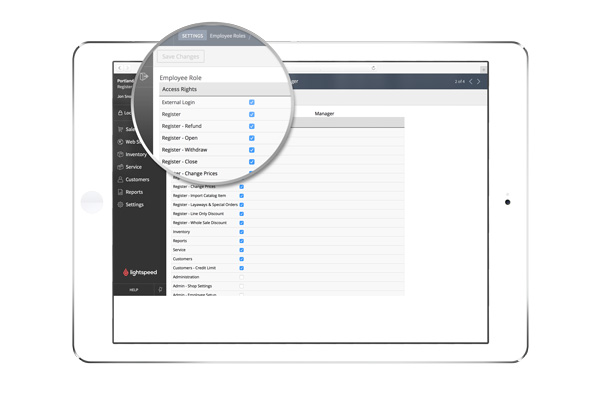
3. Control employee POS permissions
You control employee access within your store. Block the cost of items from employees, choose who can create discounts and more.
4. Set reorder points for products
Inventory management - simplified. Set a custom reorder point within the POS and be automatically notified when you should order more of a particular item.

5. Convenient discounting tools
Reward your customers. Flexible discounting tools make it easy to automatically apply discounts based on item category, brand, or customer group.
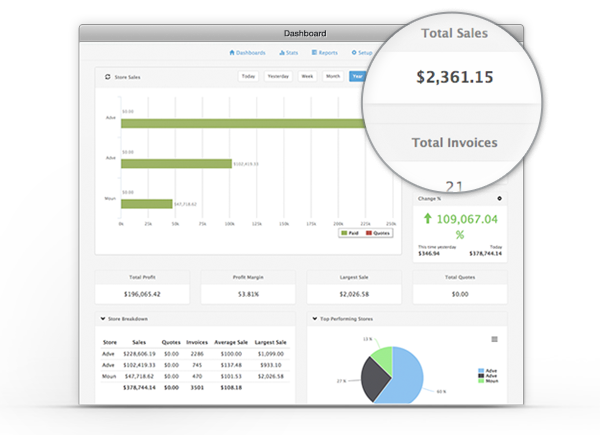
6. Real-time reporting
Make smarter business decisions with Lightspeed's built-in POS reporting. Get real-time sales figures, employee progress and much more — everything you need to grow your business.
7. Simplified purchase orders
Complete a PO and fax, email, or if working with a vendor that’s integrated with Lightspeed Retail POS — submit order directly over the web.
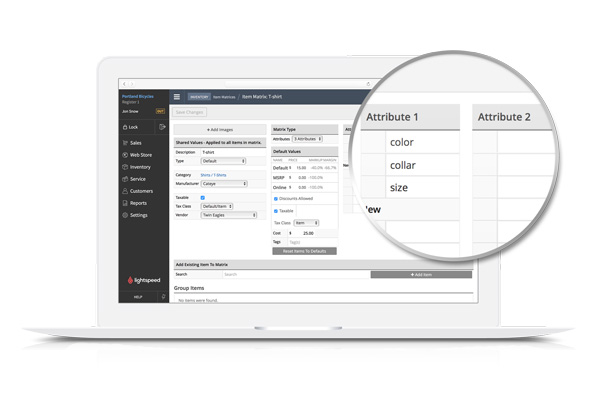
8. Configure products with 3-attribute product matrices
Streamline your store setup within the point of sale by creating multiple versions of the same style of item, setting different prices for each products.
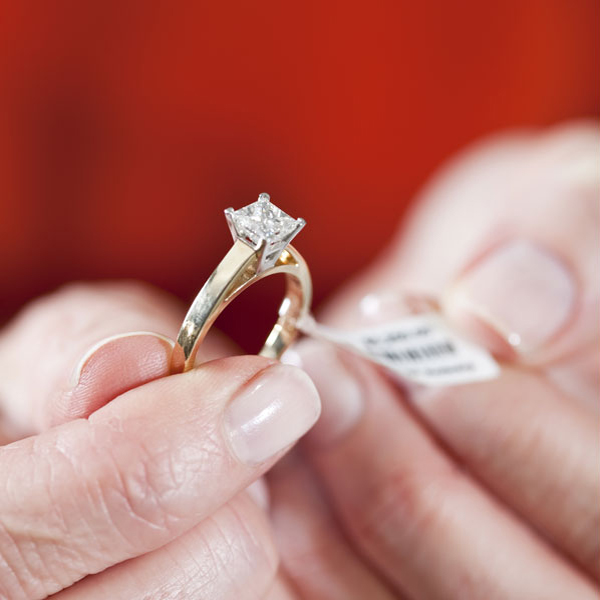
9. Print barcodes and jewelry tags
Save time by printing anything your store needs from our retail software from jewelry price tags to barcode tags.
10. Build purchase orders during trade shows
Attending trade shows? Create purchase orders in the iPad app — as you scope out the trade show floor, simply add items to the purchase order. After the show, you'll be ready to order.

Prueba gratuita de 14 días
Introducción a Lightspeed Retail